

Innehållssamlare
Acquia.com - Drupal Blog: Vibe Coding Drupal: The Pragmatic Middle Path
Dries Buytaert: State of Drupal presentation (September 2026)
Drupal is now light-years ahead of its reputation. Closing that gap is our #1 challenge, and it was the main message of my DrupalCon Rotterdam keynote.
Just over two years ago, I launched Drupal Starshot. I did it because I wasn't sure we could still innovate like we used to. It turns out we can.
Starshot became Drupal CMS, which brings together Site Templates, Recipes, Drupal AI, Drupal Canvas and more to make building websites easier.
Alongside that work, Drupal Core has become a faster and better framework for developers. A stronger Drupal Core helps us build a better Drupal CMS, while building Drupal CMS has driven further improvements in Drupal Core.
Unfortunately, many people outside the Drupal community haven't seen what Drupal can do today. In Rotterdam, I showed how far we have come and where we're going next, and we launched an advocacy program to help more people see how great Drupal has become.
If you missed the keynote, you can watch the video below or download my slides (86 MB).
More ways to reach more peopleThe first part of my keynote showed improvements for multilingual sites, JavaScript front-ends, headless Canvas, and Drupal AI.
Drupal has long had strong multilingual capabilities, but Drupal Canvas, our powerful new page builder, didn't yet support multilingual sites. Not only did we add multilingual support to Canvas, but we made all multilingual sites easier to set up.
React has one of the world's largest developer communities. Drupal Canvas code components are written in React, and we designed the developer experience around the tools, patterns, and workflows front-end JavaScript developers already know. They can use their preferred development tools, including modern AI-assisted workflows, without having to learn Drupal-specific concepts or conventions. We've continued to make that experience better, lowering the barrier for a much larger community of developers to build with Drupal.
At DrupalCon, we extended that same model with Drupal Canvas Headless. Developers can now use Drupal to manage content while building the front-end separately with frameworks like Next.js, Astro, TanStack, Angular, or Nuxt. Editors still get the visual experience of Drupal Canvas: they can build pages in Drupal and preview exactly how those pages will appear on the front-end.
This changes an important trade-off. Teams no longer have to choose between a modern JavaScript front-end and Drupal Canvas' visual authoring experience. They can have both. That opens Drupal to more developers, more front-end architectures, and more types of projects.
Drupal AI is moving so fast that I could have filled a whole keynote with it. Instead, we launched a new Drupal AI demo where people can experience Drupal AI for themselves. It comes preconfigured, making it easy to explore what Drupal AI can do or even show it to customers.
With the latest Drupal AI, you can ask questions and get answers grounded in your site's content. You can audit your content against brand guidelines, translate content, classify content, build pages and React components with AI, and more. Through MCP, AI assistants can work with Drupal content from outside Drupal.
What excites me most is the foundation underneath all of this. Drupal AI turns Drupal into an AI harness: organizations can connect AI models to structured content, tools, and workflows, while keeping control through permissions, guardrails, observability, metering, and a choice of AI models.
Opening Drupal's capabilities to other softwareThe second part of my keynote looked at another important shift: AI assistants can give people a new way to work with Drupal.
In one demo, an editor simply asked an AI assistant to unpublish a page. They didn't need to know where to click or understand Drupal's revisions, moderation workflows, or permissions. The assistant translated their intent into action, but Drupal remained in control: it checked whether the editor was allowed to unpublish the page and applied the site's publishing rules, just as it would if they had done it by hand.
If you want to see the demo in more detail, Scott Falconer, who worked on it, recorded a behind-the-scenes walkthrough showing how to set it up yourself, what happens under the hood, and how to get involved.
That demo was built on the Tool module, which I believe is one of the most important modules for Drupal developers to watch. Drupal modules already contain thousands of useful capabilities: publishing content, managing users, processing media, changing configuration, and much more. The Tool module gives developers a standard way to expose those capabilities so AI assistants and other software can discover and use them.
Today, exposing existing capabilities as tools can still require too much code. My own album module didn't expose tools, and making its existing capabilities available to an AI assistant took about 1,000 additional lines of code.
But once those tools were available, the value became obvious. Adding MCP support has already changed how I manage the more than 10,000 photos on my site. Tasks that used to take a lot of time can now be done much faster and more accurately with an AI assistant, while Drupal still manages the content, permissions, and workflows underneath.
That experience reinforced something I wrote about in AI and the great CMS unbundling: AI can take on more of the execution work while Drupal remains the control layer. I expect more organizations will want to manage parts of their sites through AI assistants. AI can make complex tasks much faster and easier without giving up the structure, governance, and safeguards that Drupal provides.
I believe thousands of module developers will eventually want to expose their capabilities in the same way, so I've been working with Matt Glaman to make it much easier. Matt has been developing a change to the Tool API that lets developers expose existing PHP methods as tools using attributes.
The idea is simple: add PHP attributes to an existing method to describe its name, purpose, inputs and outputs. In my album module, roughly 1,000 lines of integration code became about 20 attributes. My site already uses the experimental branch, and we're working to get it merged into the Tool module proper.
And this isn't only about AI. The same tools can be called by AI assistants over MCP, by other applications over HTTP, or used to generate schemas for JavaScript components and connect Drupal modules to workflow systems like ECA, FlowDrop, and Maestro. The video below shows FlowDrop using capabilities exposed by my album module:
Talk louder about DrupalIn the last part of my keynote, I came back to Drupal's reputation gap. We can make enormous progress with Drupal, but that doesn't automatically change what people or AI agents think of it. For example, an AI coding agent I tested in June didn't even mention Drupal CMS or Site Templates when it evaluated Drupal.
Over the past few years, much of my personal focus has been on accelerating innovation in Drupal. That work is paying off, and we have real product momentum. I'm now shifting more of my attention to the other side of the equation: making sure people see what we've built, understand what has changed, and know why it matters.
So I announced the Drupal Advocacy Program, led by the Drupal Association.
Drupal already has a contribution credit system. It recognizes the people who contribute to Drupal and the organizations that support their work. For businesses, those credits also help determine visibility in the Drupal marketplace. Until now, we've been much better at recognizing technical contributions and financial support than advocacy work.
The new Drupal Advocacy Program will change that. Advocacy work can now earn contribution credit, and work that reaches people outside the existing Drupal community can earn more weight.
If we want to close Drupal's reputation gap, we can't only talk to people who already know Drupal well. We need more talks at external events, articles in broader publications, customer stories, demos, tutorials, and other work that helps people see what Drupal can do today.
Blue Drop Labs is a good example of what I mean. The day after the DriesNote, they published a post on building a website with Drupal CMS and Canvas Headless. The project itself was already live, but they quickly turned that work into a story others could learn from, with demos showing how editors and developers work with Drupal today.
That is exactly what I mean by "talking louder". There is already a lot of impressive Drupal work happening. We need to do a better job of showing it to the world.
I was a little nervous about announcing the Advocacy Program. We've wrestled with Drupal's reputation gap for a long time, and I felt we needed to do more than acknowledge it. Using contribution credit to reward advocacy was a concrete way to change the incentives, but I wasn't sure how the community would react.
It turned out to be one of the best-received announcements of the keynote. That response gave me confidence that people were ready to act on the reputation gap, not just recognize it.
You can learn how to earn Drupal advocacy credit and submit your advocacy work.
My ask is simple: talk louder about Drupal, especially to people outside our community. Drupal doesn't need hype, but we do need a better public record. We need more people showing, with real examples, what Drupal can do today.
I want to extend my gratitude to everyone who contributed to making my presentation and demos a success. A special thank you to Bálint Kléri, Christoph Breidert, Gábor Hojtsy, Lauri Timmanee, Matt Glaman, Michael Lander, Pamela Barone, Shibin Das, and the Drupal AI partners. Many others contributed indirectly to make this possible. If I've inadvertently omitted anyone, please reach out.
The Drop Times: AI Neuron Connects Drupal AI With PHP Agents and Workflows
Gspikes: Drupal Multilingual: Migrating Translations Without Losing Them
webchick: The October #DrupalOffTheIsland challenge
During the Driesnote at DrupalCon Rotterdam, one of the closing points was that Drupal has evolved light years beyond its reputation. And that's true. But it's also true that there is a whole world of people out there who've never heard of Drupal, and we need to talk about it differently to them than we do when talking amongst the Drupal-aware.
Enter The October "Off the Drupal Island" challenge.
The gist: During this, the spoooookiest month, go out to a local event (meetup, hackathon, etc.) where Drupal isn't, and no one has ever heard of "Drush" or a render array. ;) And ideally, where their local community presence is larger than ours.
For example:
- AI events
- JavaScript events
- WordPress events
- ...
NOT to pitch Drupal! To learn, quickly, and at scale. Be curious. Talk to people. Find out more about what they're building, where they're struggling, and what they wish was better.
Then, post a mini "field report" about your journey to this issue (there's a handy template there if you like).
We'll circle back on these learnings in a November AI Learners Club meeting, and strategize what kind of demo(s) we think would resonate best with these audiences, reflecting back their words and their use cases and pain points.
Then, we get louder about Drupal to them. ;) #DevRel at global scale.
Note: If you need extra incentive, perhaps because the idea of talking to strangers is slightly terrifying to you ;) note that this community research work qualifies you for credits under the new Drupal Advocacy program. \m/
For discussion, see LinkedIn: https://www.linkedin.com/feed/update/urn:li:activity:7513498359781826560/
Tags: advocacydrupal#DrupalOffTheIslanddevrelrachel_norfolk: DrupalCon brings love in every drop
So, last week was quite a big week, really. Both for me personally, more of that in a moment, and for the Drupal project as a whole, I think.
Rachel Tue, 10/06/2026 - 21:19 Tags- Read more about DrupalCon brings love in every drop
- Log in with GitHub or Google to post comments. Or, if you came across this post via Mastodon, just reply there!
Aten Design Group: Freedom with the form Attribute: More Flexible Drupal Views Exposed Filters
Drupal Views exposed filters tend to accumulate controls.
A basic search form may start with a keyword field and a few filters. Add sorting and an items-per-page selector, and Drupal naturally renders everything as part of the same exposed form.
That makes sense structurally. It does not always make sense visually.
Sorting often belongs above the results. Items per page may belong next to pagination. Filters might live in a sidebar or drawer.
The HTML form attribute gives us a simple way to separate those concerns.
Form controls do not have to live inside the formMost of the time, an input belongs to the <form> that contains it.
But HTML allows controls to explicitly reference a form by ID:
<form id="search-form"> <input name="keywords"> <button type="submit">Search</button> </form> <select name="sort" form="search-form"> <option value="date">Date</option> <option value="title">Title</option> </select>The <select> can live anywhere in the document and will still participate in search-form when it is submitted.
That is particularly useful with Drupal Views exposed filters.
Instead of forcing every exposed control into one visual group, Twig can put them where they make sense:
{{ exposed|without('sort_by', 'items_per_page') }} <div class="results-sort"> {{ exposed.sort_by }} </div> {{ rows }} <div class="results-footer"> {{ pager }} {{ exposed.items_per_page }} </div>Then a form alter can associate those controls with the original exposed form:
/** * Implements hook_form_views_exposed_form_alter(). */ function example_form_views_exposed_form_alter( array &$form, FormStateInterface $form_state, string $form_id, ): void { foreach (['sort_by', 'items_per_page'] as $key) { if (isset($form[$key])) { $form[$key]['#attributes']['form'] = $form['#id']; } } }Drupal still owns the form. The browser still understands which controls belong to it. The template gets considerably more freedom.
The same technique can help with controls in sticky toolbars, dialog footers, complex search layouts, or other interfaces where form controls need to appear outside their natural DOM container.
There are a few tradeoffsMoving controls outside the form changes more than layout.
JavaScript that relies on closest('form') will no longer work. CSS such as form select will not match detached controls. Events from those controls also do not bubble through the form element because the form is no longer their DOM ancestor.
The form ID also becomes part of the implementation contract, which matters when multiple Views or exposed forms appear on the same page.
These are manageable constraints, but they are worth documenting.
The form attribute gives us form ownership, not DOM nesting.
Maybe this should be contribThere is also a small but interesting Drupal contrib opportunity here.
A module could allow site builders to configure which exposed Views elements should receive a form attribute and which should autosubmit.
The theme would remain responsible for placement. The module would simply provide the form association and optional behavior.
That could eliminate a recurring bit of project-specific PHP and JavaScript while relying primarily on native browser behavior.
For a relatively obscure HTML attribute, form opens up a useful amount of flexibility in Drupal Views. It lets the markup follow the interface instead of forcing the interface to follow the form.
For additional information on the form attribute, checkout the docs.
Joel SteidlRamsalt Lab: A first look at Gutenberg AI, the AI writing tools Ramsalt is building for Drupal
Most AI writing tools live in another browser tab. You copy text out, write a prompt, copy the answer back and fix the formatting. We wanted to get rid of that loop for people who write online. Gutenberg AI is the product we are building to fix that. It brings AI into the Gutenberg block editor, right next to the content it works on.
Video file Introducing Drupal Gutenberg AI by Ramsalt LabIt is built on the Drupal AI framework, so it works with the chat provider you already use, whether that is OpenAI, Anthropic or a model running locally through Ollama. Everything it produces is standard Gutenberg blocks, so there is no lock-in.
A quick note before the tour: this is not a finished service yet. Gutenberg AI is under heavy development, features change from week to week and some of what you see here is still being tuned. We are sharing it now because we want to shape it together with the people who will use it. Here is a first look at what already works in our development builds.
In this post
- Better writing, right where you write
- An assistant that edits the page
- Use AI block or the sidebar assistant and build a section
- A proofreader that works while you type
- Editorial Desk
- Images and alt text
- Built for organizations that need control
- Help us shape it
Select a text block and the AI menu covers the everyday jobs: improve writing, summarize, expand, fix spelling and grammar, change the tone or translate. Highlight a single sentence and a small bar appears under it, so you can rewrite just that passage and keep or discard the result on the spot. Links and emphasis survive the round trip.
A few details we are especially happy with:
record_voice_overTones that fit your audienceIt comes with tones like Formal, Friendly and Plain language, and admins can swap them for the readers your site actually writes for, such as prospective students or the press.
keyboardContinue writingPress Ctrl/Cmd+J and the next sentences appear as grey ghost text at your cursor. Tab accepts, Esc dismisses.
content_pastePaste cleanupPaste from Word or Google Docs and Gutenberg AI offers to rebuild it as real headings, paragraphs and lists, keeping every sentence.
bookmark_addYour own actionsFound an instruction that works? Save it under your own name and reuse it from your AI menu.
translateTranslation that respects all languagesReal time one paragraph or all the page translation, with image alt text as well.
edit_noteYour edits winKeep typing while the AI works and it will not overwrite you. The result is offered for review instead.
An assistant that edits the page, not just the chatThe AI Assistant sidebar is where Gutenberg AI goes beyond a single block. Ask it to “add a pricing section with three columns” or “remove the last paragraph” and it changes the page for you, using the blocks your site already has, including custom and third-party ones.
It can also do the heavy lifting on a blank page:
edit_documentDraft from a briefPaste your notes, approve an outline and the page is written section by section. Stop whenever you like.
picture_as_pdfTurn a PDF or Word file into a pageDrop in a document and get a structured page back, with the images from the PDF placed on the page.
view_quiltImprove layoutRegroup existing content into sections, rows and columns using your theme's own colors and spacing, without touching the text or images.
travel_exploreUse your own site as a sourceWith the AI Agents module, ask it to “summarize our About page into this intro” and it looks up the real page and suggests internal links, limited to what you are allowed to see.
Every change is accountable. Applied changes are highlighted on the page, and each one has a before and after view and its own Revert button. Prefer to approve first? Turn on review mode and proposed edits show up as tracked changes, with added words in green and removed words in red, ready to accept or reject block by block.
Use AI block or the sidebar assistant and build a sectionSometimes you just need a chunk of content with a specific layout. Use the AI block within the editor or the right sidebar AI assistant, describe what you want and watch it stream in as standard Gutenberg blocks: columns, groups, buttons and tables. Maybe use some of your custom blocks too? One-click presets cover pricing tables, FAQs, calls to action and a lot more.
A proofreader that works while you typeContent clarity checks run live in the browser, with no AI call and no cost. Colored underlines flag long sentences, repeated words, your site's banned terms, vague link text like “click here” (Norwegian phrases included), images without alt text and skipped heading levels. Hedging words, complex words and passive voice are checked in both English and Norwegian, and adverbs in English. Most issues come with a one-click fix.
A live LIX readability score works well for Norwegian, and each content type can have its own target. The score turns red when a draft goes over it. When you want a deeper review, one click checks the whole draft against your own style guide and terminology and underlines the exact phrases that break a rule.
Editorial Desk: a second pair of eyes before you publishFor newsrooms and communication teams, the Editorial Desk adds a review layer powered by TypeSafe. It reviews the draft as you write and checks claims against your reference notes, marking each one as supported, contradicted or unverified. It also flags headlines that overpromise or miss the story, checks the text against up to five editorial policies and scores how well it serves different types of readers.
Any finding can be shown in the draft or handed to the assistant for a proposed fix. Full transparency is built in: you see which model ran each check, how confident it was and what it cost. The Editorial Desk requires a TypeSafe subscription.
Images and alt textGenerate an image straight from an empty Image block and keep writing while it works in the background. It is saved to the media library with the prompt as starting alt text. For existing images, a vision model writes the missing alt text, one image at a time or in bulk from a dedicated screen, and a Drush command handles large sites.
Built for organizations that need controlAI in a CMS has to answer to more than the editor, so we are building the controls in from the start:
shield_lockPrivacy limitsDecide the most the assistant may send: the full document, the structure only, the selection, or nothing at all. Editors can narrow it further, and an optional preview shows exactly what leaves the site.
monitoringBudgets and usageA dashboard shows requests, tokens, latency and cost by provider and model. Monthly budgets per role and per operation stop requests before they reach the provider.
paletteYour style everywhereThe site's style guide and terminology apply to every action, the assistant and every review.
verified_userSafe outputBroken or unsafe AI output, including unsafe markup and links, is rejected before it touches the page.
tuneFine-grained settingsEach action can be switched on or off and given its own model and prompt, with separate permissions for text actions, the assistant, images and the Editorial Desk.
Help us shape it: we are looking for testersThe best way to make Gutenberg AI good is to put it in front of real editors early. We are looking for a small group of organizations that want to test it on their own content and in their own workflows.
What you getAs a tester you get early access and a direct line to the people building it, and your feedback goes straight into what we build next.
What we askIn return we ask for honest feedback on what works, what does not and what is missing.
It is a good fit if you run Drupal with the Gutenberg editor, or are open to trying it, and your editors publish regularly. Universities, the public sector and newsrooms are especially welcome.
Contact us at Ramsalt and mention “Gutenberg AI testing” in your message. Tell us a little about your site and your editors, and we will set up a meeting to walk you through it and see if it is a good match.
Let's talkDroptica: Beyond SEO: what we check in a Drupal AI-readability audit
A buyer asks an AI assistant about your product, but the answer sits behind a click or an outdated page. A Drupal AI-readability audit checks whether intended services can reach your content, whether HTML delivers useful answers, and whether facts stay consistent across outputs.
Maciej Lukianski walks through five layers beyond classic SEO: access, delivered HTML, buyer questions, JSON-LD alignment, and multilingual consistency, plus what actionable findings should look like.
Droptica: Drupal vs Contentful, Sanity, and Storyblok
Choosing a CMS for catalogues, multilingual pages, and integrations means comparing how each platform handles relationships, editorial work, and delivery—not just content types on a slide.
Drupal vs Contentful, Sanity, and Storyblok take different paths: integrated application vs managed headless services, core translation and moderation vs SaaS localization, and visual editing vs configurable Drupal workflows. Maciej Lukianski walks through content models, permissions, JSON:API options, AI boundaries, and what growth costs look like on each stack.
Gábor Hojtsy: Meet Dashi, the 'new' multilingual demo for Drupal CMS
On September 29, Dries Buytaert showed a multilingual food magazine demo in his DrupalCon Rotterdam Driesnote. That was Dashi, the culmination of our work to give Drupal CMS 2.2 standout multilingual features. Here is what it is, how you can try it and how it came to be.
Gábor Hojtsy Tue, 10/06/2026 - 17:17Jacob Rockowitz: Vibing Drupal: Tale 2 - Using AI to maintain a module, exploring the AI-possible
Introduction
Adopting AI can feel overwhelming, so I am sharing a few tales from my experience creating, maintaining, and assisting with contributed Drupal modules. AI can do a decent job building a "greenfield" Drupal module from scratch, so my first tale is about using AI to build and contribute a module. For my next tale, I want to talk about using AI to maintain an existing "brownfield" Drupal module.
Growing up in NYC, I found brownfields often intimidating, with some so toxic that it can take years for backhoes and dump trucks to remove the contaminated topsoil before construction can begin. With code, a brownfield can contain technical debt, orphaned code, missing tests, etc. Simply put, a brownfield contains unknowns, which means more things can go wrong while working on it. Sometimes a brownfield is so big you need heavy machinery to maintain it, and that is exactly how I felt about using AI on the Schema.org Blueprints module.
Maintaining a large module using AI
Gradually, I have been experimenting with AI to help maintain the Schema.org Blueprints. At first, I would just throw a one-shot prompt at the AI to address a single issue, and it would do a decent job diagnosing and resolving the problem. As I became more confident steering the AI, I started asking it to create issue forks, commits, pushes, and even MRs. As I previously stated in my AGENTS.md I always have "Require me to review all changes before committing and pushing code." and most models respect this rule.
My comfort level reached a point where I am creating {module}-issue-maintenance agent skills that extend my drupalorg-issue-maintenance skills. These maintenance skills have agents to track remote issues in...Read More
joshics.in: Drupal 12 and the End of Legacy Debt: A Forced Modernization for Enterprise Engineering
Just last month, a prospective client came to Joshi Consultancy Services asking for a cheap cron script to fix a runaway disk usage issue. The reality? They were bleeding money on a deep architectural flaw in their Drupal ingestion pipeline. We see this constantly. For years, the enterprise software industry tolerated a quietly expensive habit: carrying technical debt forward.
Historically, major CMS upgrades were treated as little more than UI refreshes. Agencies seamlessly dragged deprecated code, outdated PHP environments, and fragile database structures from one major version to the next. The result? Senior engineers stuck acting as caretakers for legacy code, while CXOs bled budget on endless maintenance retainers just to keep the lights on.
With the December rollout of Drupal 12, that loophole permanently closes.
The platform is fundamentally altering the rules of engagement. Instead of merely suggesting best practices, Drupal 12 enforces strict architectural modernization right at the server level. Here is why this shift is a massive win for both engineering teams and business leadership.
The Eradication of Deprecated APIsSpaghetti code. We all hate it. But until now, deprecated code could linger in a system for years, propped up by complex workarounds.
Drupal 12 changes this by aggressively stripping out all deprecated core APIs. The system physically rejects structural laziness. If an agency attempts to stack new logic on top of a legacy foundation, the application simply will not run. You build within clean, modern boundaries from day one. Period.
Enforcing Modern Infrastructure FloorsPreviously, organizations delayed server upgrades to save short-term costs, forcing modern applications to run on aging environments.
No longer. Drupal 12 introduces non-negotiable infrastructure floors: a PHP 8.5 minimum runtime alongside raised database requirements (MySQL 8.0 / PostgreSQL 18). This isn't just backend housekeeping. By enforcing these modern tiers, the core framework guarantees a baseline of performance that cannot be compromised by budget-saving shortcuts.
Security as a Structural GuaranteeEnterprise security is too often treated as an expensive, opt-in audit layer applied long after development is complete.
By making Argon2id the default for password hashing, Drupal 12 integrates military-grade resistance against GPU-driven brute-force attacks directly into the core blueprint. For the C-suite, this is an immediate reduction in liability. Security transitions from an ongoing maintenance headache to a baseline structural guarantee.
The Business Outcome: Eliminating the Maintenance DrainThe most profound impact lands directly on the balance sheet.
For CXOs, these forced architectural boundaries solve the most expensive problem in enterprise software: unpredictability. When the core framework refuses to execute legacy PHP and automatically enforces top-tier security standards, the financial drain of technical debt is cut off at the source. Organizations can finally stop paying agency retainers to manage bloated, unmaintainable code.
Drupal 12 is not just a feature upgrade. It is a forced modernization of your engineering culture.
If your organization treats this version bump as a standard IT afterthought, you are actively funding your own future liability. Stop paying for temporary bug fixes. Engineer the blueprint first.
Are your servers, and your budgets, ready for the rollout?
Drupal Drupal 12 Security Drupal Planet Drupal migration Share this Copied to clipboard Add new commentDevCollaborative: From Costly Subscriptions to Streamlined Workflow
The National Center for Family Philanthropy worked with DevCollaborative to reimagine their website, CRM, and other communications channels to effectively manage and scale their network of over 500 philanthropic families representing more than 3,000 individuals.
Specbee: The tools around Drupal have become simpler, complementing Drupal. Read our take on how Canvas, components, Drupal CMS, and AI are changing Drupal work.
Peoples Blog: Drupal Already Manages Content. So What Does AI Actually Add?
DDEV Blog: Docker Provider Performance, 2026: Now Measured Every Night
macOS Docker provider performance has improved significantly over the years, and now all the providers seem to be performing about equivalently. So OrbStack, Docker Desktop, Lima, Colima, and Rancher Desktop are fast and working well.
IntroductionBack in November 2023 we published a hand-run comparison of macOS Docker providers. It was a snapshot: one laptop, one afternoon, one set of versions, and a Google Sheet. It answered the question people were asking, and then it started going stale the moment it was published.
That post is gone now, and this one replaces it, because the way we answer the question has changed. DDEV now runs the same benchmark battery every night, unattended, on every platform and Docker provider we support, and publishes the accumulated history.
Table of Contents Where to see the numbersThe nightly results live at the DDEV performance history dashboard.
The easiest way to find it (and everything else the DDEV GitHub organization publishes) is to start at github.com/ddev/ddev.github.io and follow the "Performance History" link. That repo's README is the index of DDEV's GitHub Pages sites — bookmark it and you don't have to remember any of the other URLs.
The dashboard has two views. Trend over time plots one line per leg so you can see regressions and improvements as they land. Compare environments (latest) gives you a sorted bar chart of each environment's recent median, which is the view that most directly replaces the 2023 post's charts.
Which metric to compareThe harness collects six metrics per run. The one that lines up with the 2023 post is drupal_install_s: Puppeteer drives the Drupal web install wizard end-to-end, in a real browser, through the DDEV router, the web server, and PHP-FPM.
I think it's important that it uses a web-intensive install process for studying web server performance. The interactive installer deliberately breaks each batch step into its own HTTP request and page reload, so every one of those round trips exercises exactly the layer where Docker provider differences show up — bind mount vs. Mutagen, gRPC-FUSE vs. virtiofs, and so on. It's the closest thing in the suite to "what does it feel like to actually use this."
The companion metric drush_install_s runs the same install non-interactively via ddev drush si, which never touches the router or web server at all. If the two track together, filesystem I/O dominates; if they diverge, the gap isolates router/web server overhead. The perf/README.md describes all six metrics and why each one is there.
macOS resultsMedians of the nightly runs from 2026-08-31 through 2026-09-30, drupal_install_s in seconds, fastest first. All legs are Apple Silicon (ARM64), all with Mutagen enabled except where noted.
Docker provider drupal_install_s drush_install_s ddev_start_cold_s Rancher Desktop 12.0 9.8 16.5 Lima 12.1 9.9 15.8 Podman (rootless) 12.3 9.9 46.0 Colima (vz) 12.6 10.0 14.4 OrbStack 13.4 10.4 12.2 Docker Desktop 16.7 13.4 21.0 OrbStack, no Mutagen 16.8 11.2 9.2The headline is how boring this table is. Five of the six Mutagen-enabled macOS providers land within 1.4 seconds of each other on the flagship metric, and their drush_install_s numbers are within 0.6 seconds. On macOS with Mutagen, your choice of Docker provider is mostly not a performance decision anymore. Pick based on licensing, maintenance, and how the tool fits your workflow.
That is a significant change from 2023, when OrbStack was clearly ahead and Colima and Rancher Desktop looked sluggish. Those gaps have largely closed (all are now using VZ/VirtioFS).
Compared with the 2023 numbersThe 2023 test did a Drupal 10 web install with Mutagen and got OrbStack 20s, Docker Desktop 22s, Rancher Desktop 22s, Colima QEMU 33s, and Colima VZ 35s. The fastest then (OrbStack, 20s) compares with 12.0s for the fastest now (Rancher Desktop), and with 13.4s for OrbStack. The slowest providers gained the most: Rancher Desktop went from 22s to 12.0s and Colima VZ from 35s to 12.6s. The spread between providers went from 15 seconds to about 1.4 (excluding Docker Desktop).
Treat these as a rough comparison, not a like-for-like benchmark. The 2023 numbers came from one MacBook Air M1 (2020) on a single afternoon, with DDEV v1.22.5, Drupal 10.1.6, and PHP 8.1. The nightly runs use CI runner machines, and newer DDEV, Drupal, and PHP versions. Both tests drive the demo_umami install through Puppeteer. Each Docker provider has also shipped many releases since 2023, and the Colima leg now uses VZ where one of the 2023 legs used QEMU with sshfs. Some of the improvement comes from the hardware, and some from the software.
When DDEV was young, a web install with Docker Desktop took SEVEN MINUTES. You'd just watch it poke along at each section. Now you don't even see those as they flash by. Now it takes 12-17 seconds. That's progress!
Mutagen is still doing the workThe most interesting row is the last one. OrbStack with Mutagen finishes the browser install in 13.4s; the same provider without Mutagen takes 16.8s — about 25% slower. Note that the no-Mutagen leg is faster on ddev_start_cold_s (9.2s vs. 12.2s), because there's no sync session to establish, and closer on drush_install_s (11.2s vs. 10.4s), because Drush never goes through the web server. The penalty concentrates in exactly the browser-driven path, which is what you use all day.
Mutagen is on by default on macOS for this reason, and these numbers say to leave it on.
However, plenty of people are perfectly happy with turning off Mutagen. Some folks don't like the additional complexity and don't want the speed trade-off. ddev config global --performance-mode=none turns it off. (Mutagen has more benefits than just performance though; with Mutagen, the web server in the container is dealing with a Linux filesystem, more like the real deployment environment, instead of a Docker bind-mount, which is more like a network filesystem.)
:::warning[Read the hardware caveat before comparing rows] The Docker Desktop leg runs on older M1 test runner machines that have dedicated hardware. OrbStack, Rancher Desktop, Colima, Lima, and Podman share a pool of newer machines. Some of the Docker Desktop gap in the table above is that hardware difference, not the provider. We didn't normalize it — the dashboard deliberately doesn't either — so treat Docker Desktop's row as "somewhat pessimistic" rather than as a clean like-for-like comparison. :::
The other platforms, and why you shouldn't rank them against macOSThe dashboard also carries Linux, WSL2, and traditional Windows legs. They're useful for spotting regressions within a leg over time, but the cross-platform bar chart is misleading if you read it as a platform ranking:
- The Linux leg runs on ephemeral GitHub-hosted runner VMs. It provisions the Drupal codebase from scratch every night and starts with cold image, Composer, and OS page caches. Every macOS and Windows leg reuses a persistent codebase and warm caches.
- The Windows and WSL2 legs run on entirely different physical hardware from the macOS test runners.
Trends within a leg: meaningful. Bar-chart comparisons across legs: only meaningful when the machines are comparable, which across platforms they aren't.
Getting the raw dataEvery chart on the dashboard has a Download CSV button that exports exactly the rows behind whatever is currently displayed — after your leg and metric selections, not the whole dataset. That's the quickest path to your own analysis.
If you want everything, the underlying dataset is one JSON object per line at history.ndjson, with one line per (commit, leg) benchmark run:
curl -sL https://ddev.github.io/ddev/perf/history.ndjson | jq -r 'select(.os=="darwin") | [.timestamp, .docker_provider, .metrics.drupal_install_s] | @tsv' Running it on your own machineThe harness that replaced the old ddev-puppeteer script lives in the DDEV repository and runs locally against a standard DDEV Drupal project:
./perf/run-benchmark.sh \ --project-dir ~/workspace/d11 \ --site-url https://d11.ddev.site/ \ > result.jsonIt needs jq and Node.js on your PATH in addition to the usual DDEV prerequisites. If your numbers look very different from the nightly legs, we'd like to hear about it.
SummaryThree years ago the answer to "which Docker provider is fastest on macOS?" was worth a blog post with charts. Today the simple answer is that, with Mutagen on, they're close enough that the question is mostly settled, and any lingering differences are small next to the hardware you're running on.
What's better than a fresh answer is a standing one. The nightly harness means the next time performance shifts — a provider regression, a Mutagen improvement, a DDEV build-layer mistake — it shows up on the dashboard within a day, instead of waiting for somebody to run the numbers by hand and write another post.
Have questions, or numbers that look different from the dashboard? Join the conversation in our Discord, open an issue, or reach out via email.
Follow our blog, Bluesky, LinkedIn, Mastodon, and join us on Discord. Sign up for the monthly newsletter.
This article was edited and refined with assistance from Claude Code.
Freelock Blog: Beyond Bigger Servers: Keeping Websites Online Under Bot Attacks
Under Autumn’s Spell (October 2026 Wallpapers Edition)
Misty mornings, leaves shining in bright red, yellow, and orange hues, and spooky creatures making an appearance — October has a very special charm. So, how about some new desktop wallpapers to celebrate October’s beauty, and the upcoming Halloween season, of course? Well, we’ve got you covered.
Just like it has been a monthly tradition here at Smashing Magazine for more than 15 years already, the wallpapers in this post were created by artists and designers from across the globe. All of them come in a variety of screen resolutions and can be downloaded for free. A huge thank-you to everyone who shared their designs with us — you are truly smashing!
Now, before you pick your favorite for the month, did you know that you can also get featured in one of our upcoming wallpapers posts? We are always looking for creative talent, so please don’t hesitate to join in. We’d love to see what you come up with!
- You can click on every image to see a larger preview.
- We respect and carefully consider the ideas and motivation behind each and every artist’s work. This is why we give all artists the full freedom to explore their creativity and express emotions and experience through their works. This is also why the themes of the wallpapers weren’t anyhow influenced by us but rather designed from scratch by the artists themselves.
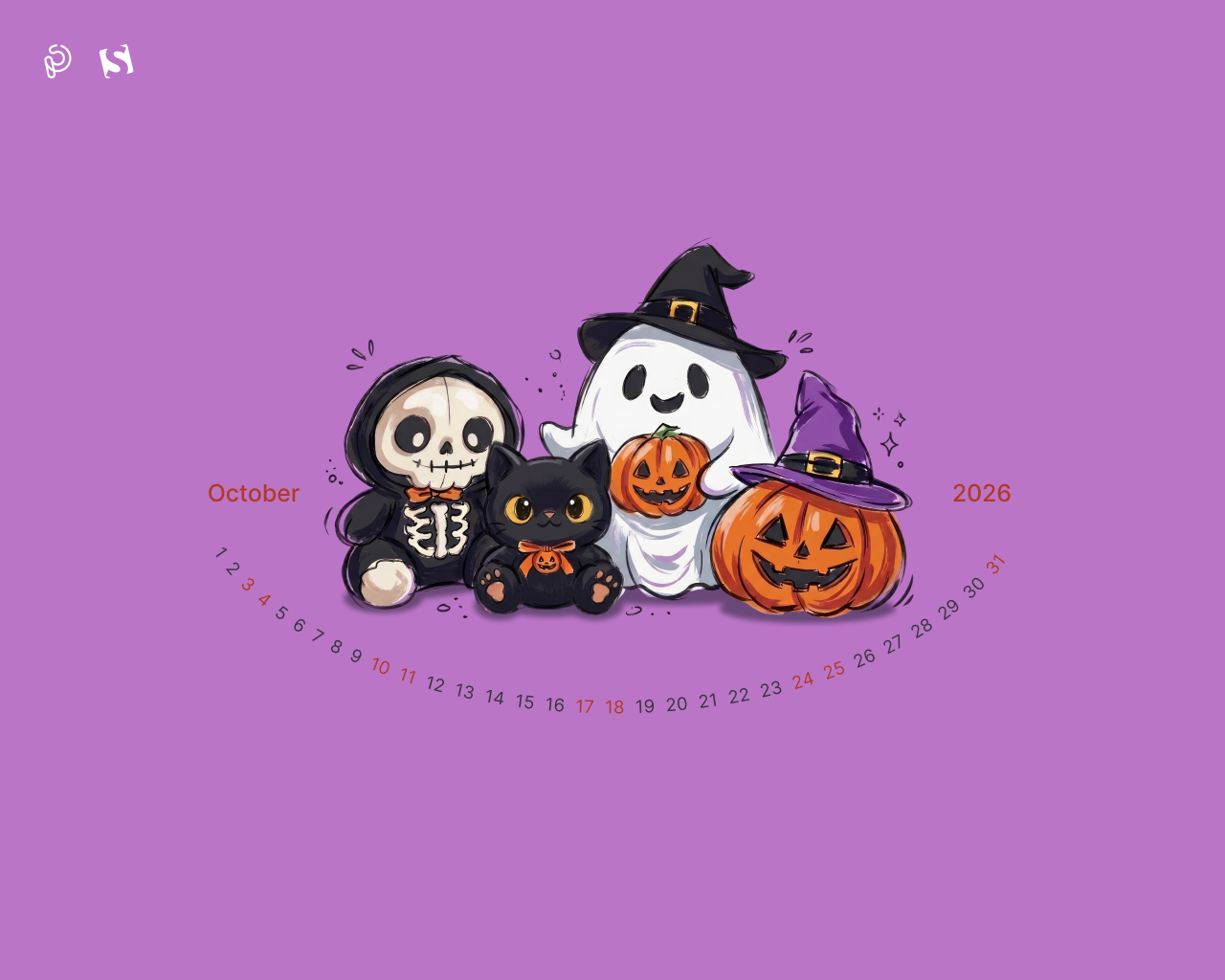
“From candlelit streets in Europe to vibrant festivals across the Americas, Halloween has become a global celebration that unites people of all ages. It is a magical night where children step into the shoes of their favorite heroes for candy-filled adventures, while adults rediscover the pure, playful excitement of childhood. Across cultures and continents, glowing pumpkins and festive costumes light up the autumn dark, bringing neighbors together, sparking laughter, and proving that joy knows no age limit.” — Designed by PopArt Studio from Novi Sad, Serbia.
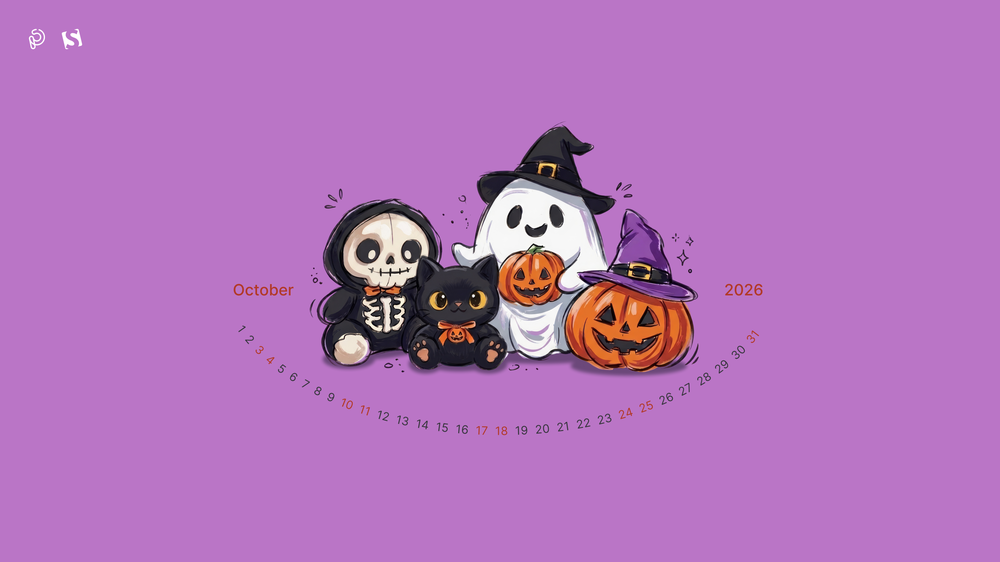
- preview
- with calendar: 320x480, 640x480, 800x480, 800x600, 1024x768, 1024x1024, 1152x864, 1280x720, 1280x800, 1280x960, 1280x1024, 1400x1050, 1440x900, 1600x1200, 1680x1050, 1680x1200, 1920x1080, 1920x1200, 1920x1440, 2560x1440
- without calendar: 320x480, 640x480, 800x480, 800x600, 1024x768, 1024x1024, 1152x864, 1280x720, 1280x800, 1280x960, 1280x1024, 1400x1050, 1440x900, 1600x1200, 1680x1050, 1680x1200, 1920x1080, 1920x1200, 1920x1440, 2560x1440







































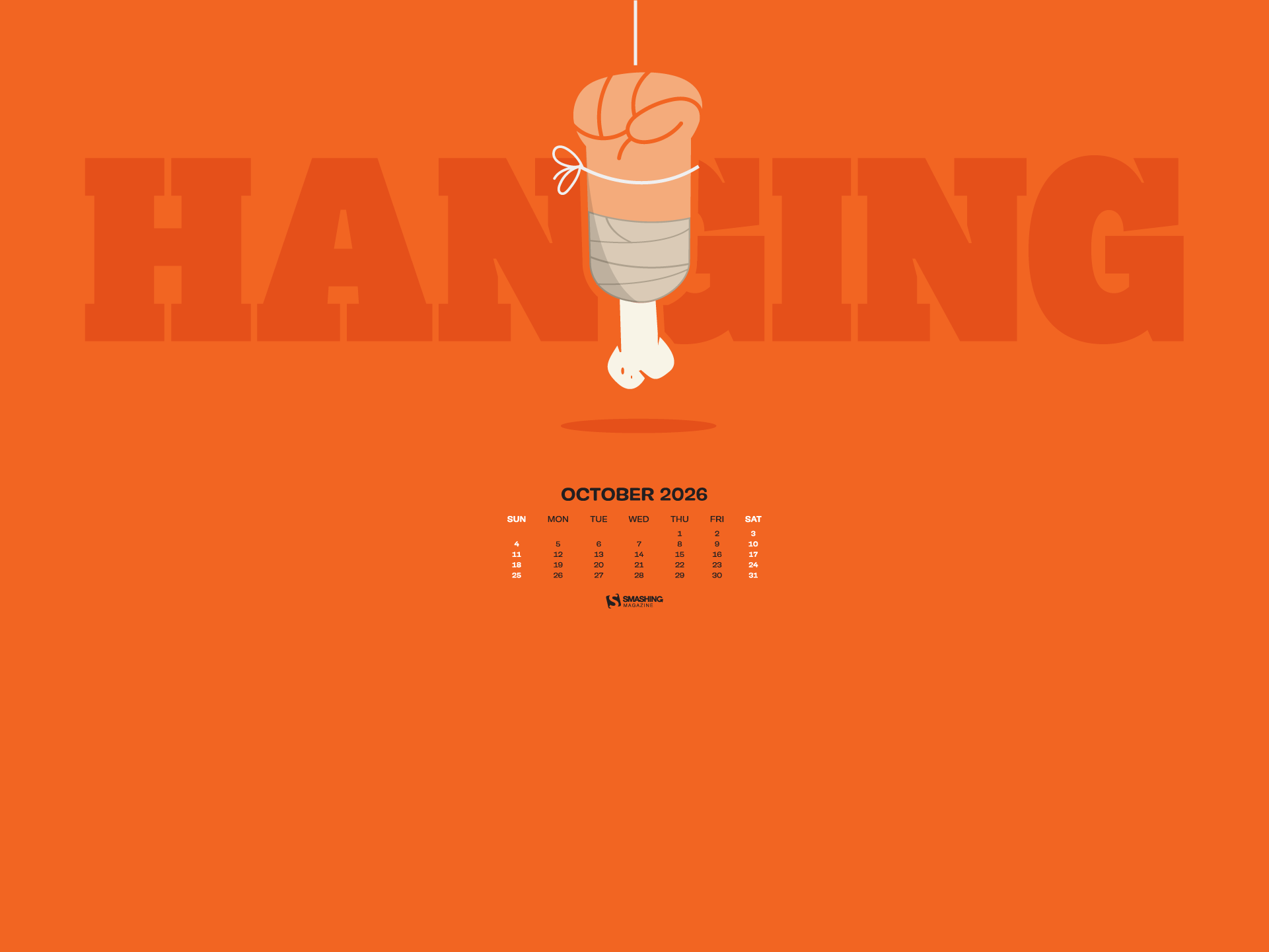
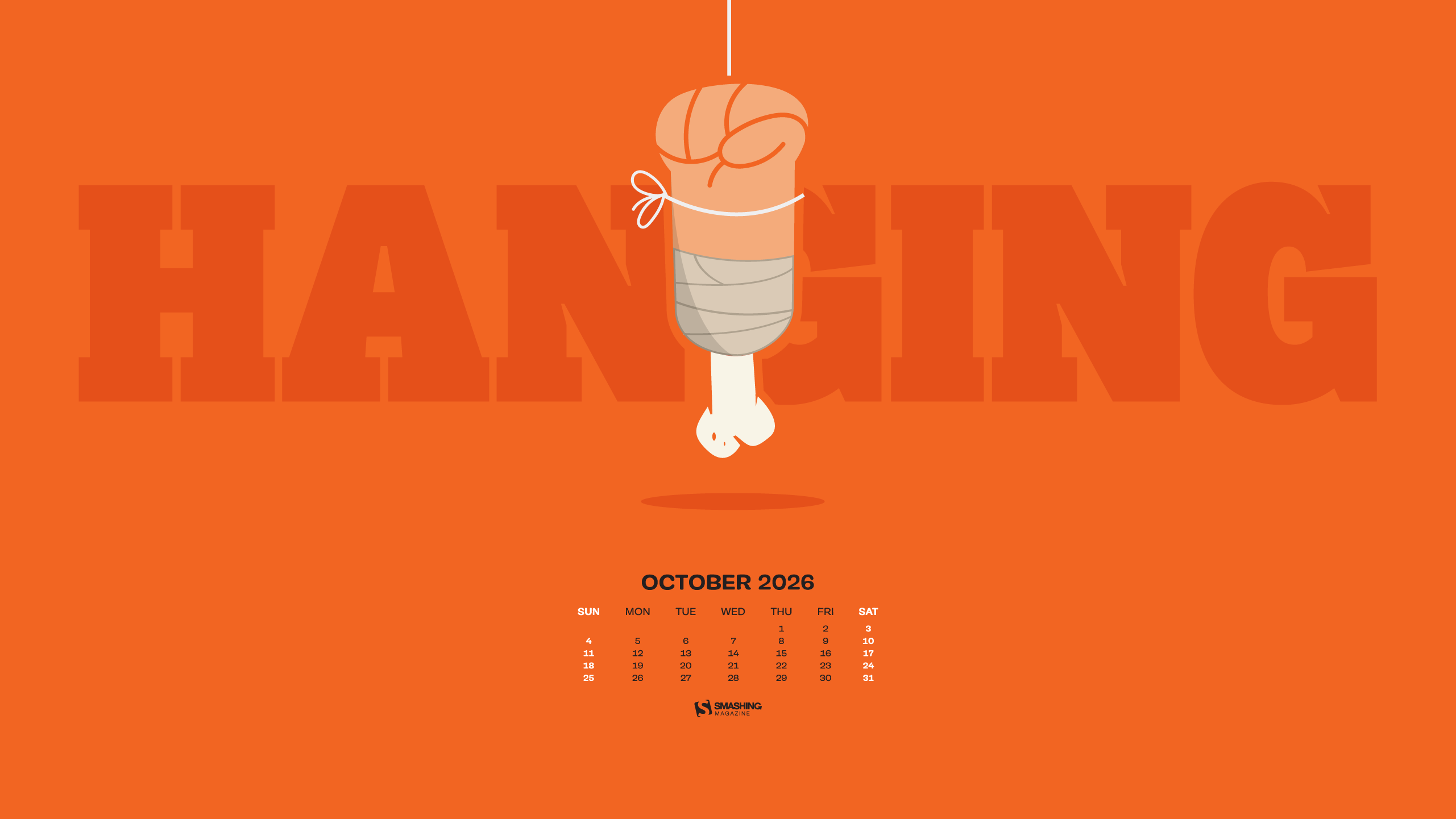
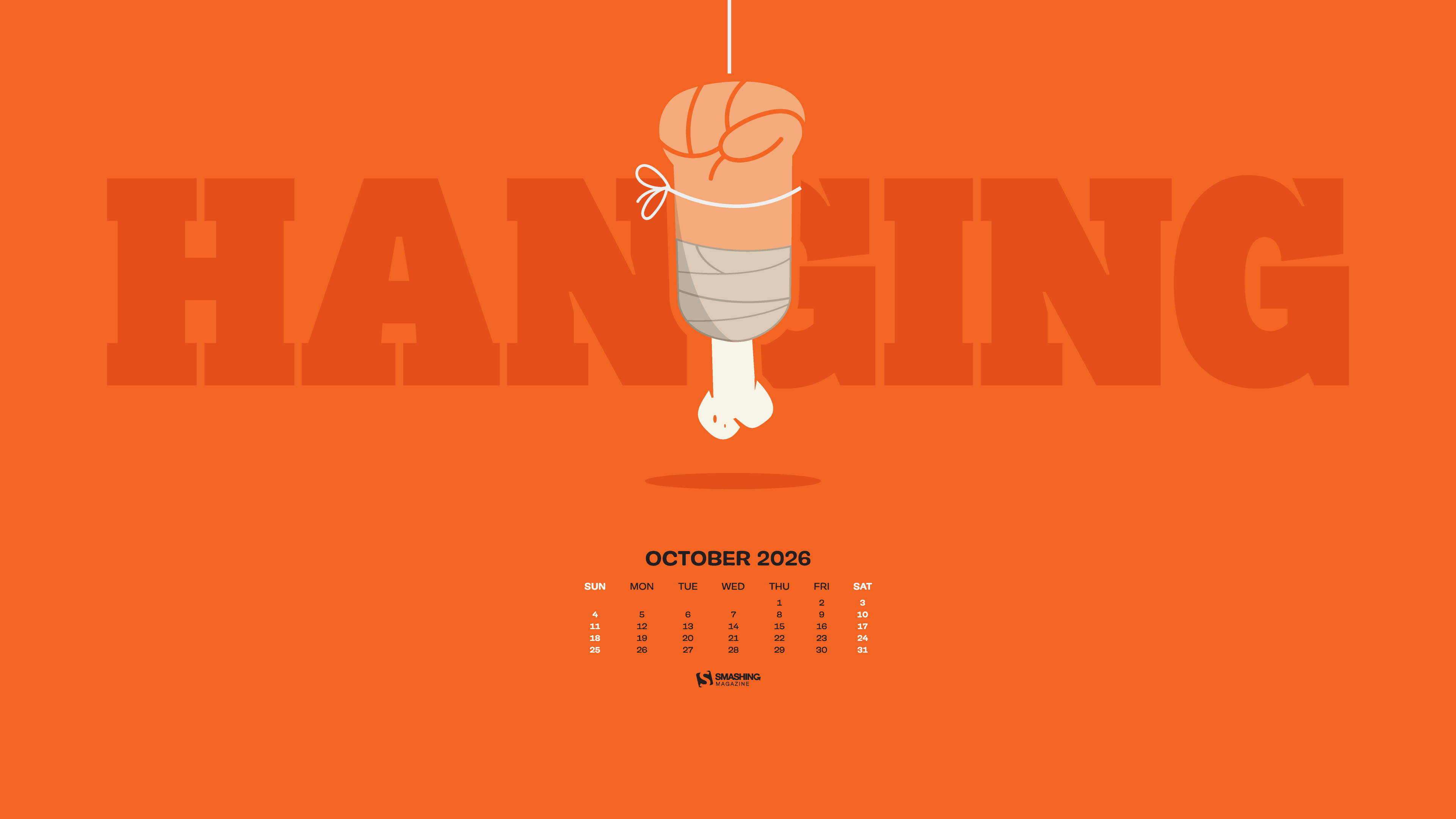
Designed by Ricardo Gimenes from Spain.
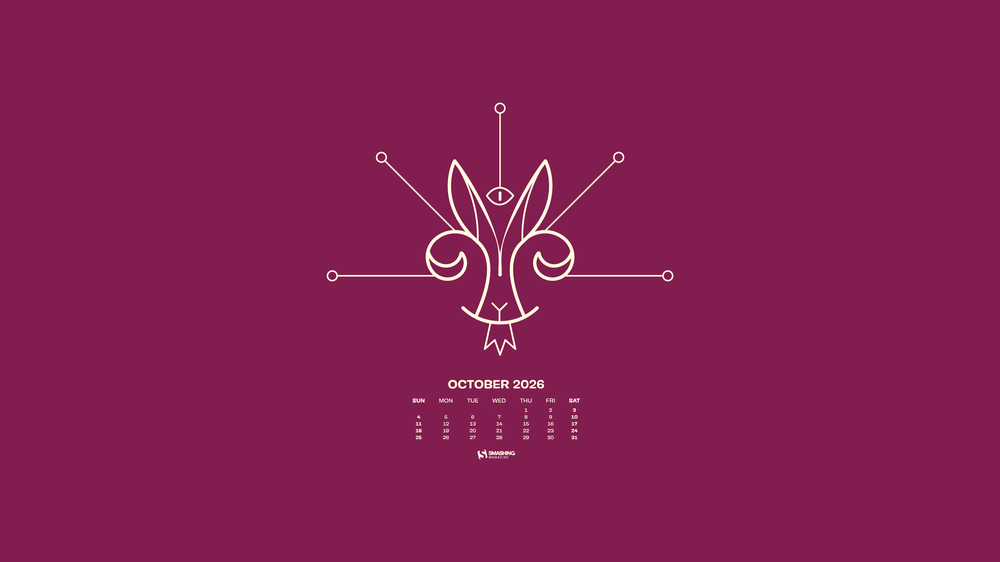
- preview
- with calendar: 640x480, 800x480, 800x600, 1024x768, 1024x1024, 1152x864, 1280x720, 1280x960, 1280x1024, 1366x768, 1400x1050, 1440x900, 1600x1200, 1680x1050, 1680x1200, 1920x1080, 1920x1200, 1920x1440, 2560x1440, 3840x2160
- without calendar: 640x480, 800x480, 800x600, 1024x768, 1024x1024, 1152x864, 1280x720, 1280x960, 1280x1024, 1366x768, 1400x1050, 1440x900, 1600x1200, 1680x1050, 1680x1200, 1920x1080, 1920x1200, 1920x1440, 2560x1440, 3840x2160

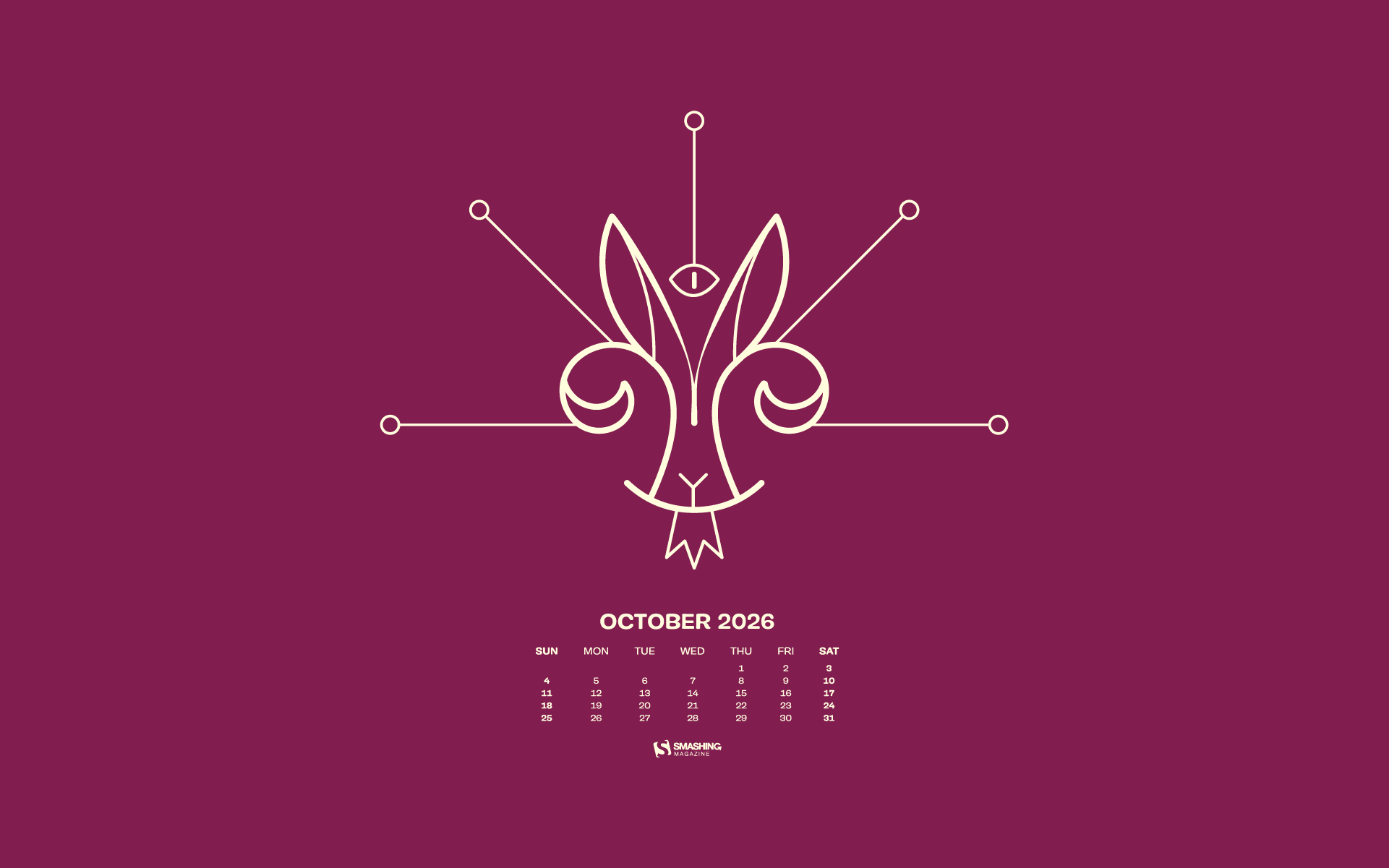




















Designed by Ricardo Gimenes from Spain.
- preview
- with calendar: 640x480, 800x480, 800x600, 1024x768, 1024x1024, 1152x864, 1280x720, 1280x800, 1280x960, 1280x1024, 1366x768, 1400x1050, 1440x900, 1600x1200, 1680x1050, 1680x1200, 1920x1080, 1920x1200, 1920x1440, 2560x1440, 3840x2160
- without calendar: 640x480, 800x480, 800x600, 1024x768, 1024x1024, 1152x864, 1280x720, 1280x800, 1280x960, 1280x1024, 1366x768, 1400x1050, 1440x900, 1600x1200, 1680x1050, 1680x1200, 1920x1080, 1920x1200, 1920x1440, 2560x1440, 3840x2160
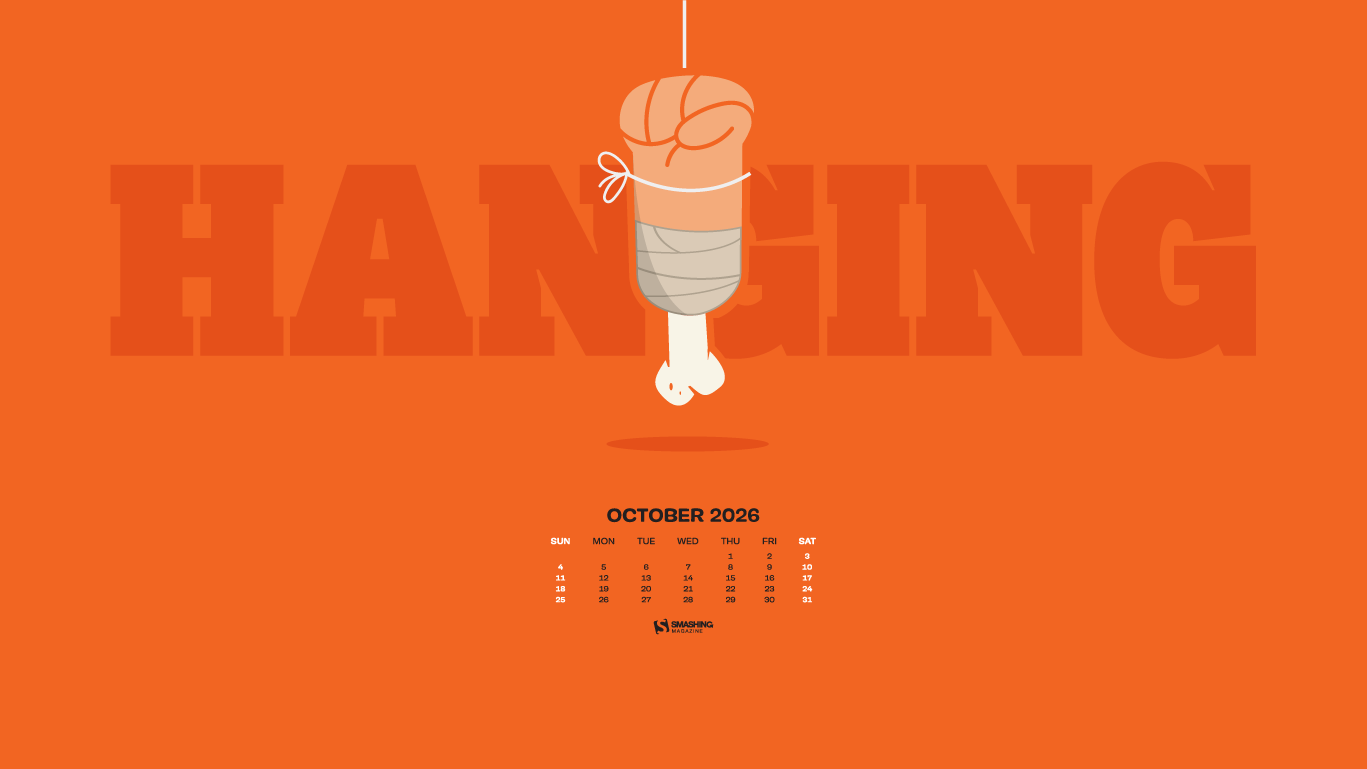
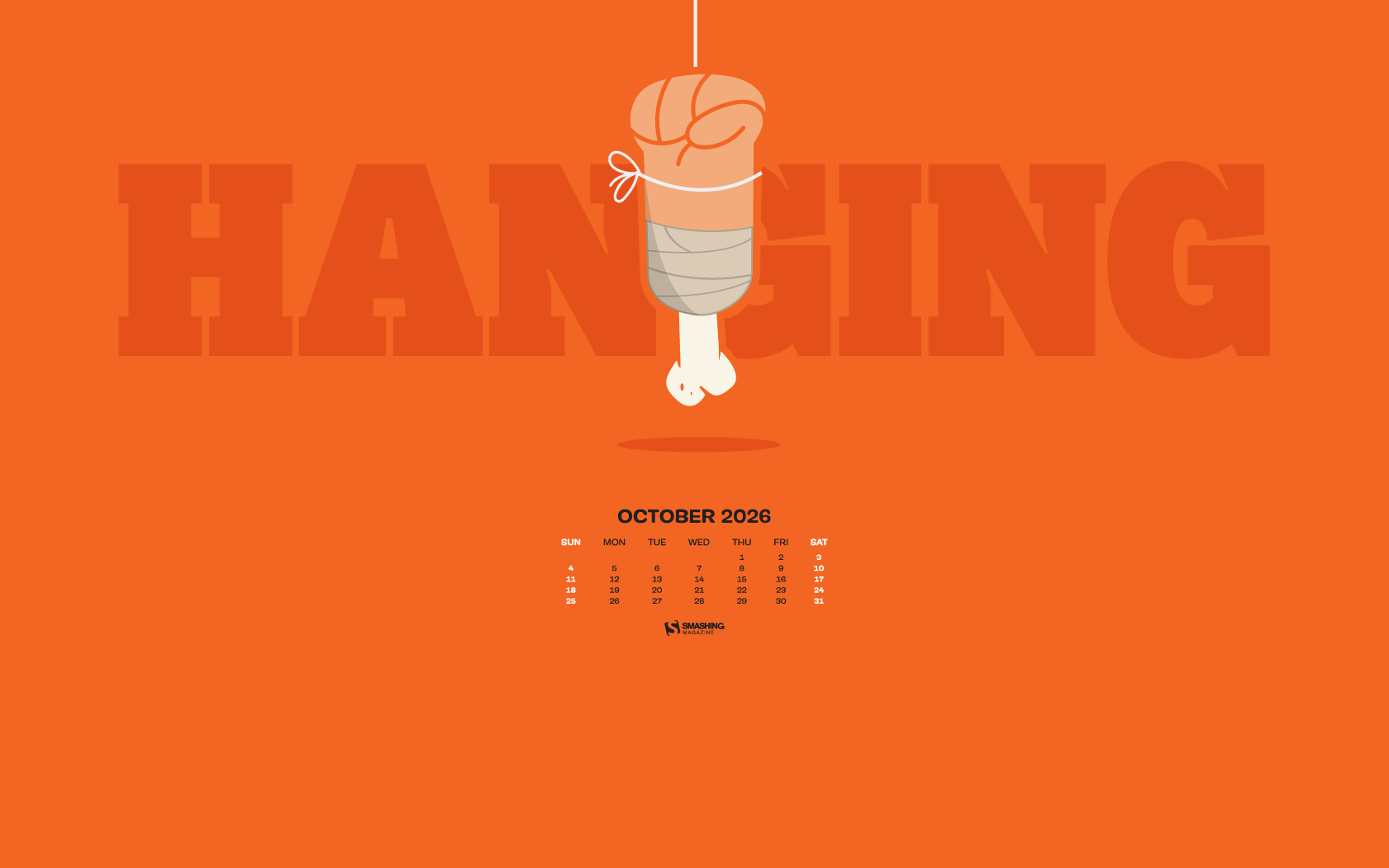
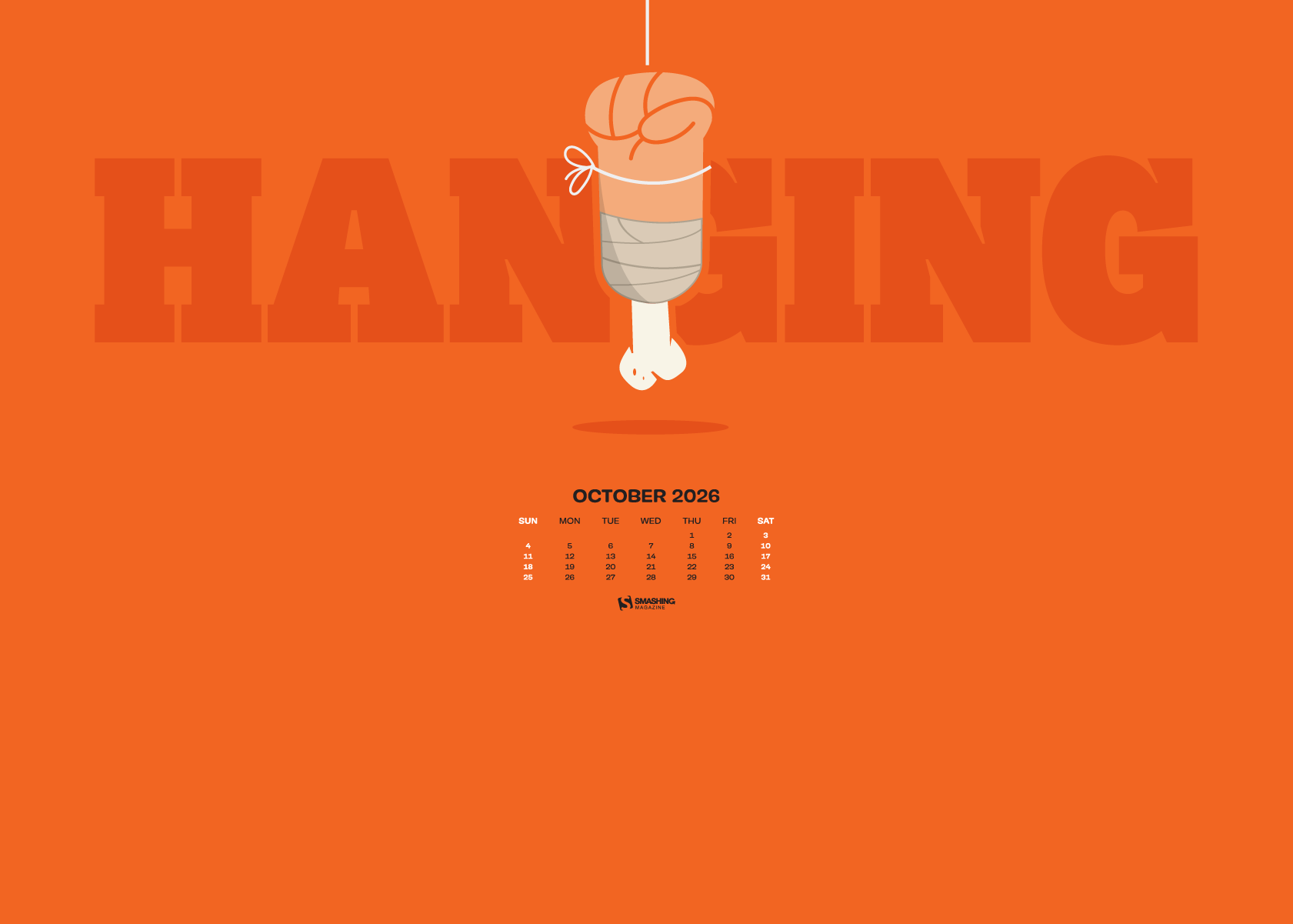
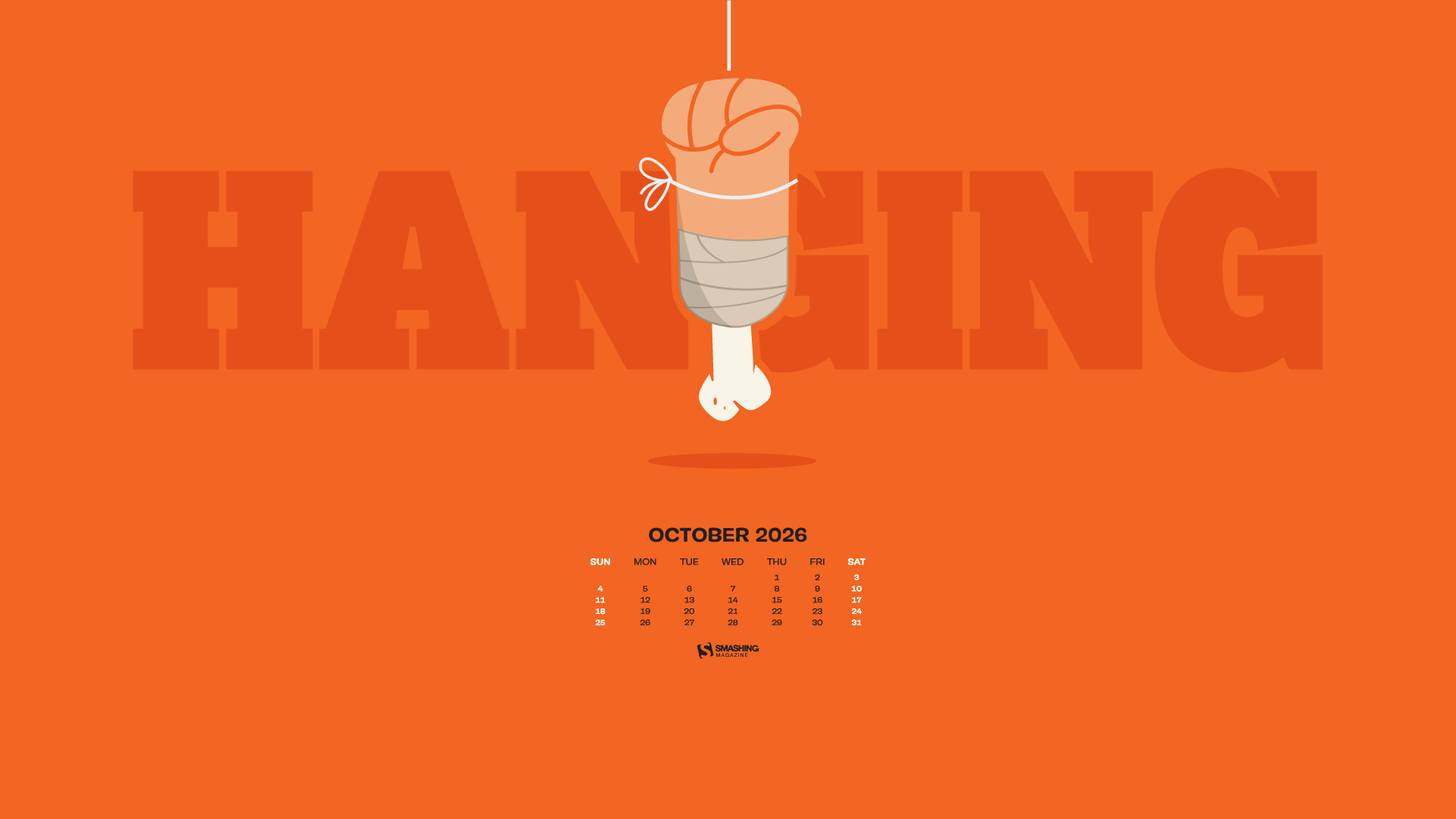
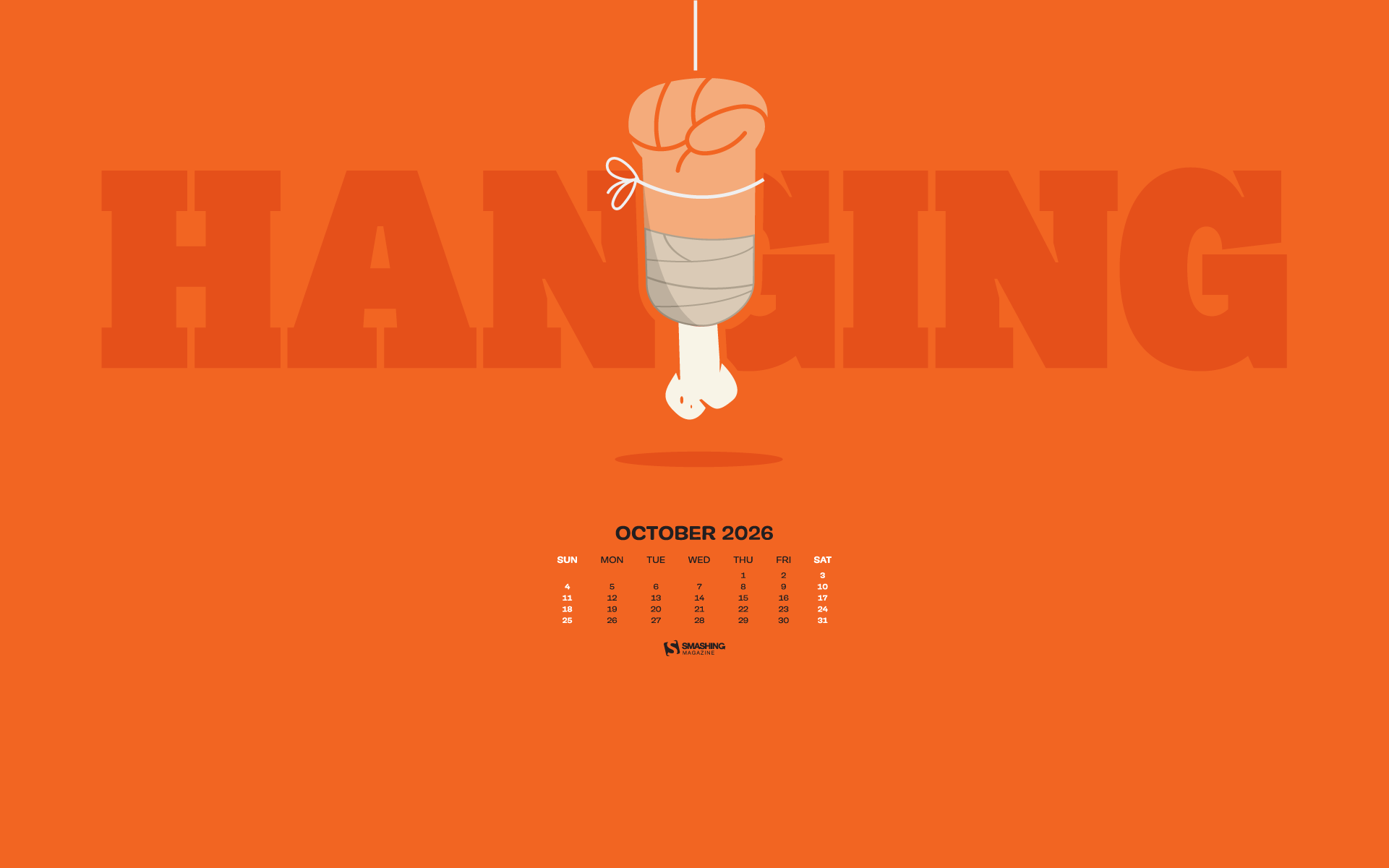

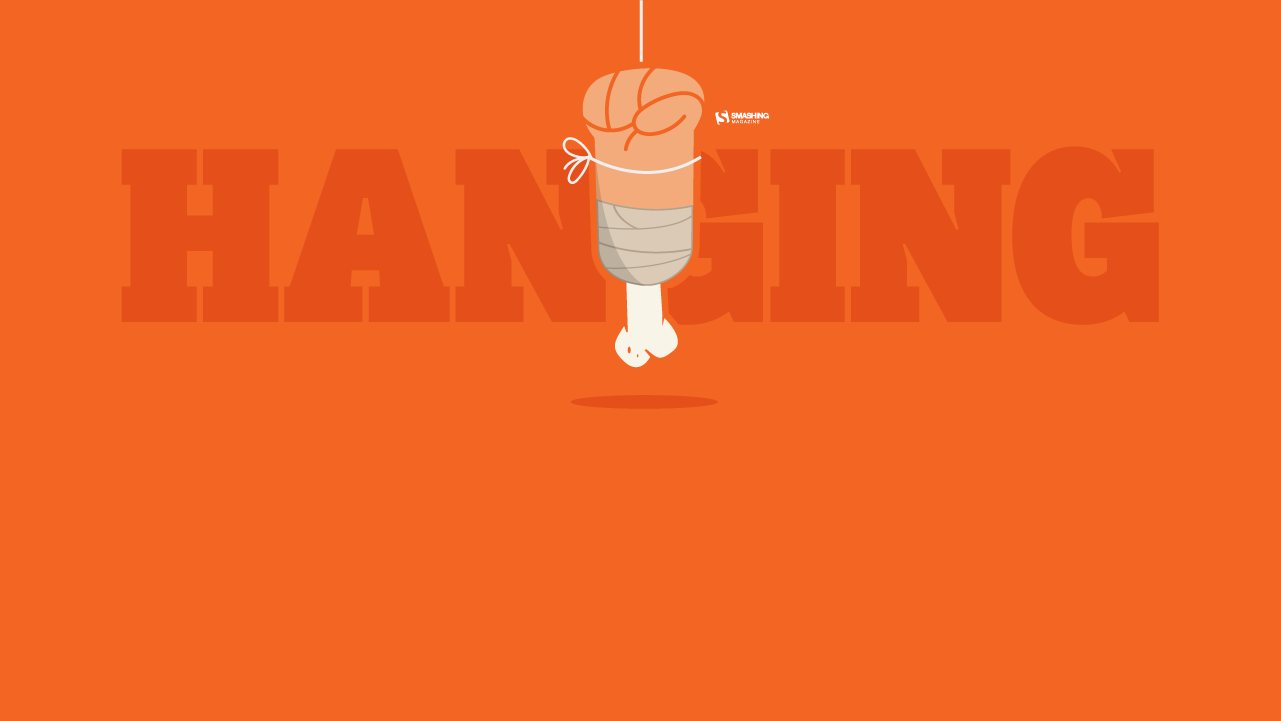
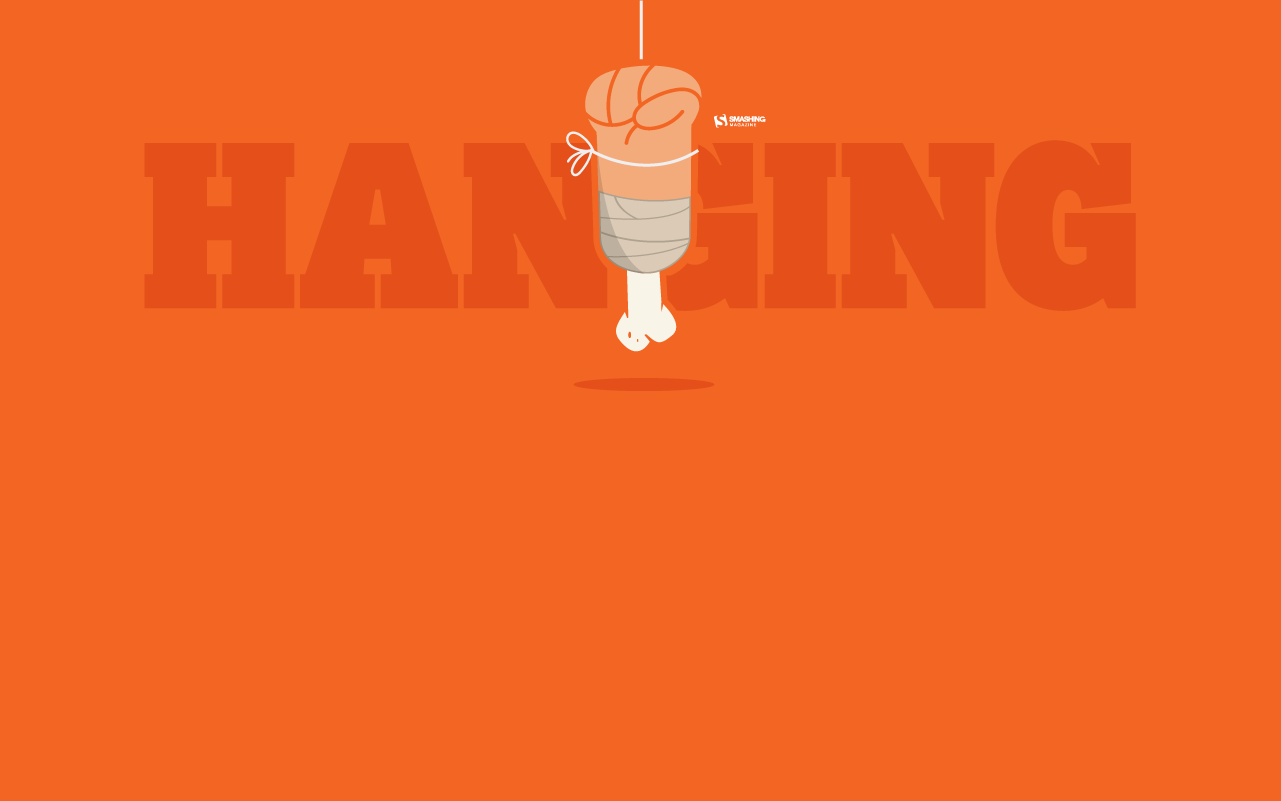
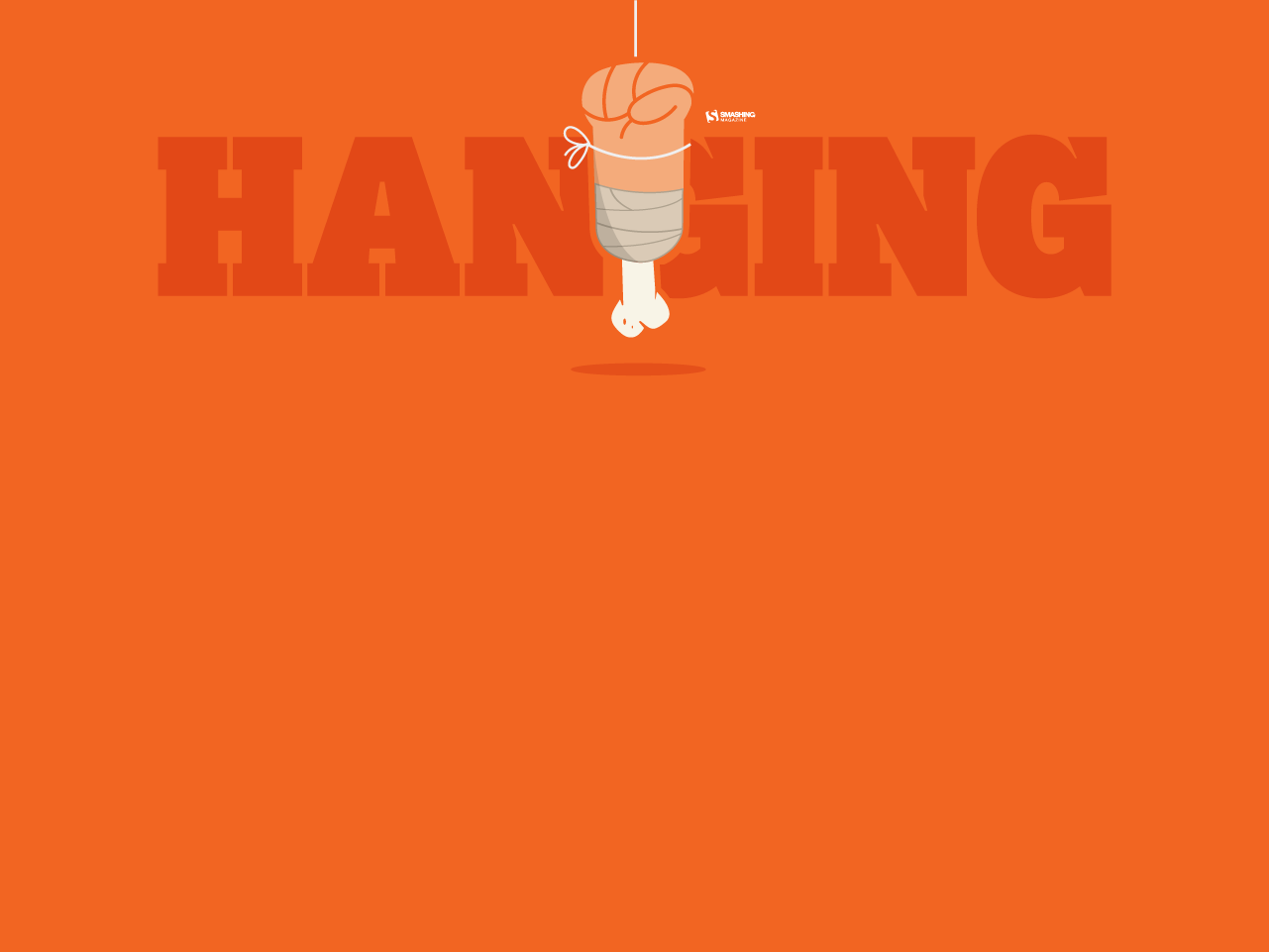
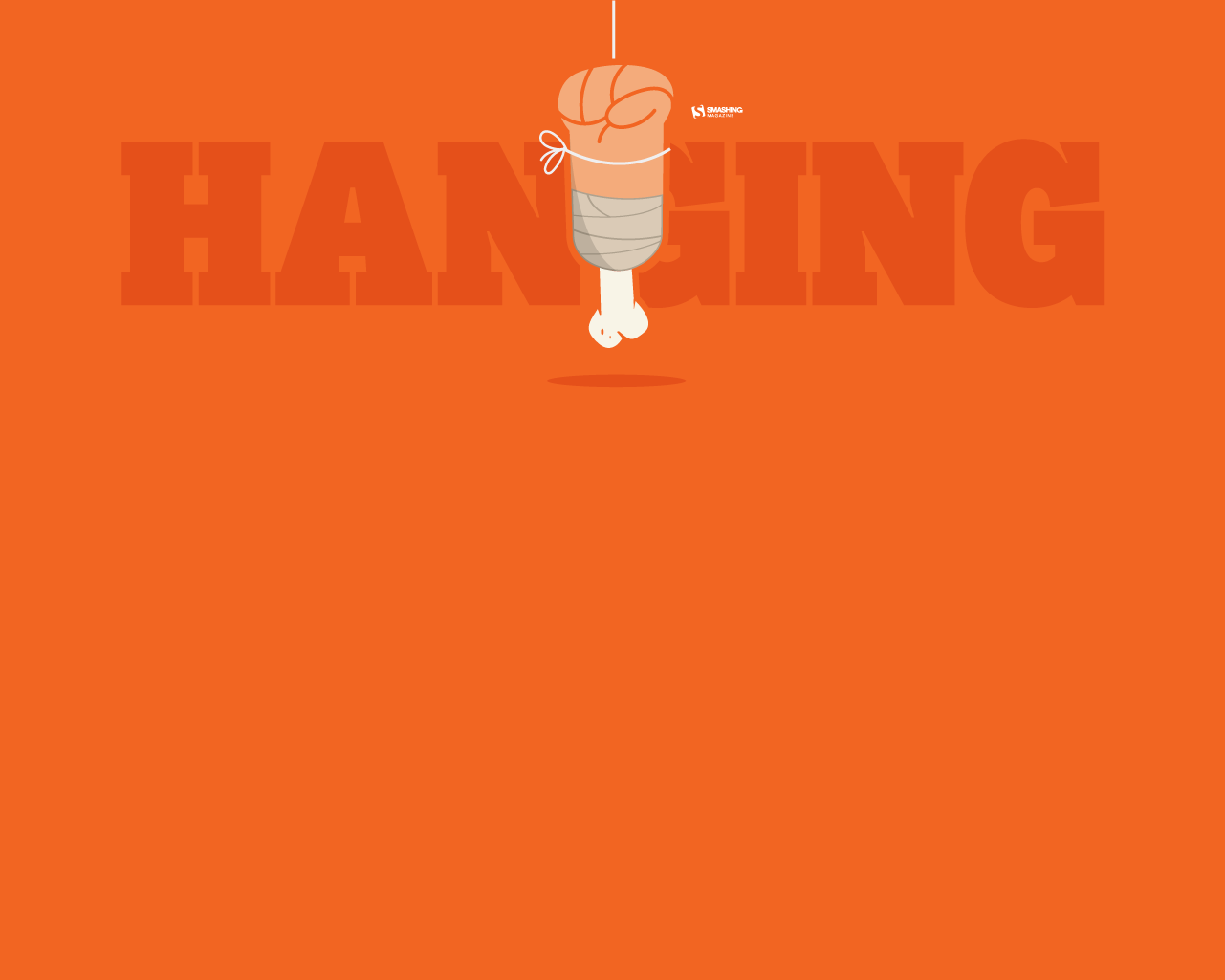
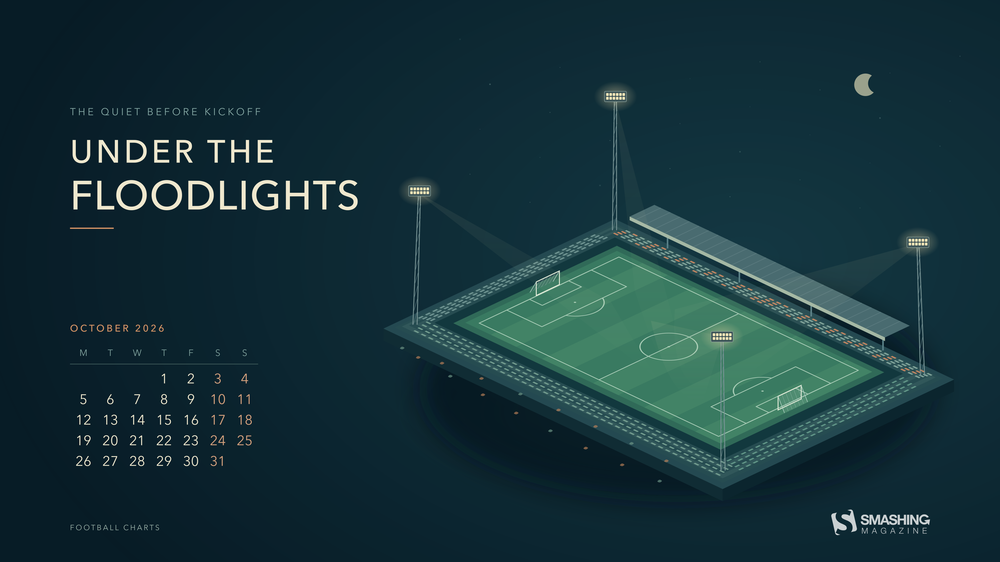
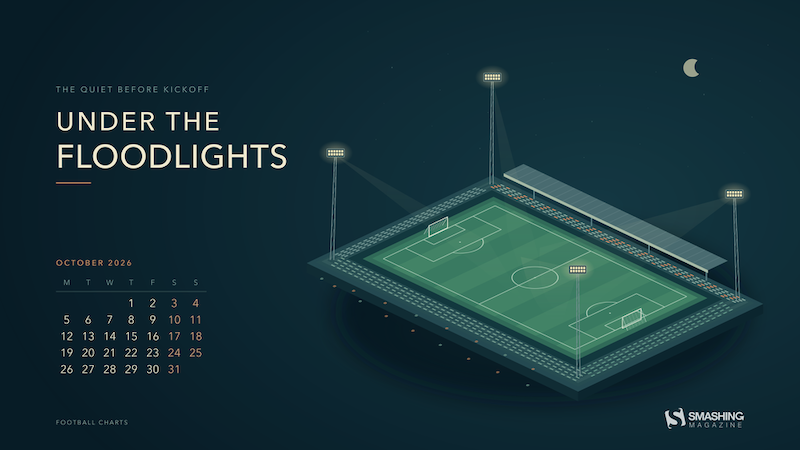
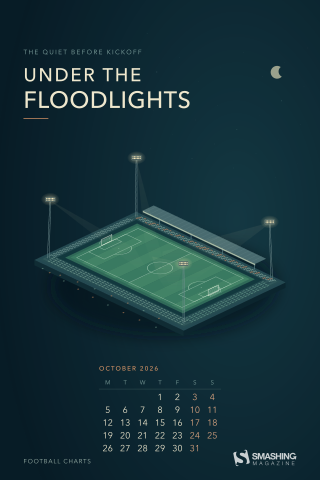
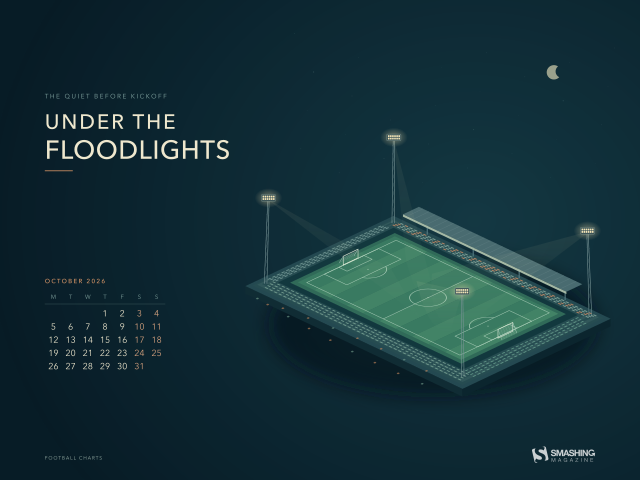
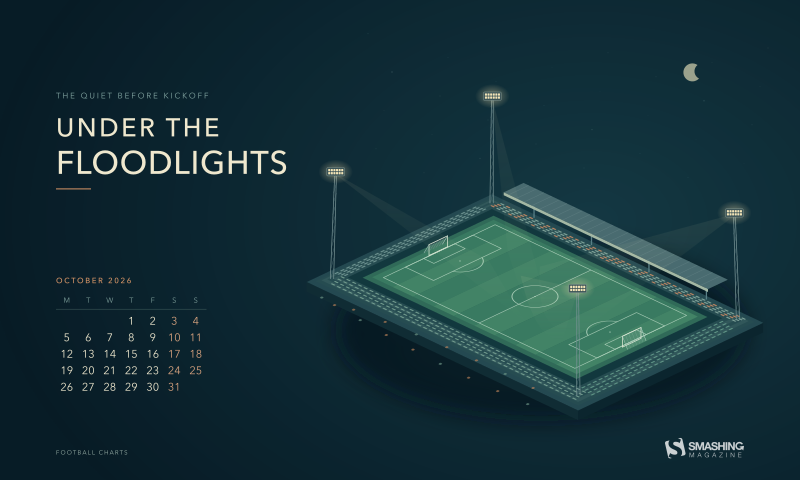
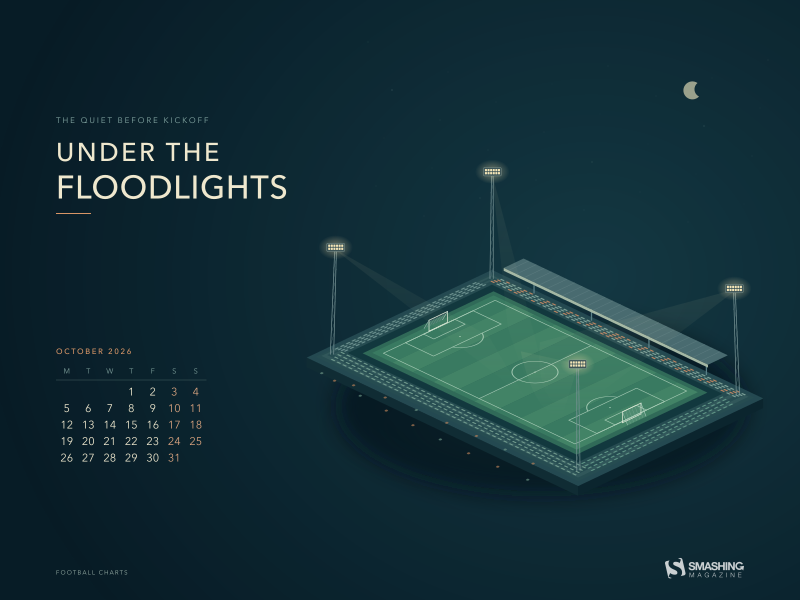
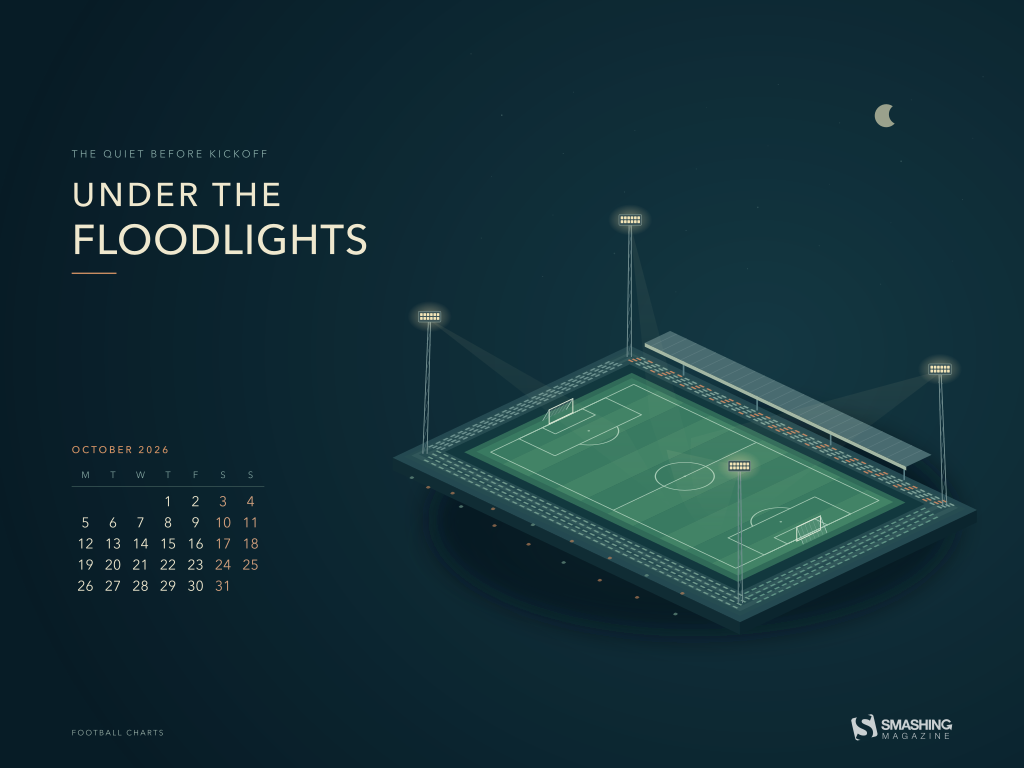
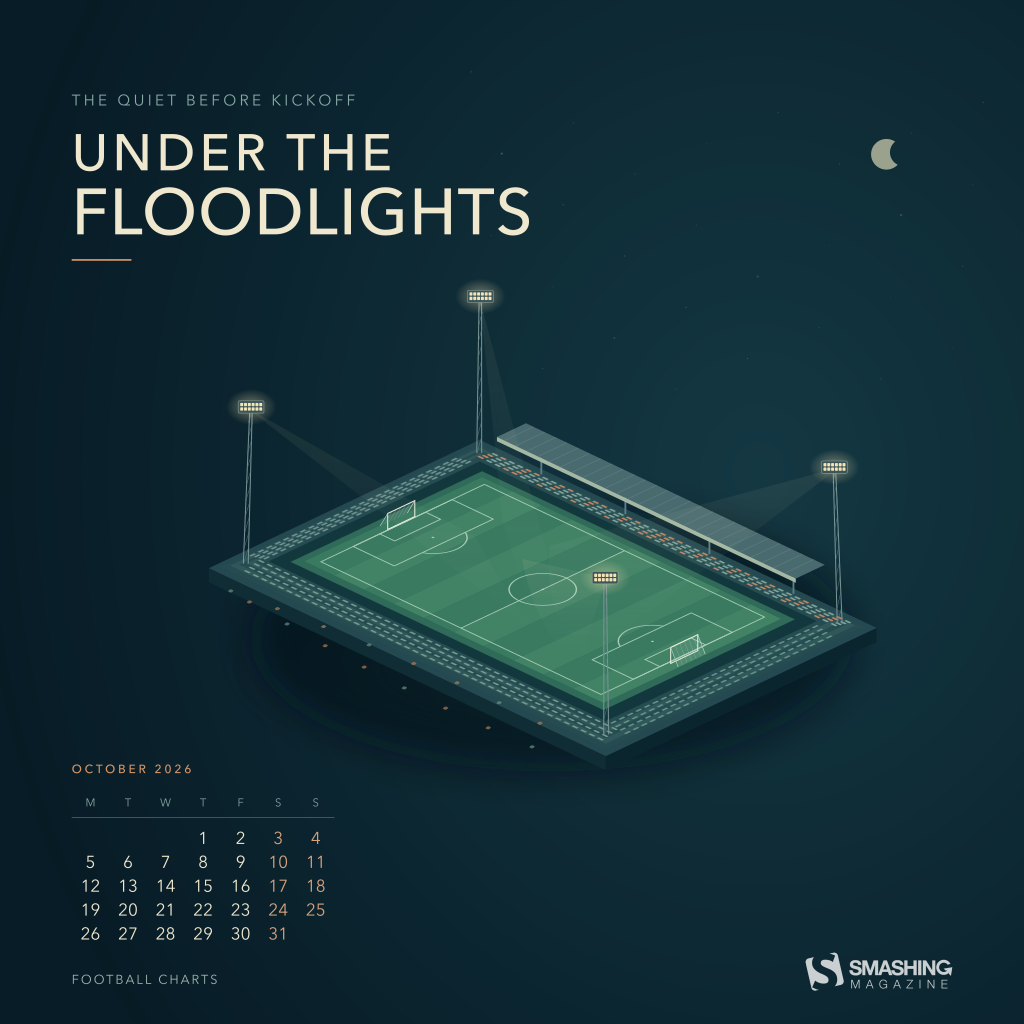
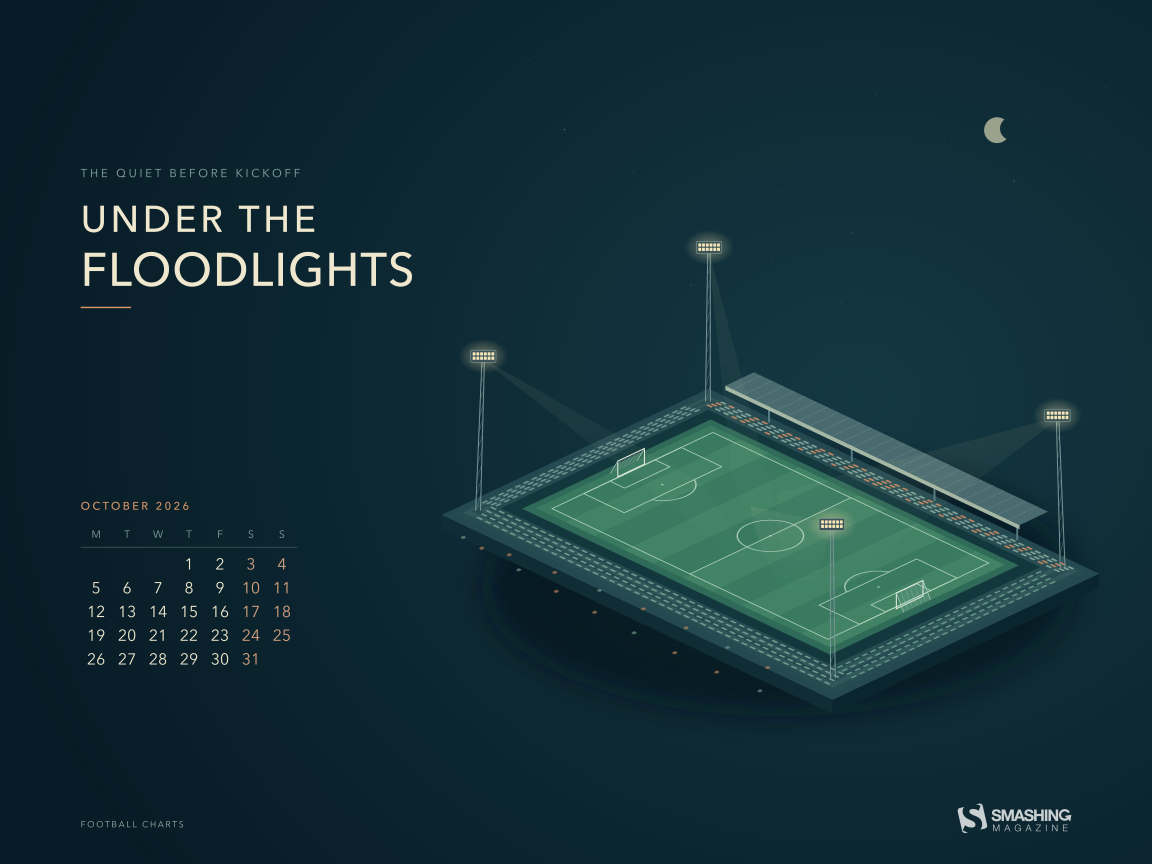
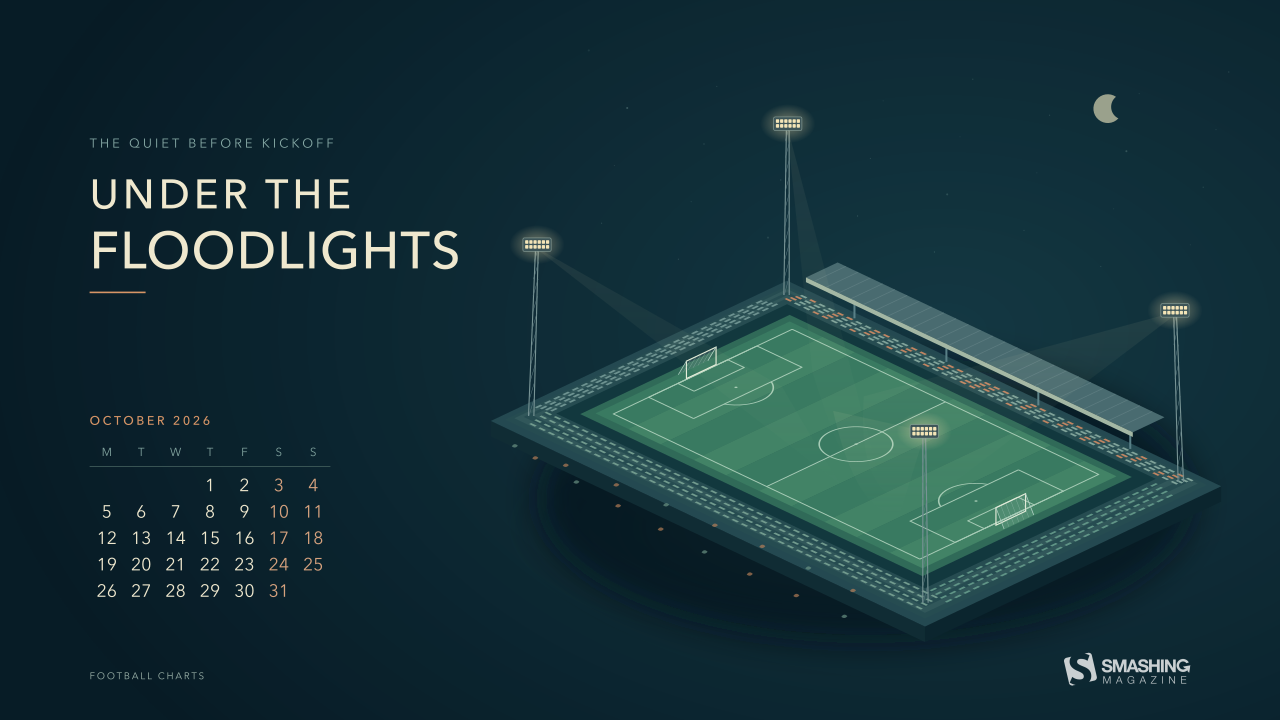
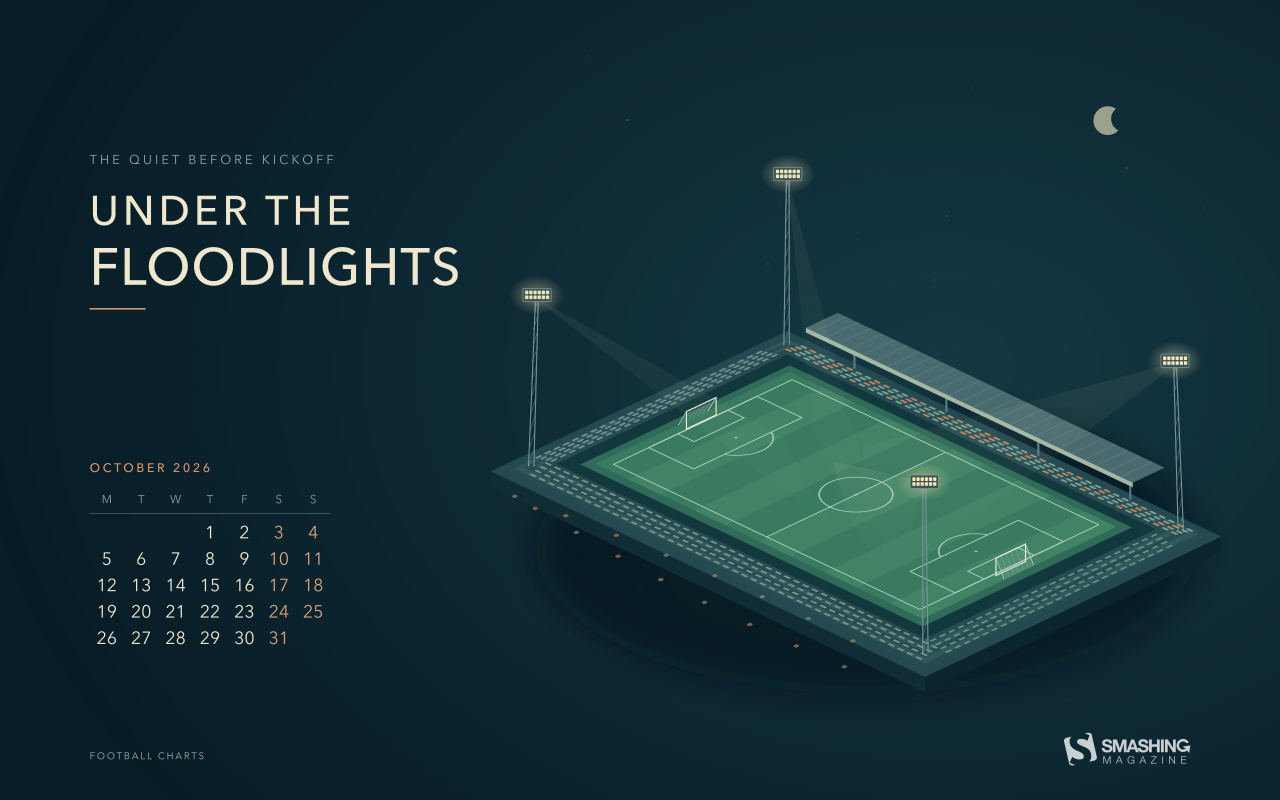
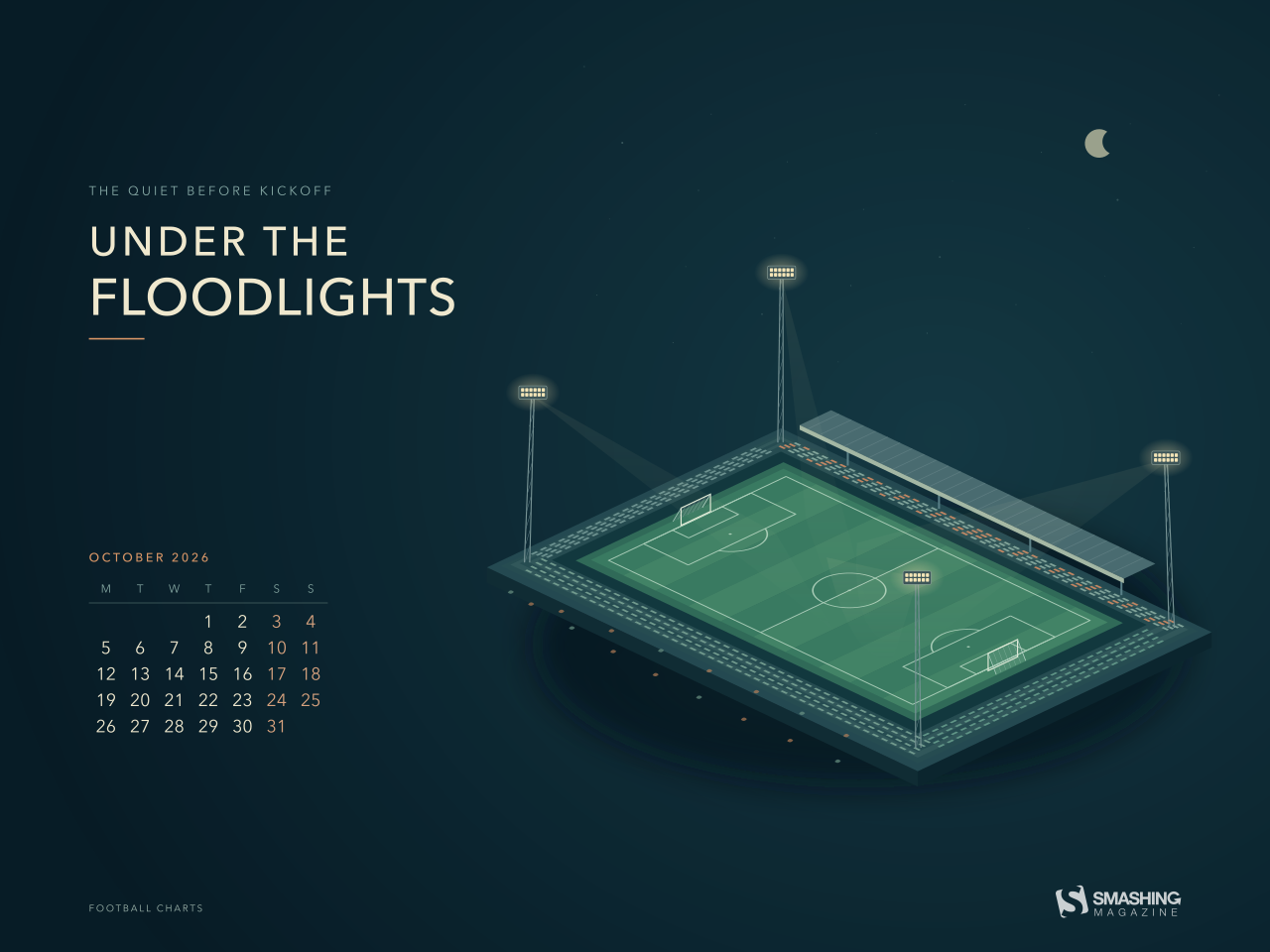
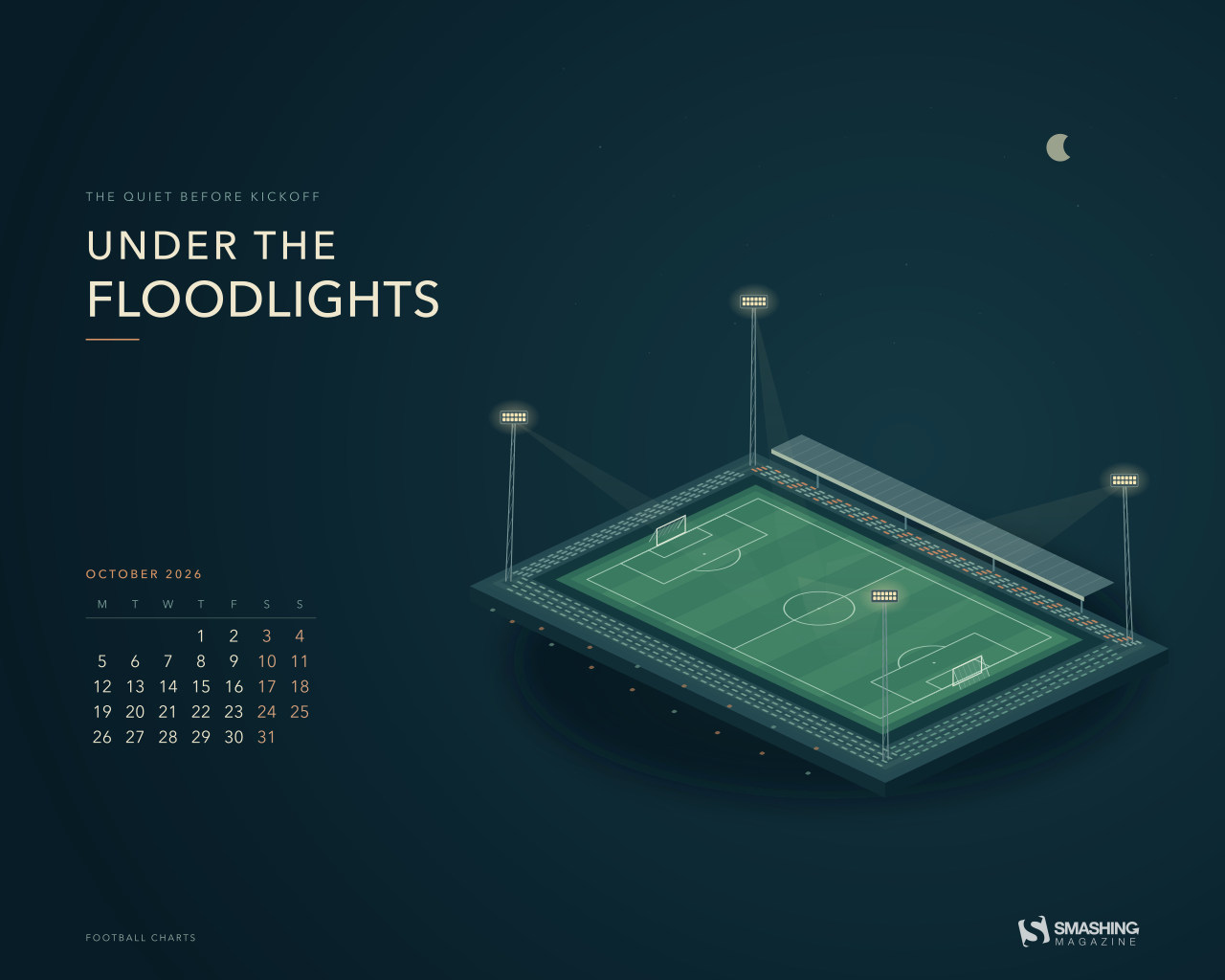
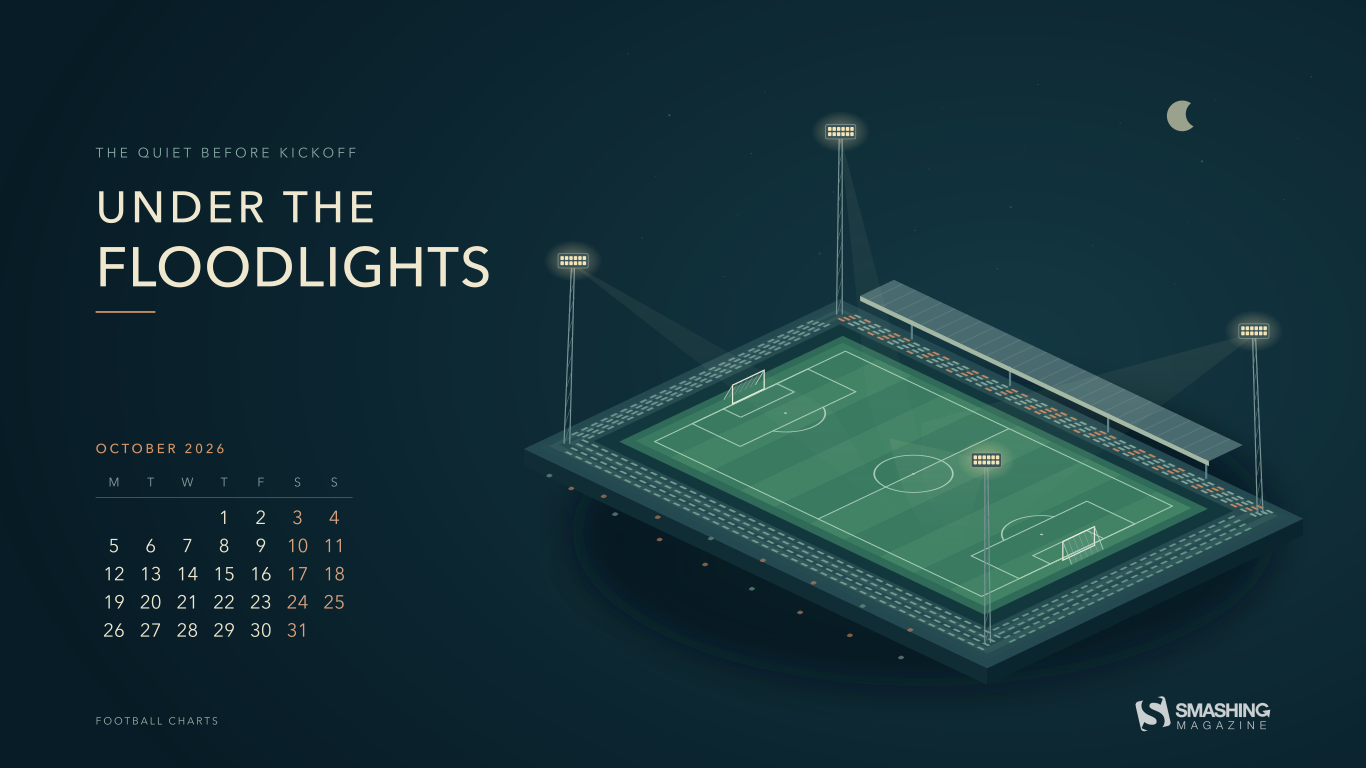
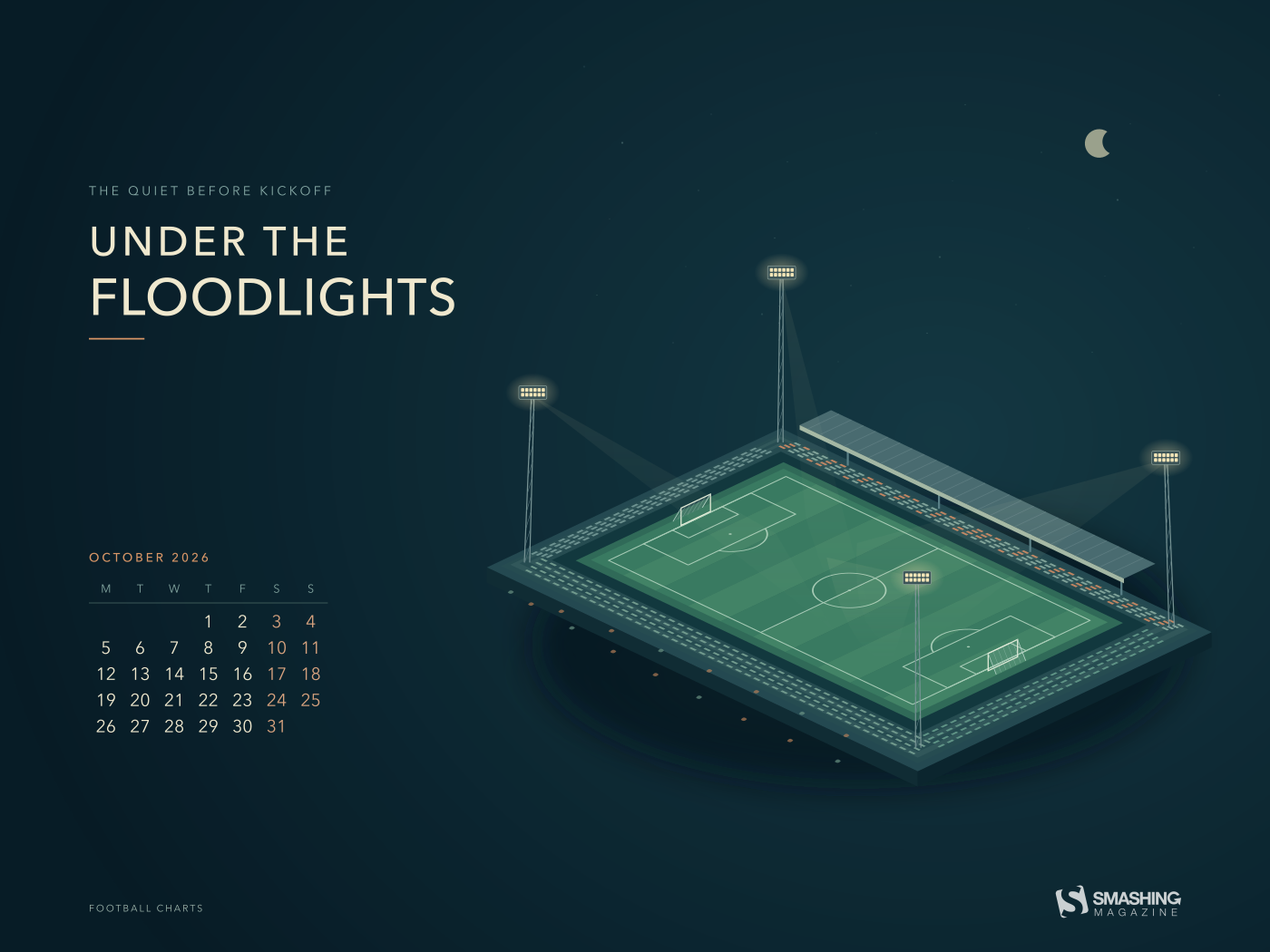
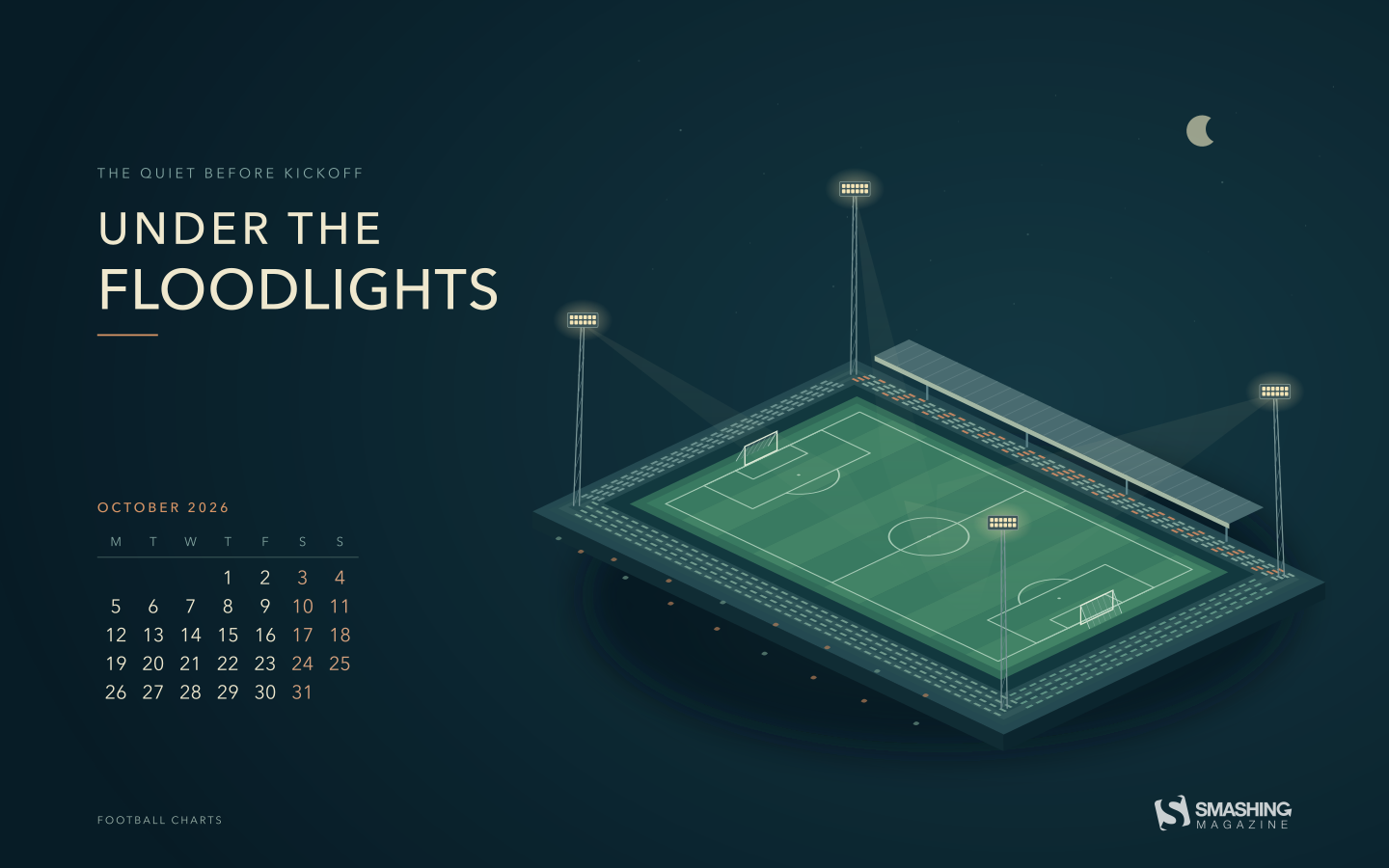
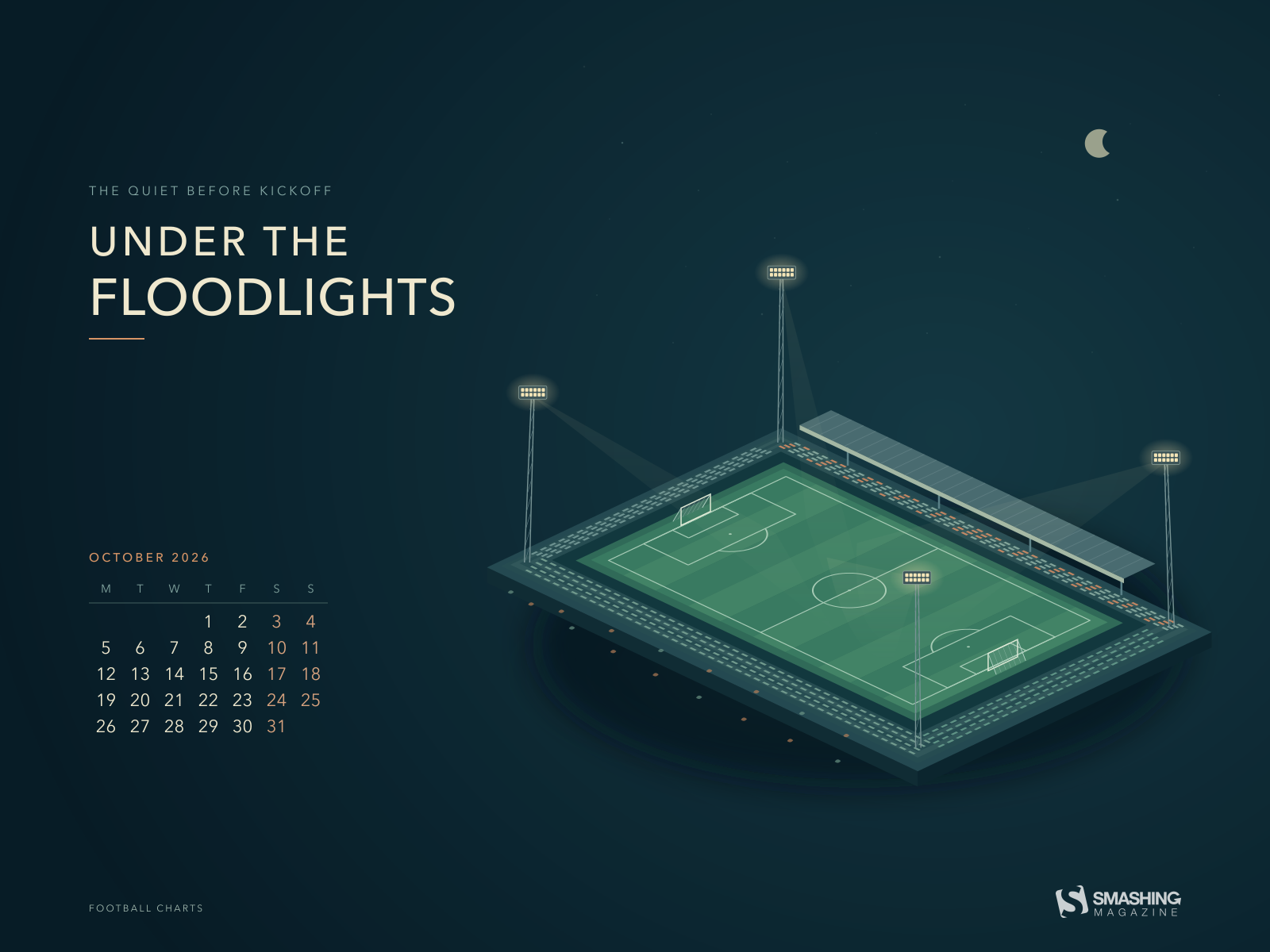
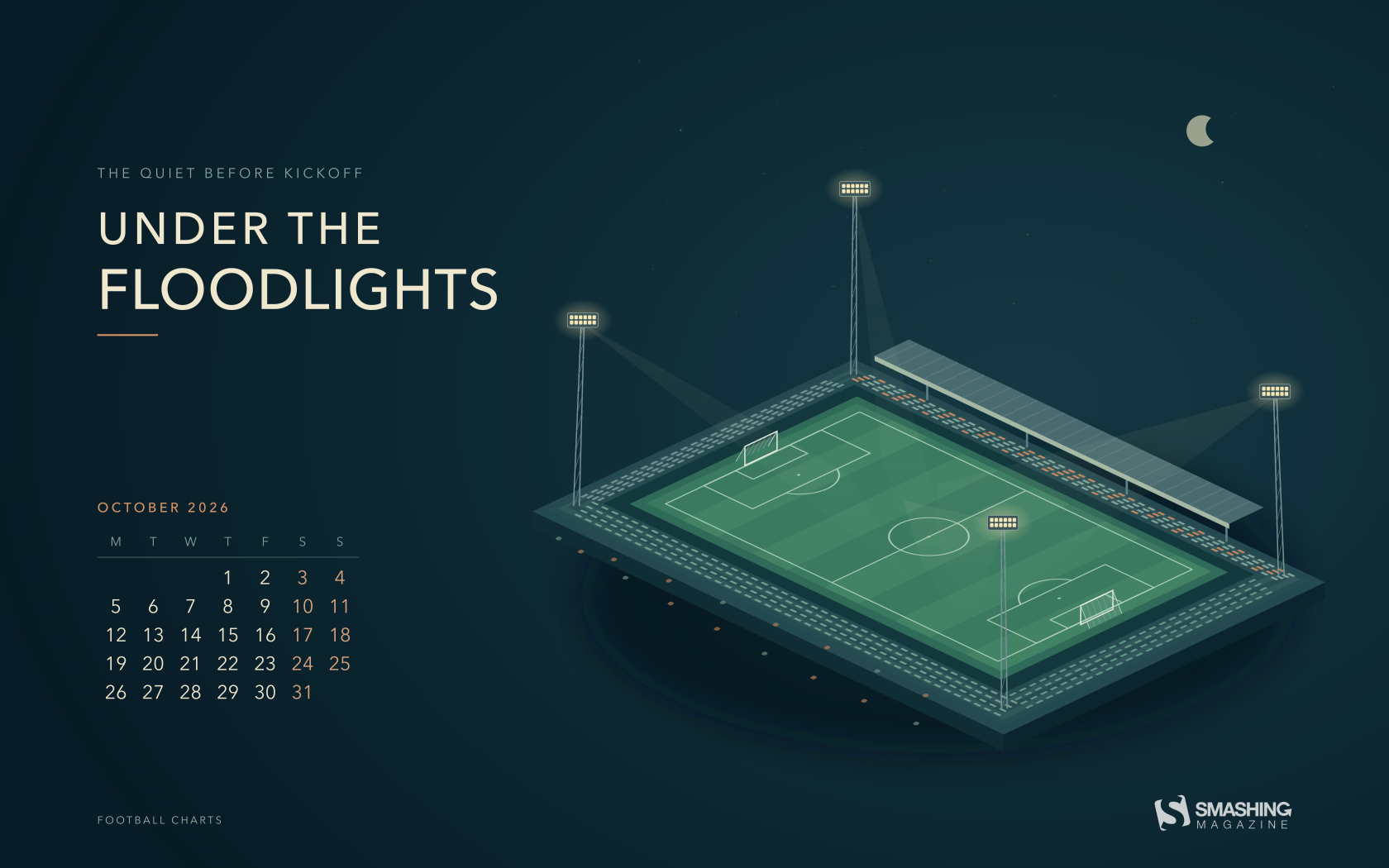
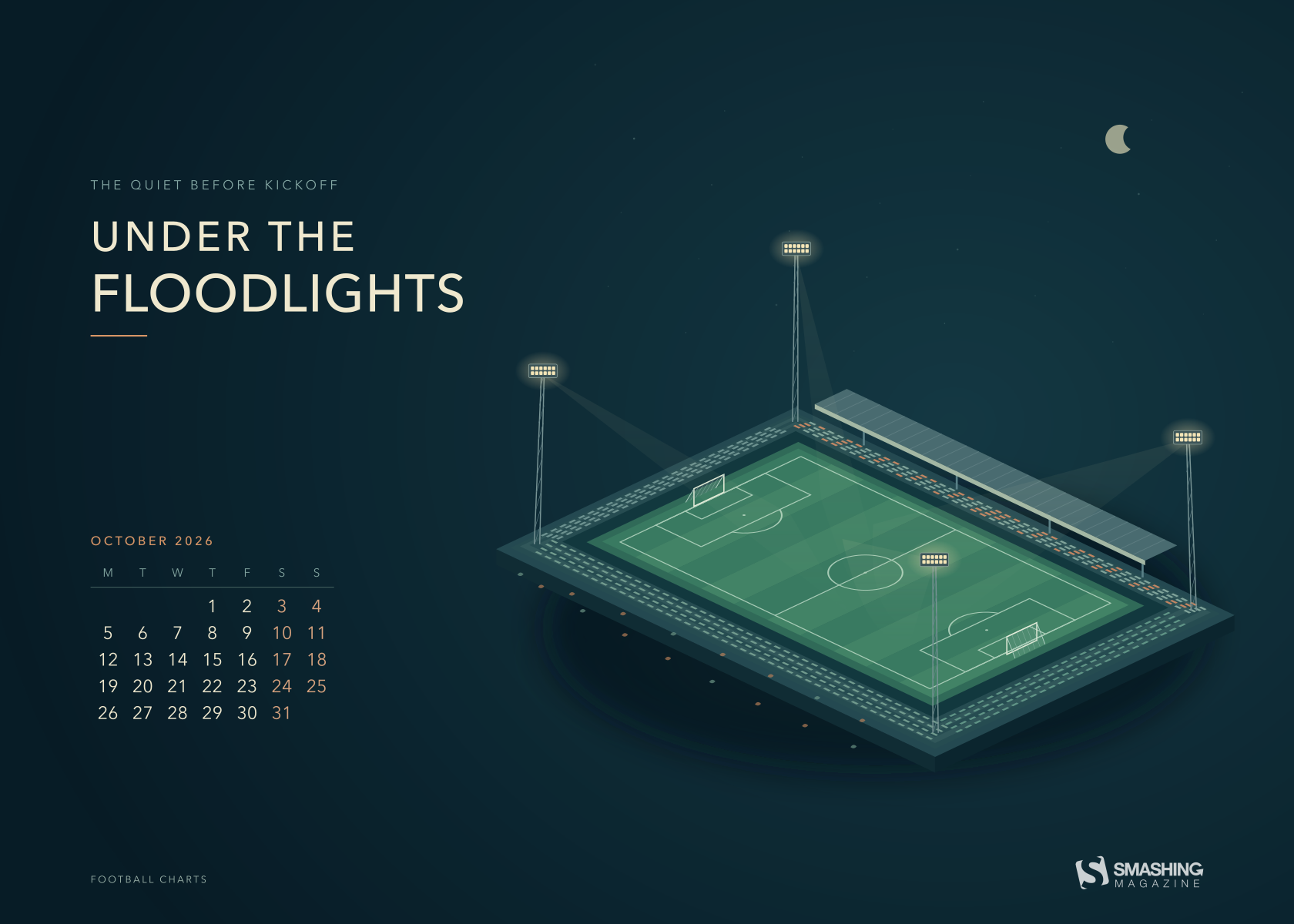
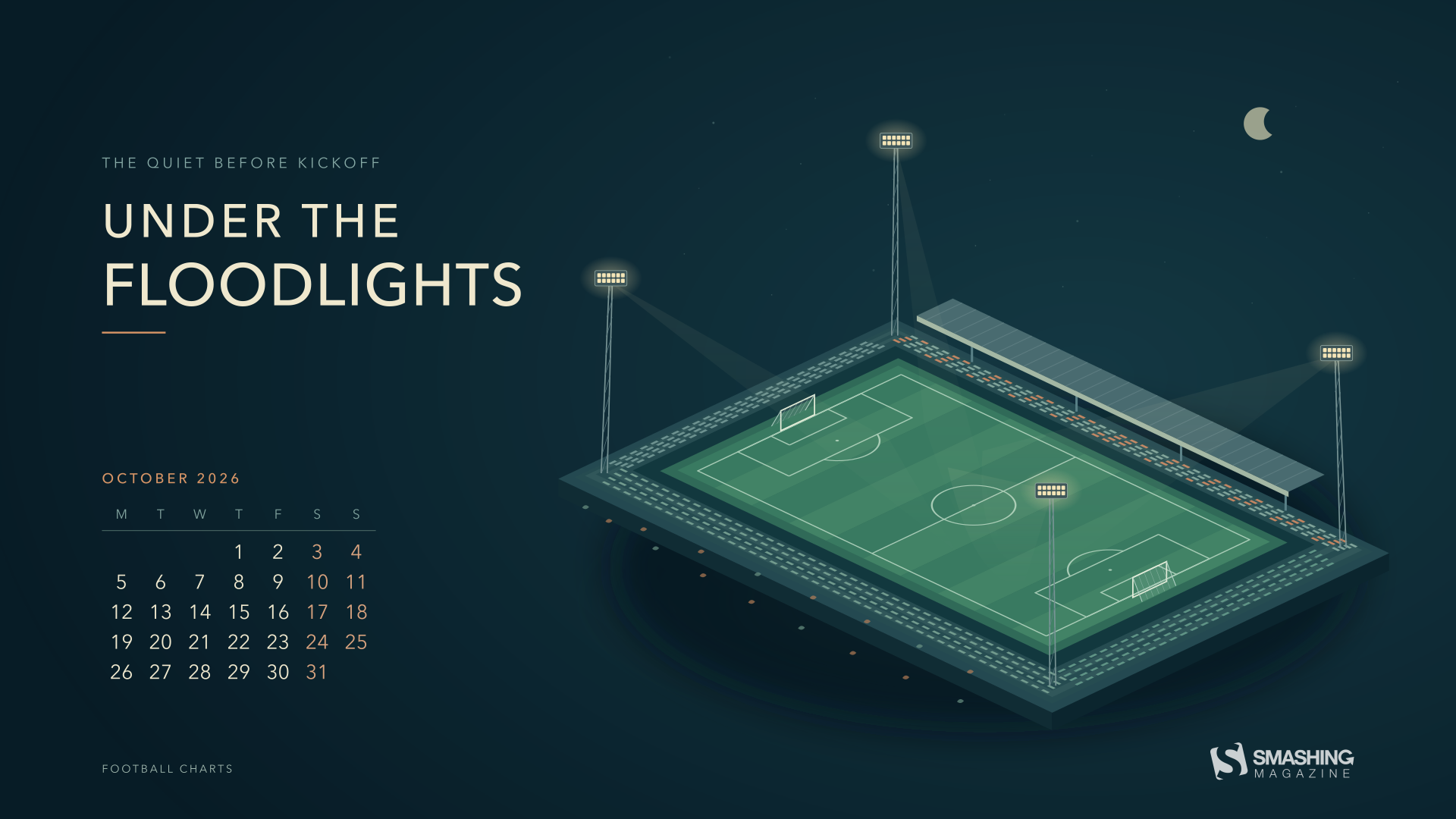
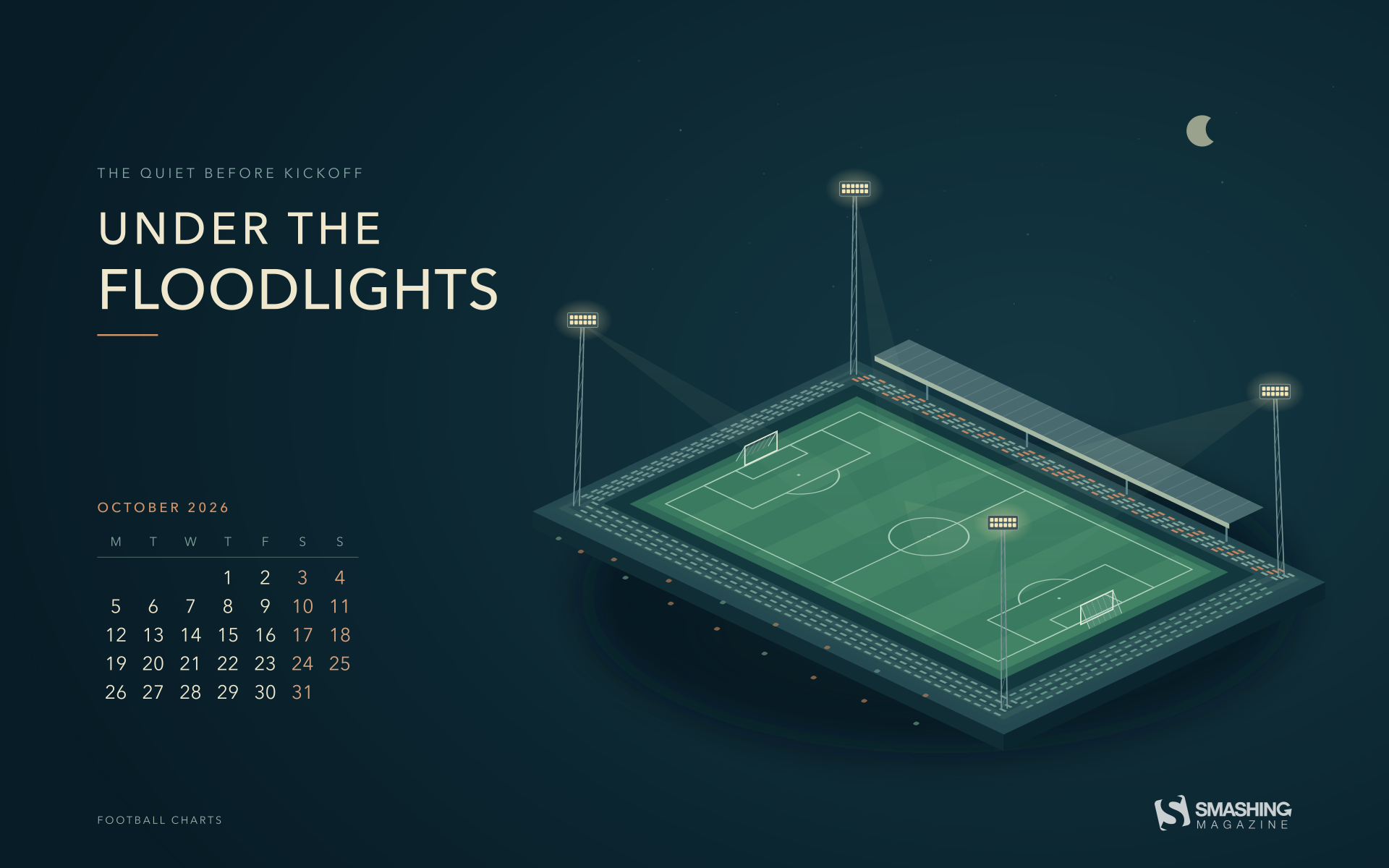
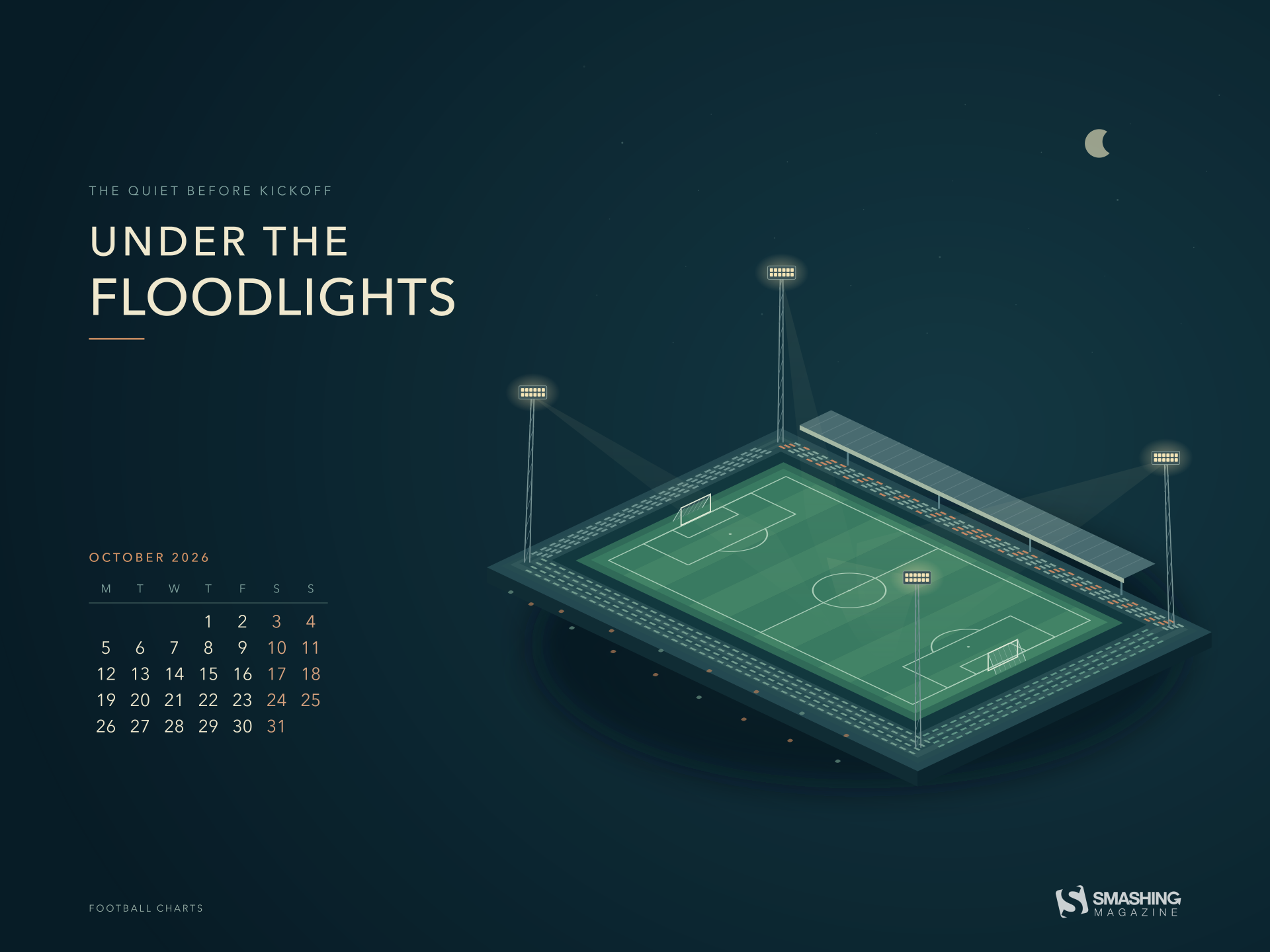
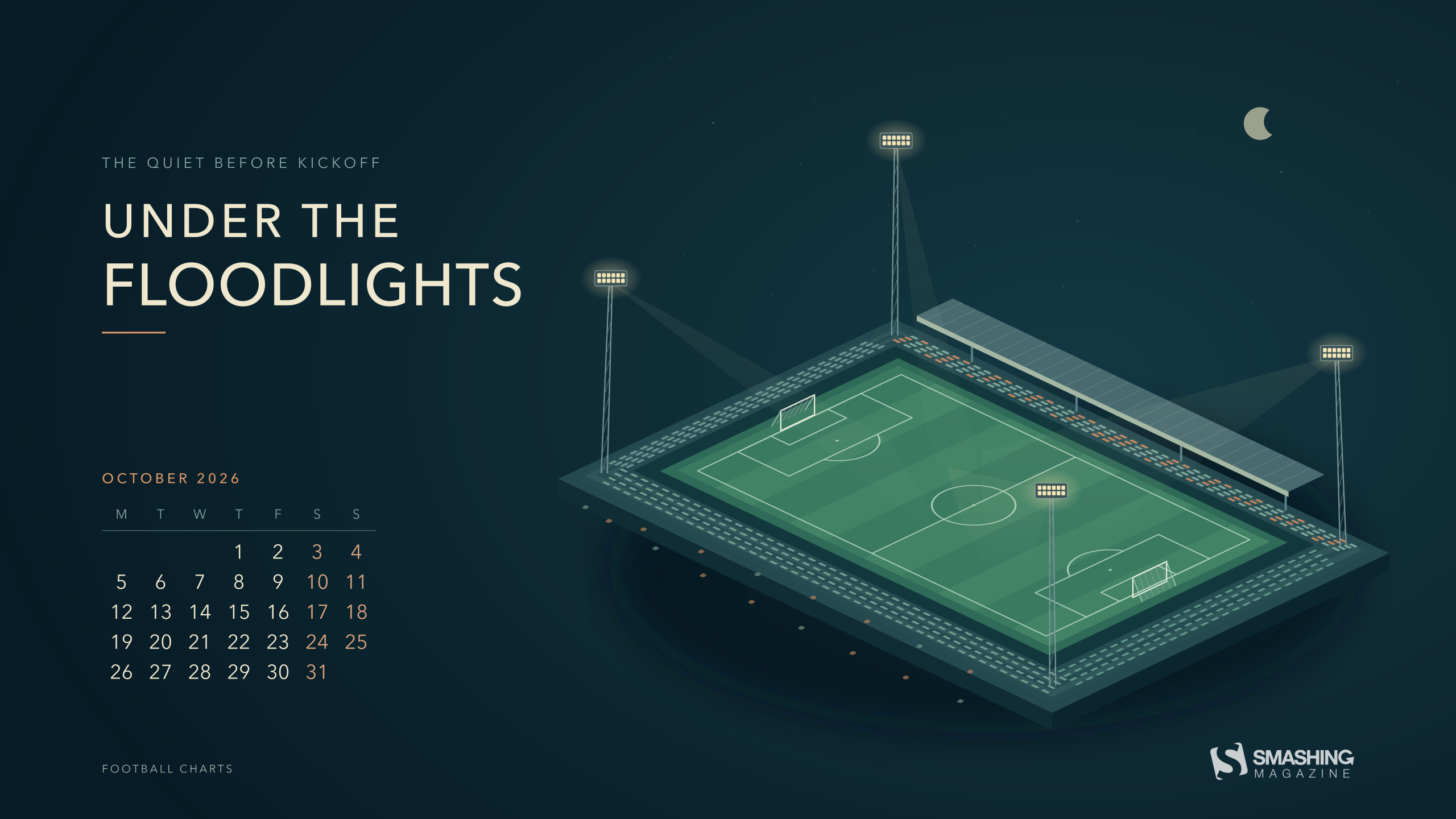
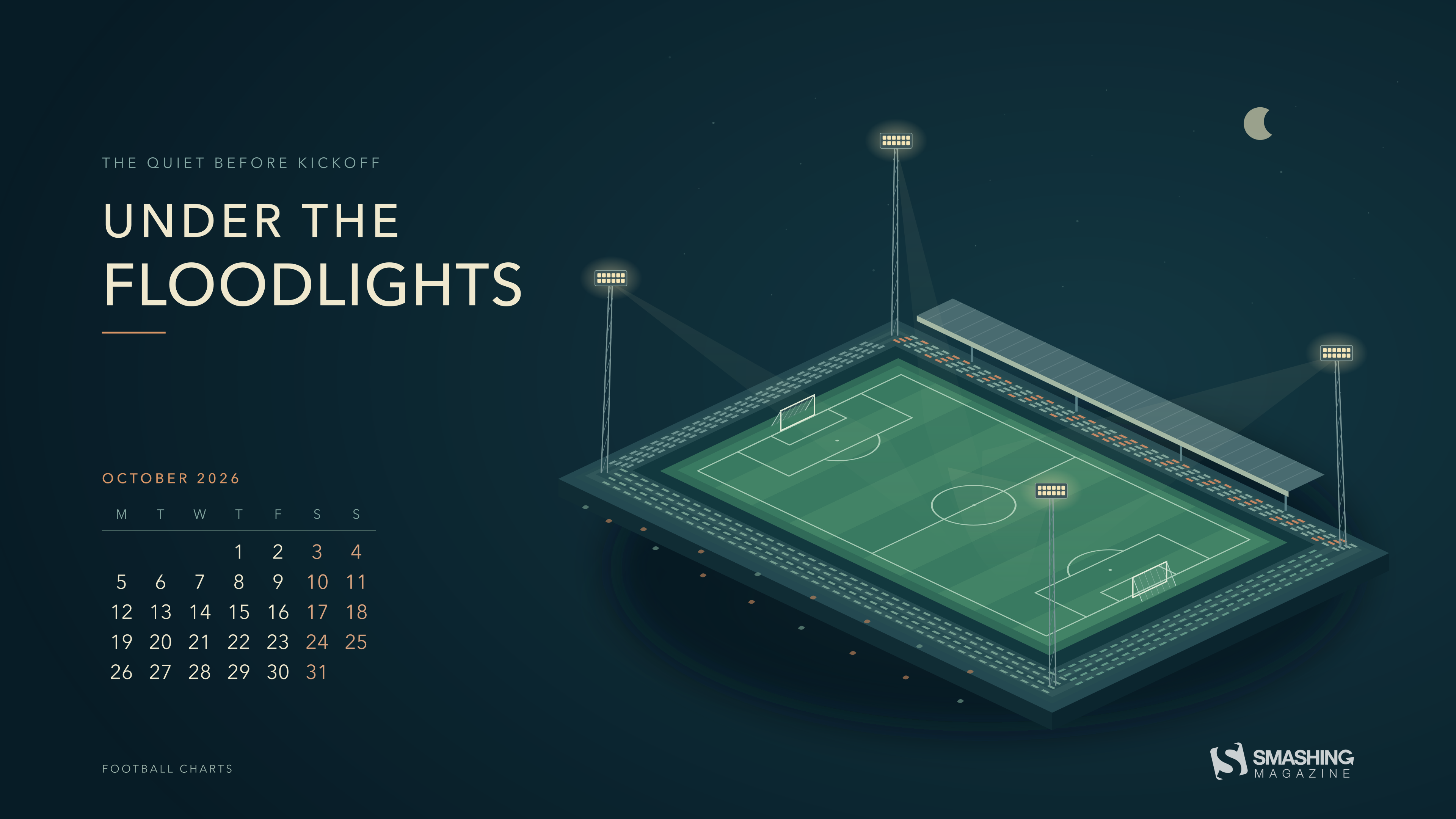
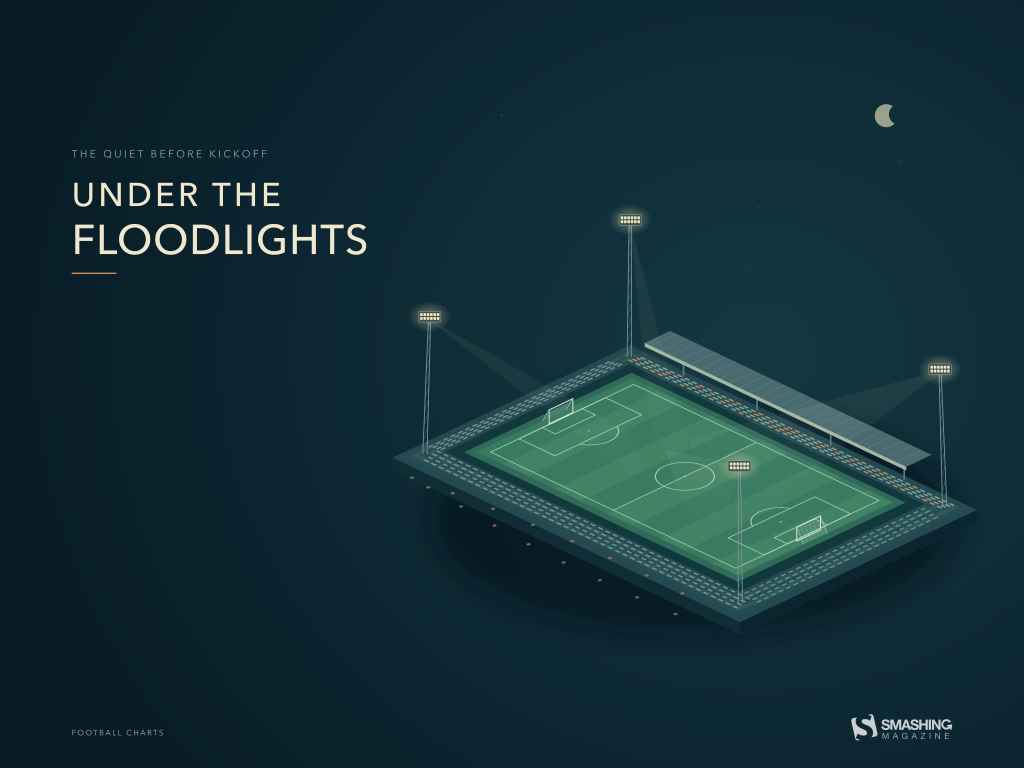
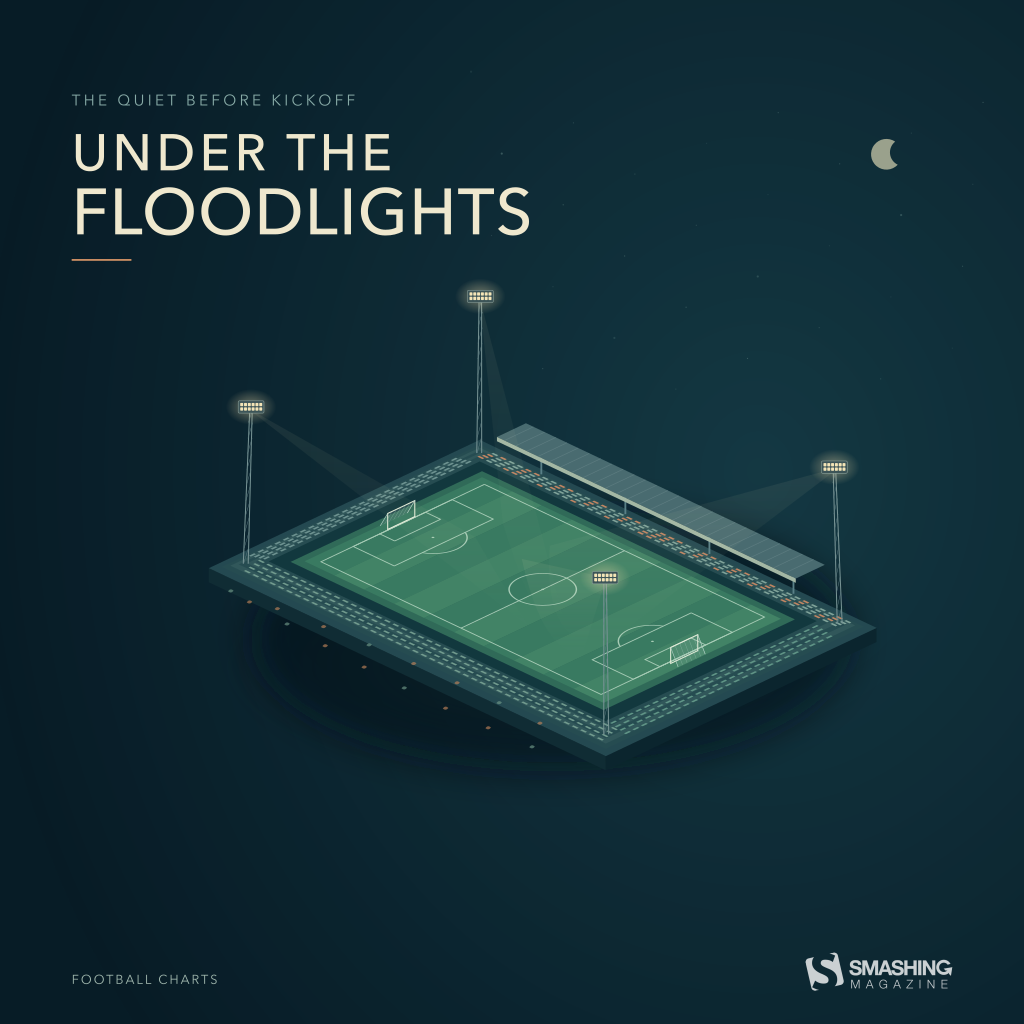
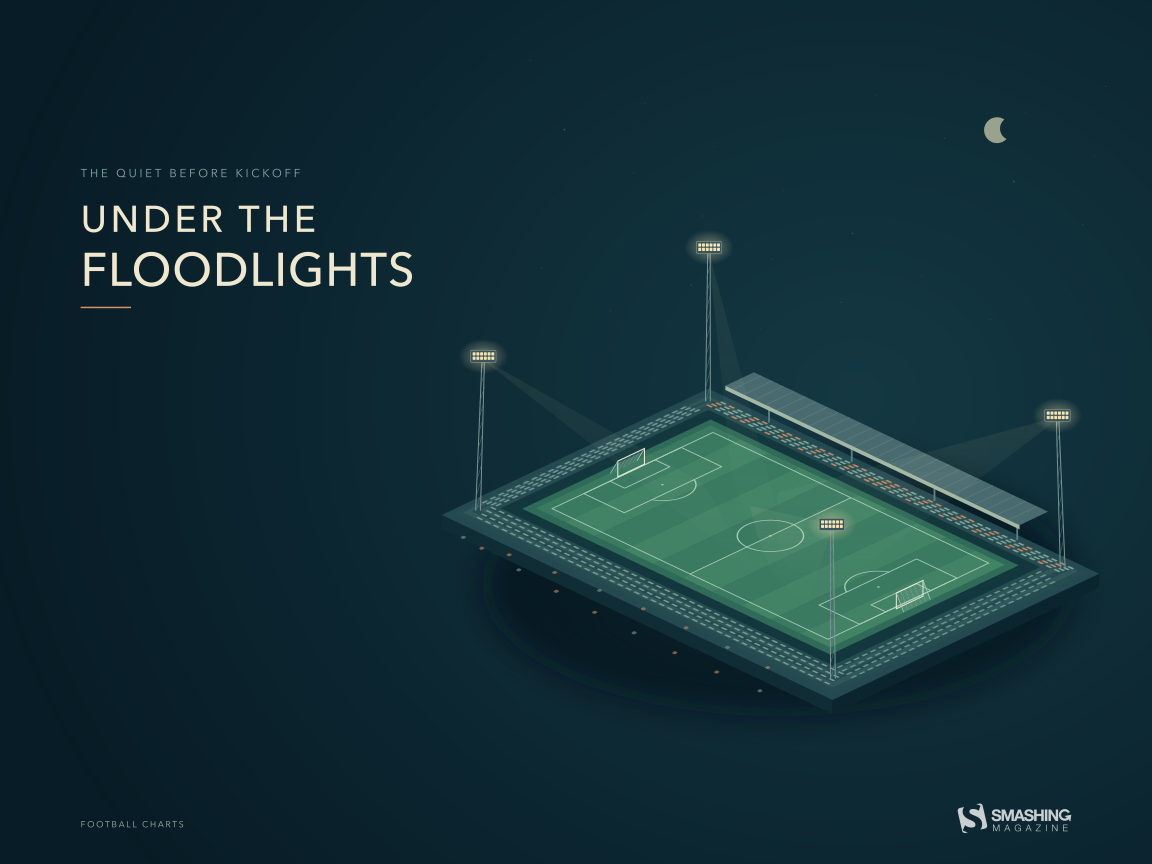
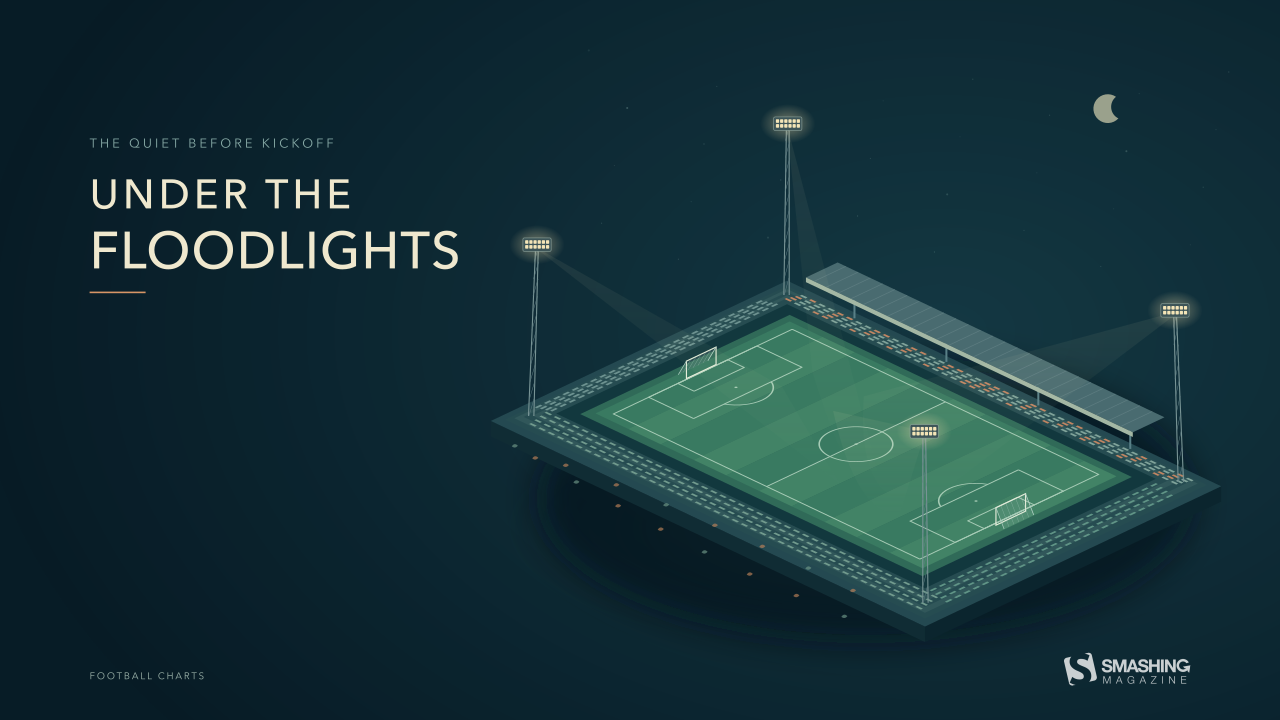
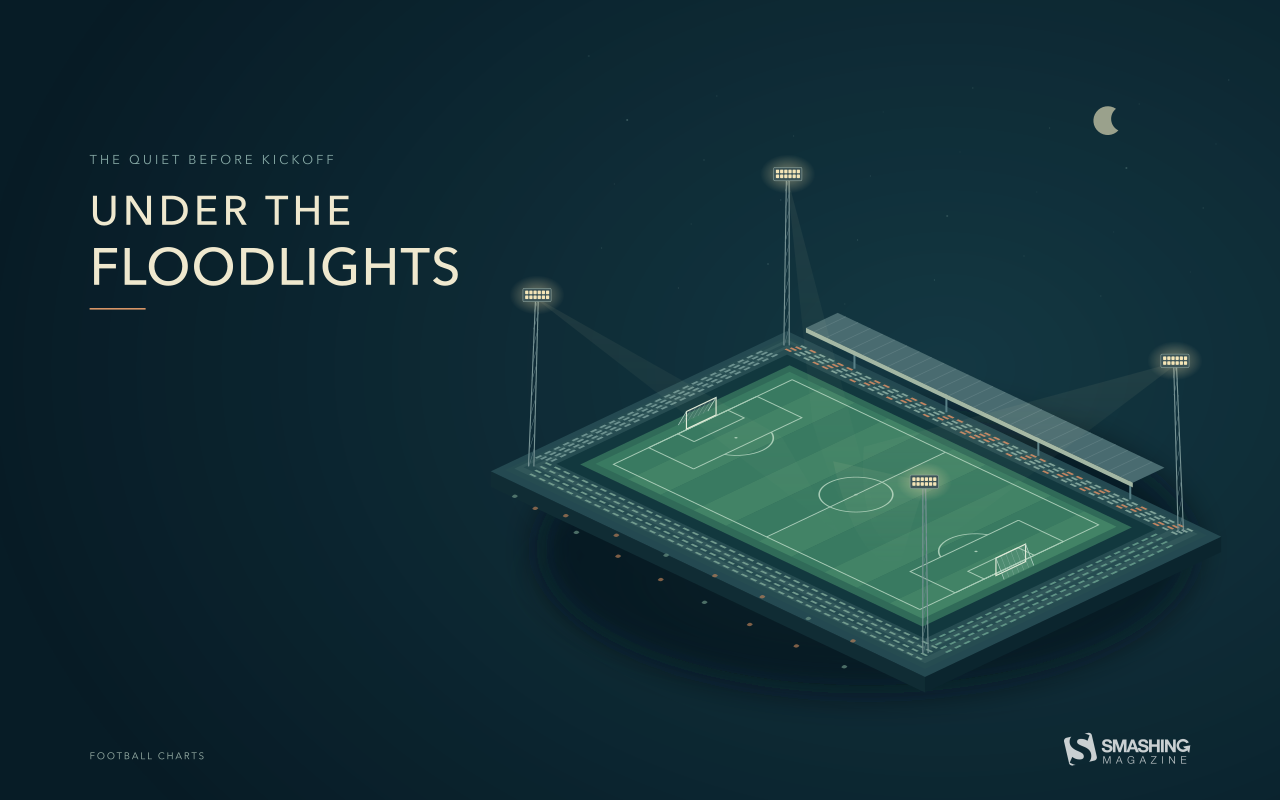
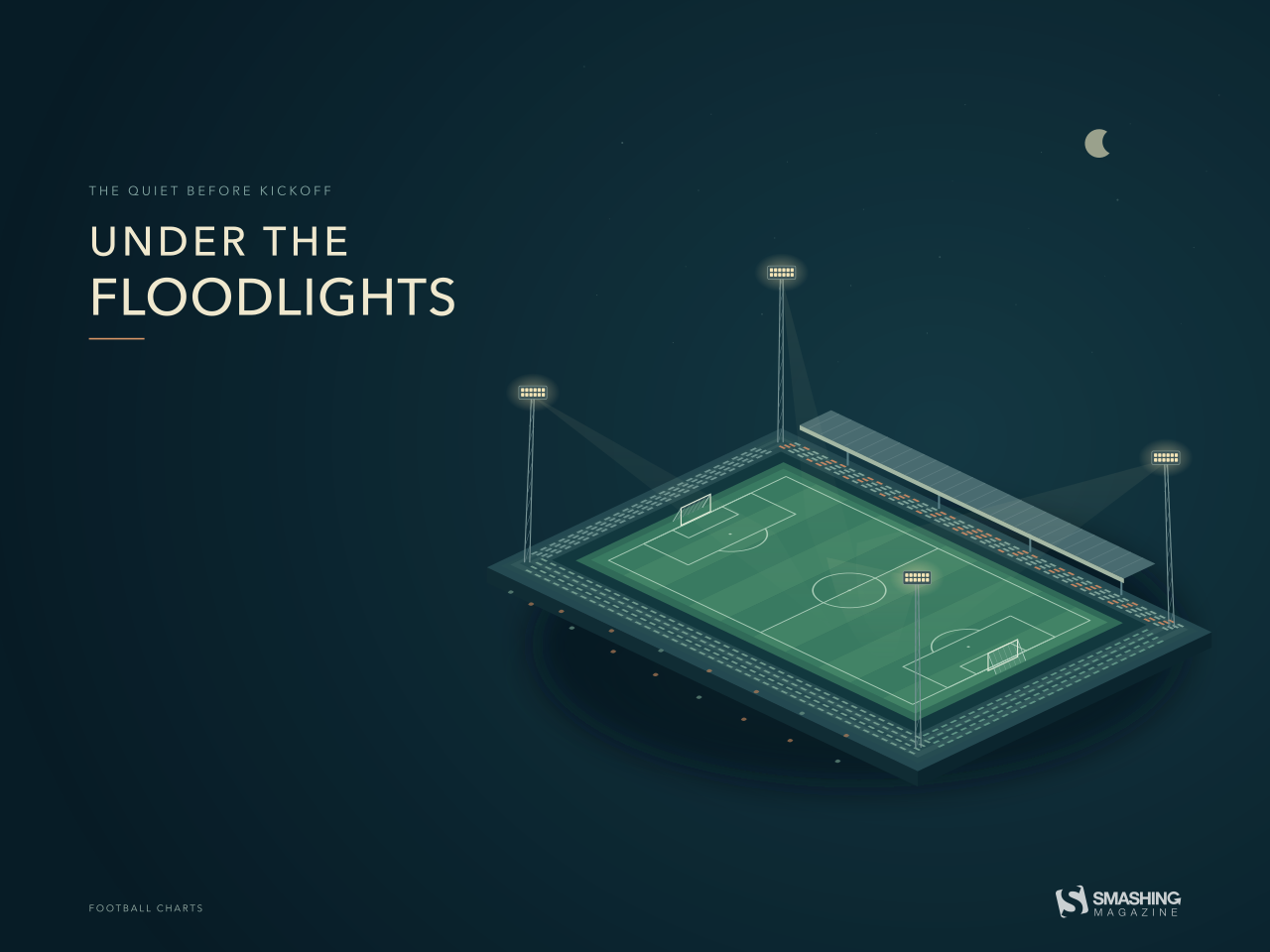
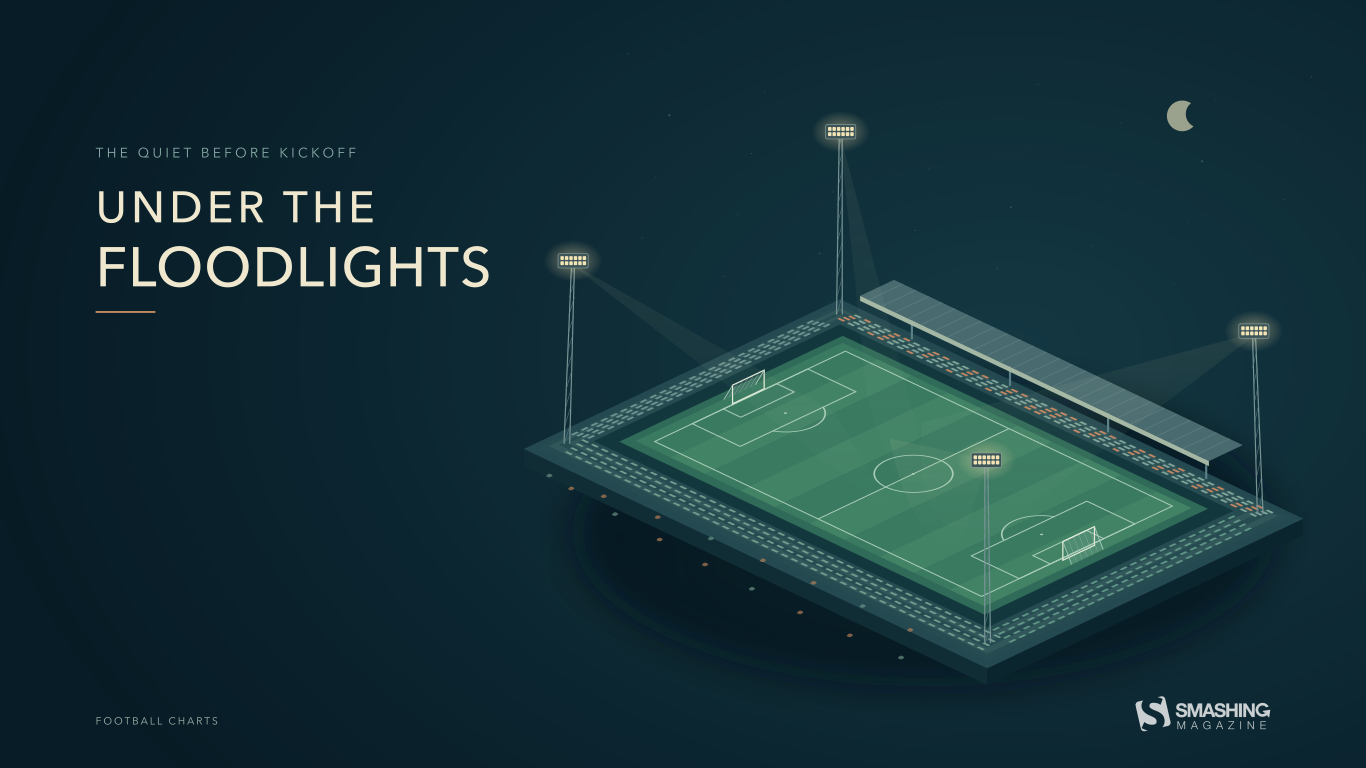
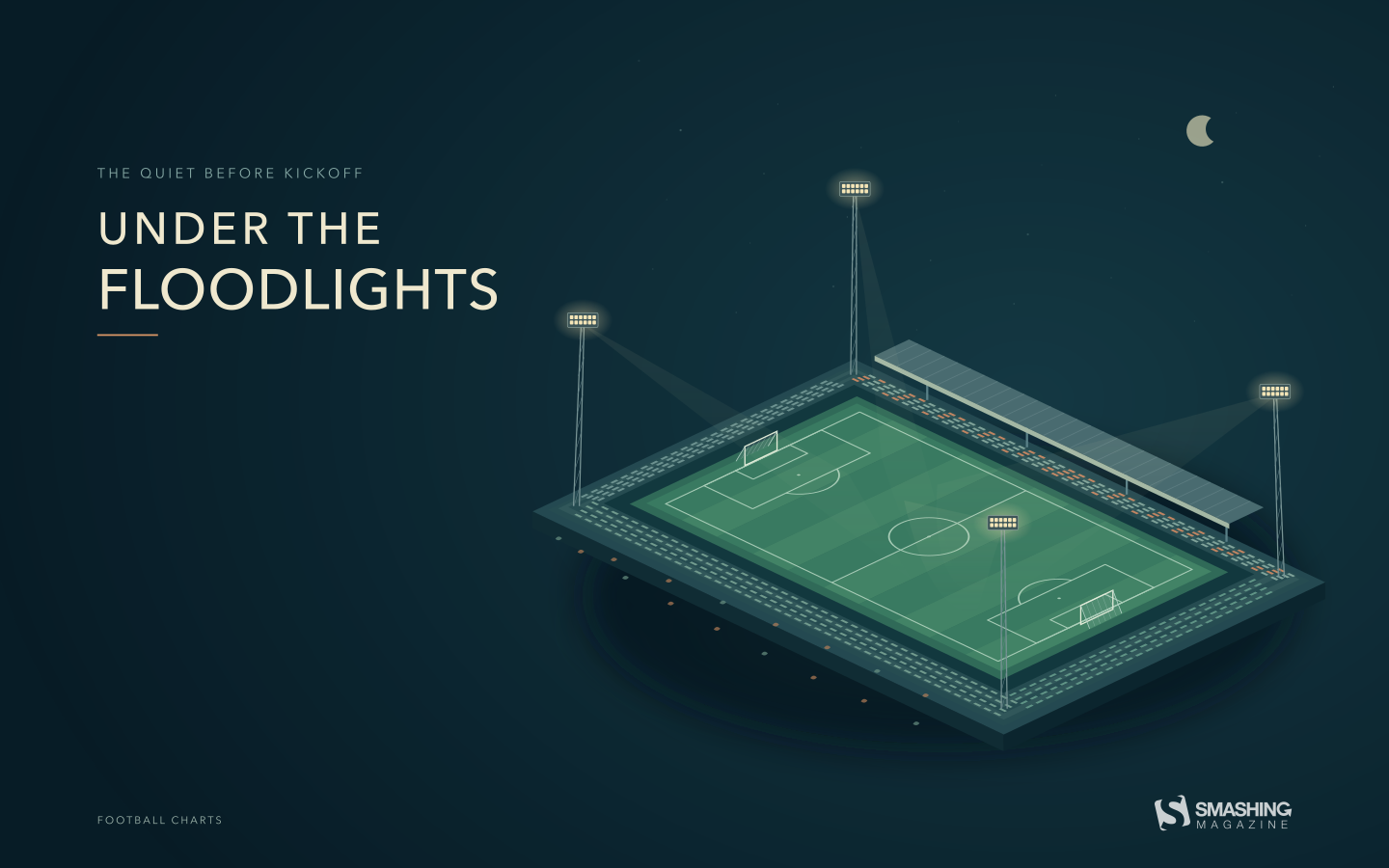
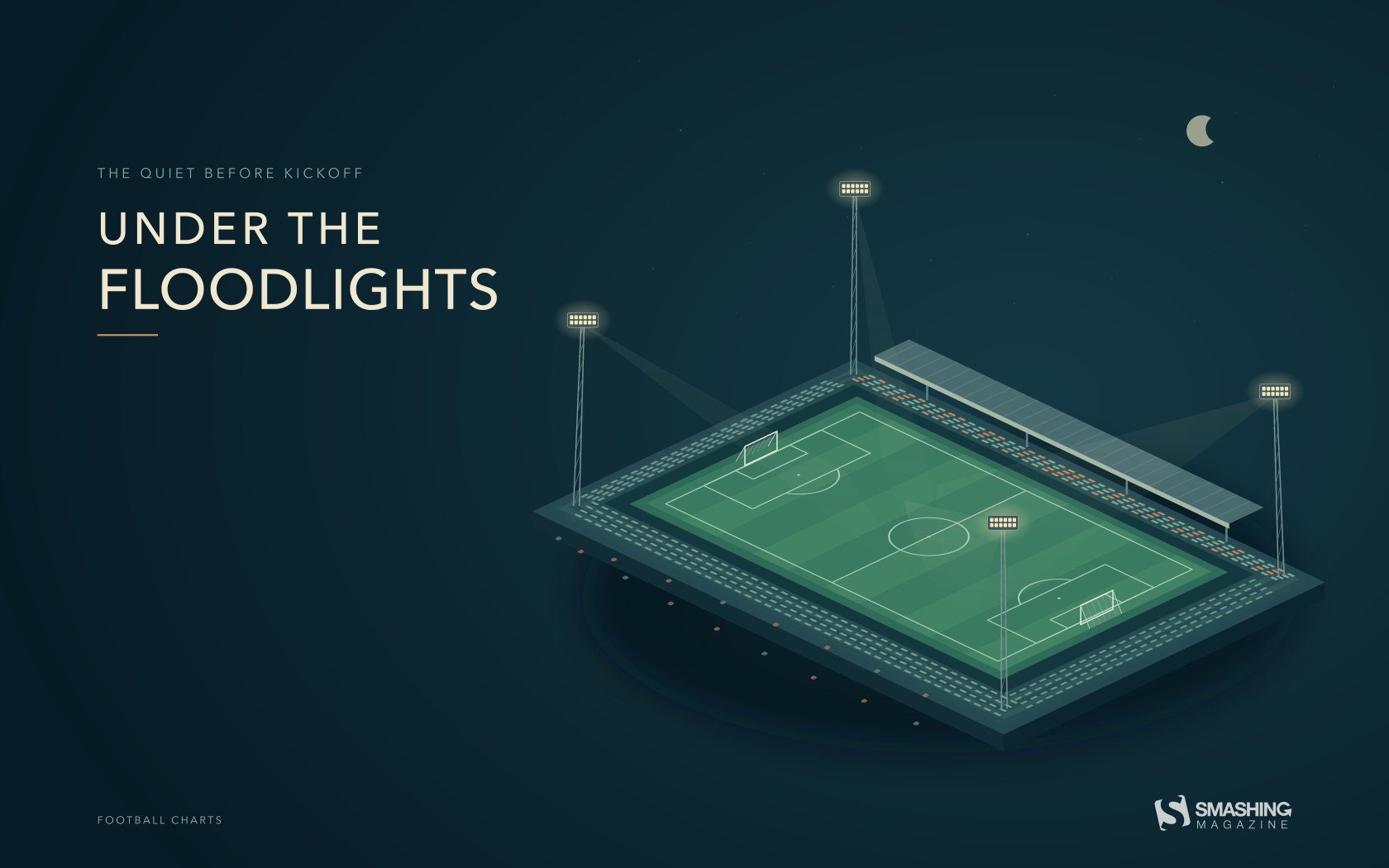
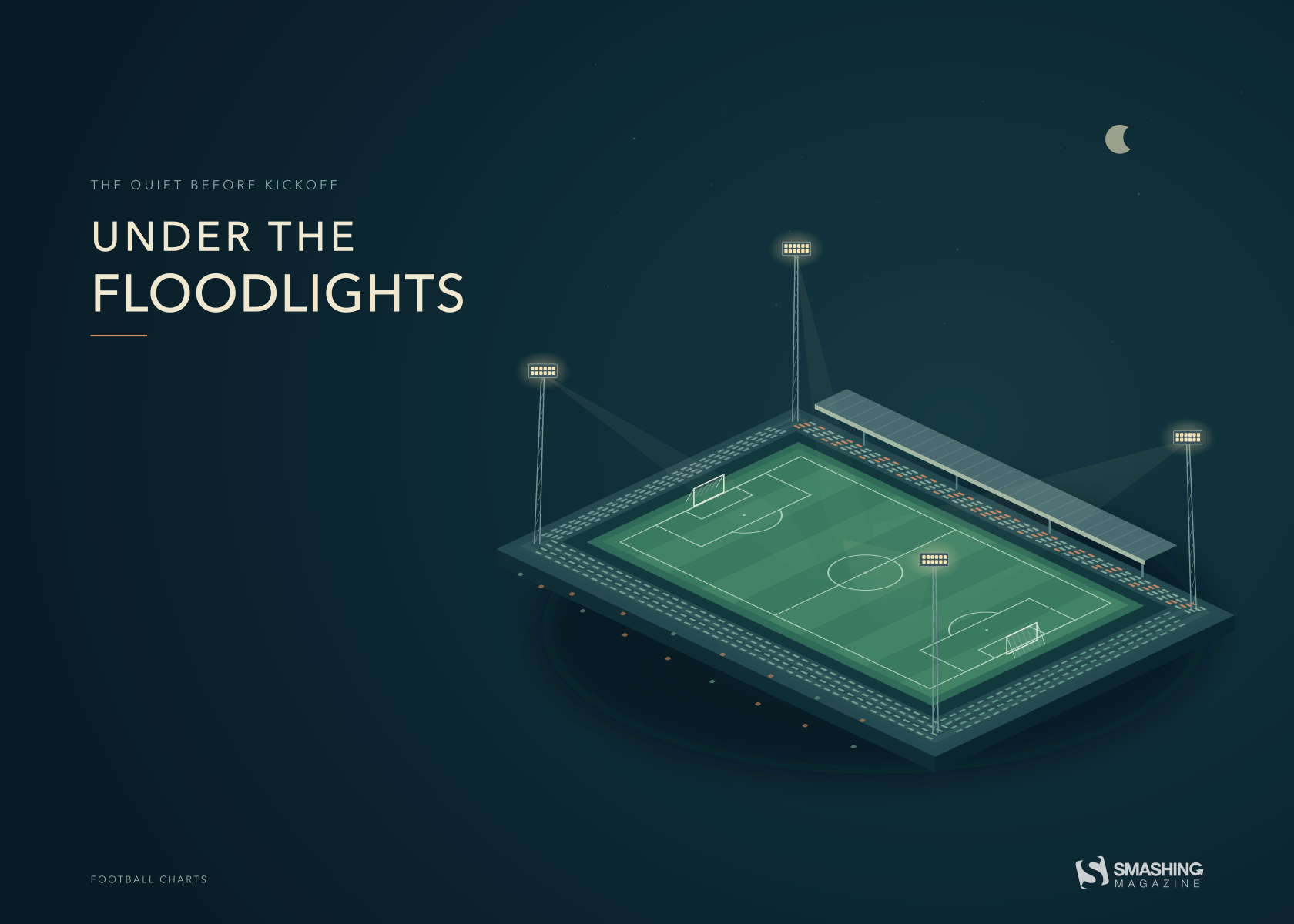
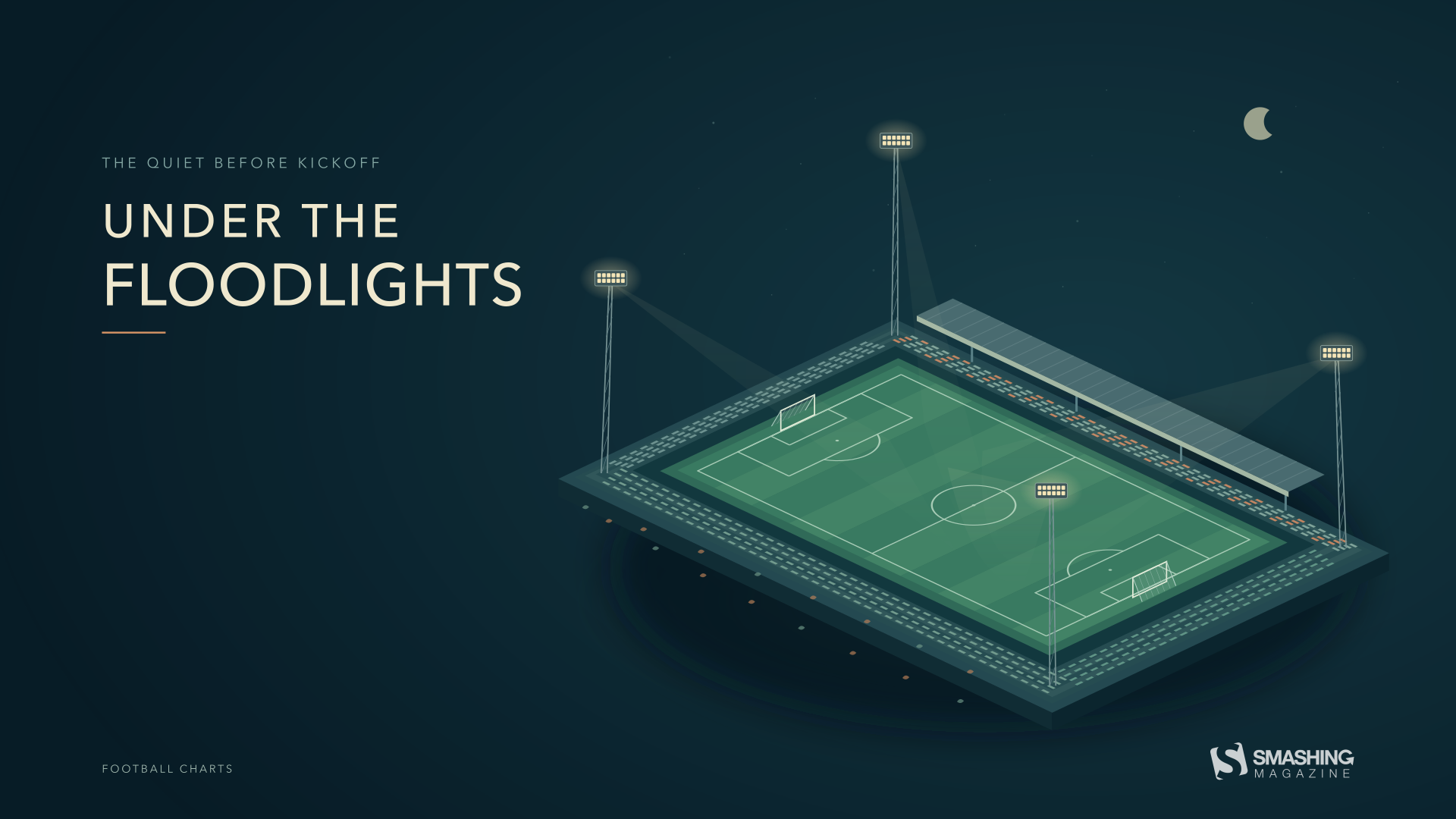
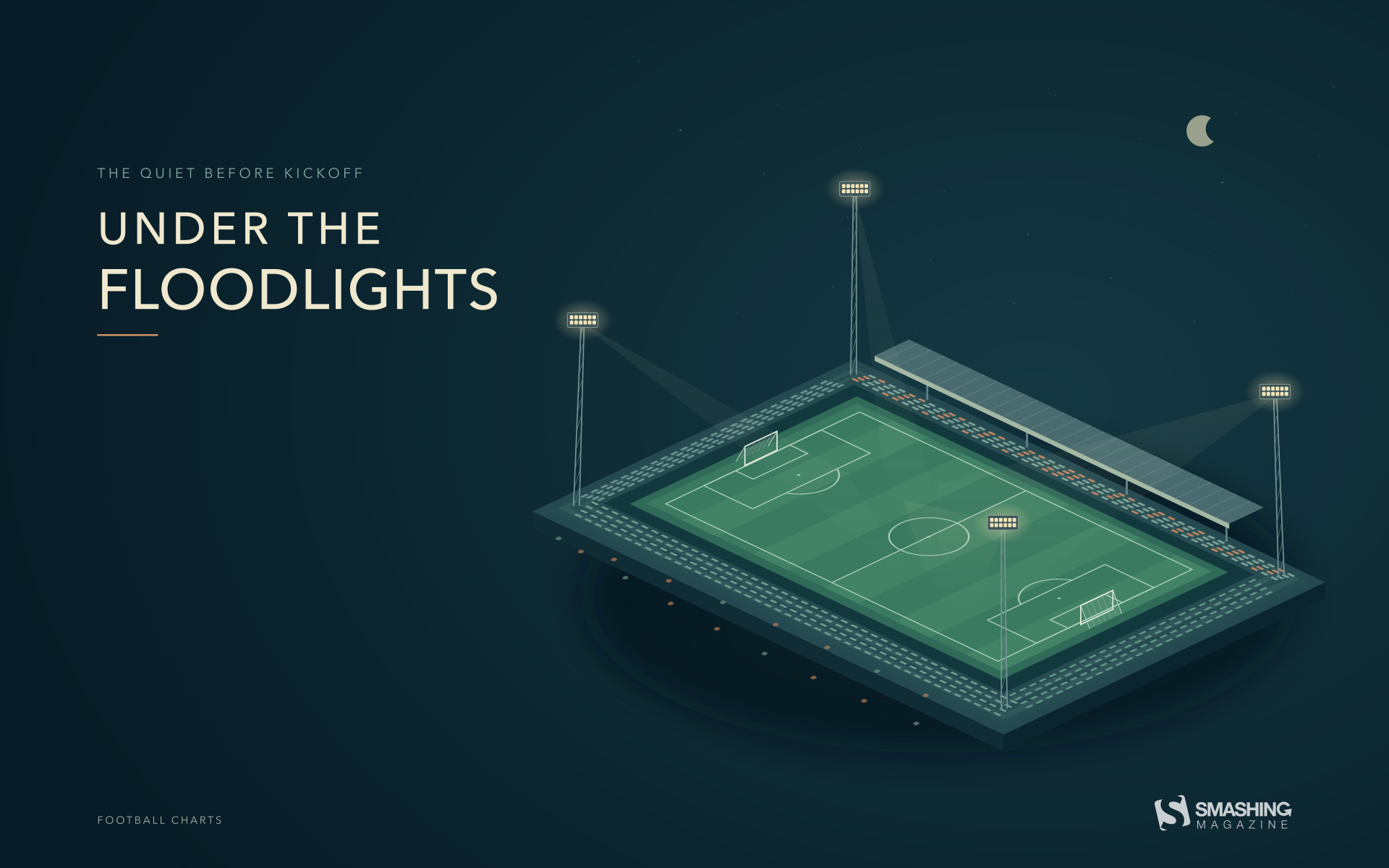
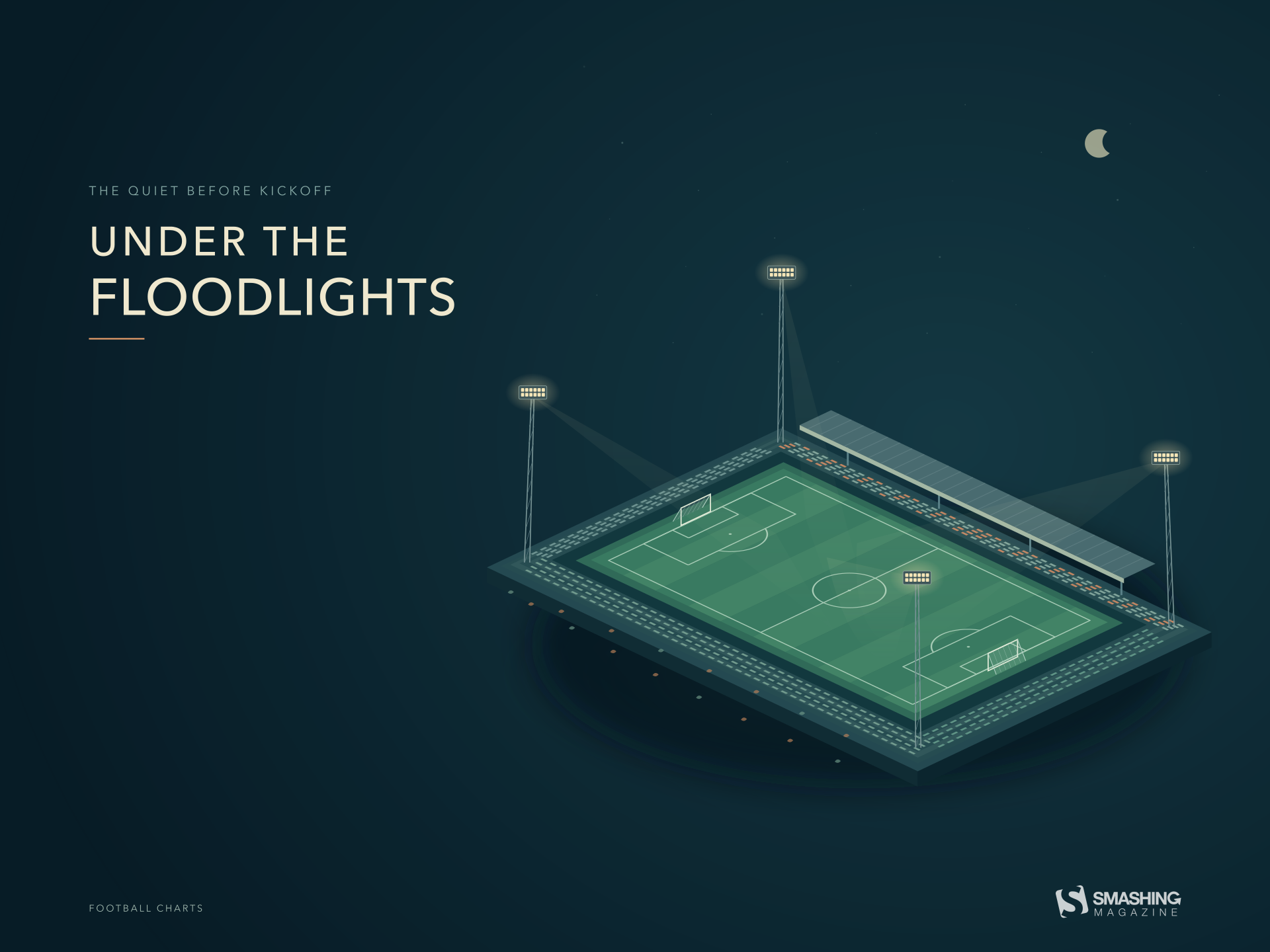
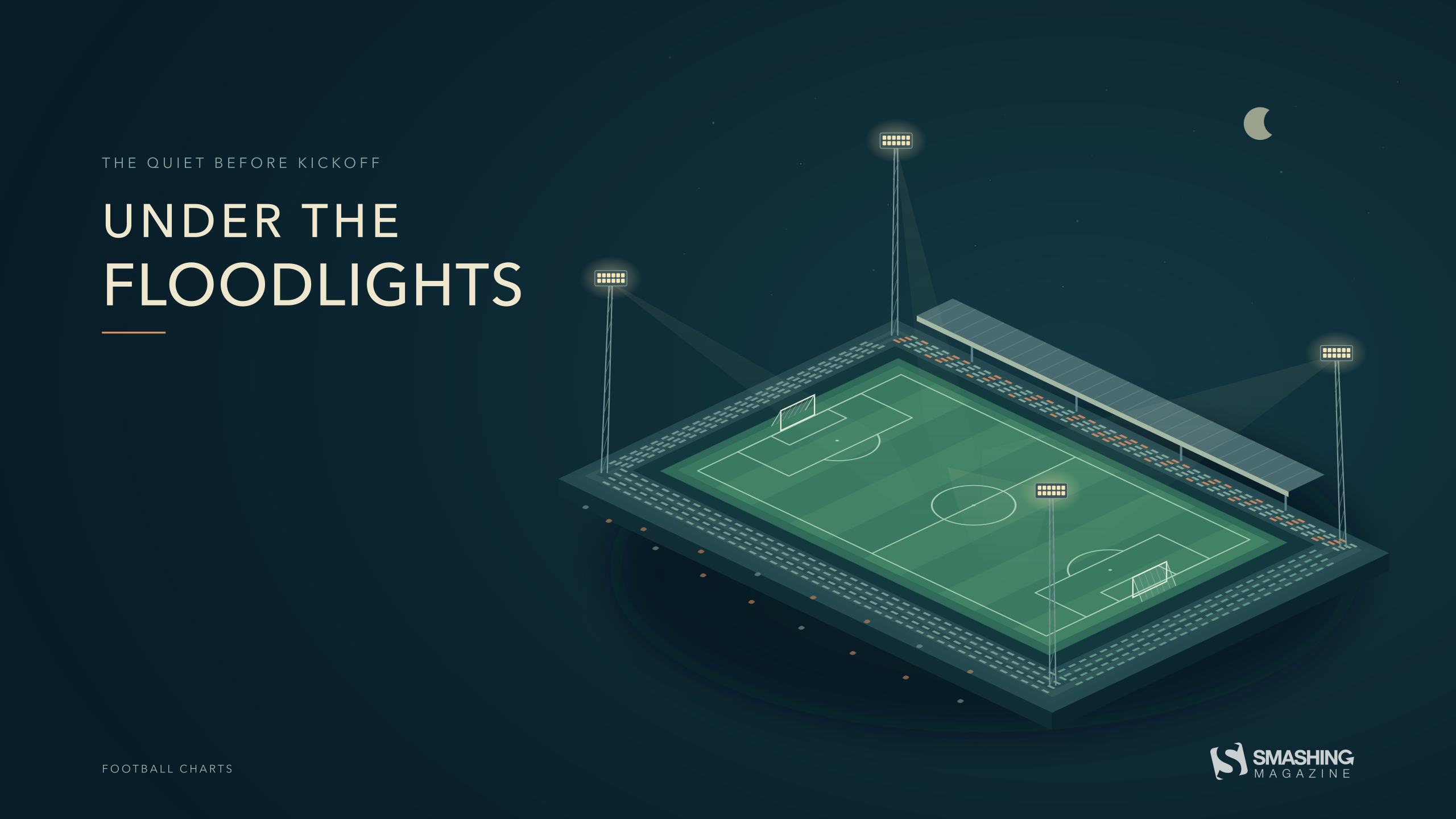
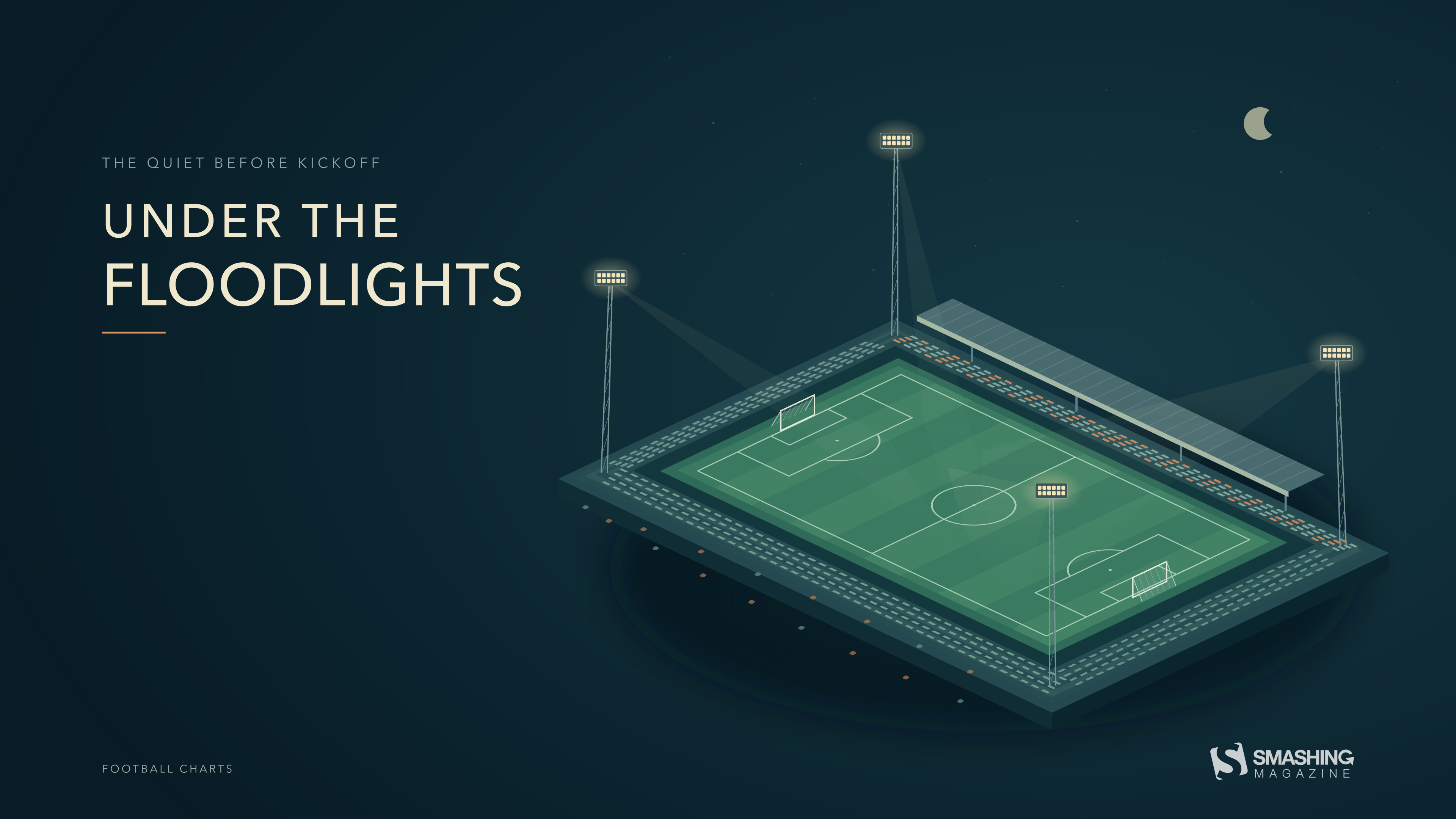
“October football begins under the lights. This geometric illustration captures the quiet moment before kickoff: an empty pitch, warm floodlights, and a dark autumn sky. A few fallen leaves hint at the season, while the open composition leaves room for the everyday things on your desktop.” — Designed by Football Charts from Serbia.
- preview
- with calendar: 320x480, 640x480, 800x480, 800x600, 1024x768, 1024x1024, 1152x864, 1280x720, 1280x800, 1280x960, 1280x1024, 1366x768, 1400x1050, 1440x900, 1600x1200, 1680x1050, 1680x1200, 1920x1080, 1920x1200, 1920x1440, 2560x1440, 3840x2160
- without calendar: 320x480, 640x480, 800x480, 800x600, 1024x768, 1024x1024, 1152x864, 1280x720, 1280x800, 1280x960, 1280x1024, 1366x768, 1400x1050, 1440x900, 1600x1200, 1680x1050, 1680x1200, 1920x1080, 1920x1200, 1920x1440, 2560x1440, 3840x2160
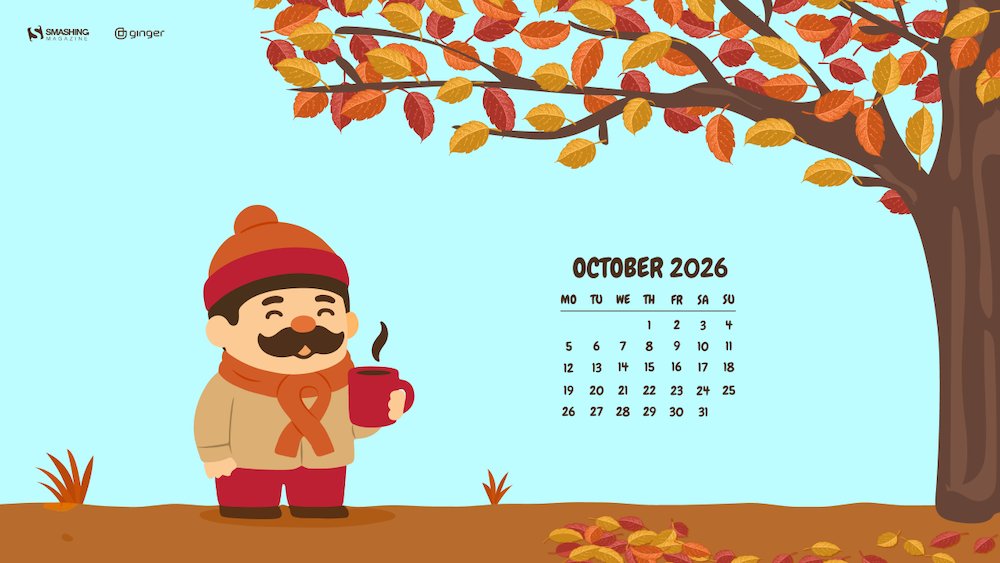
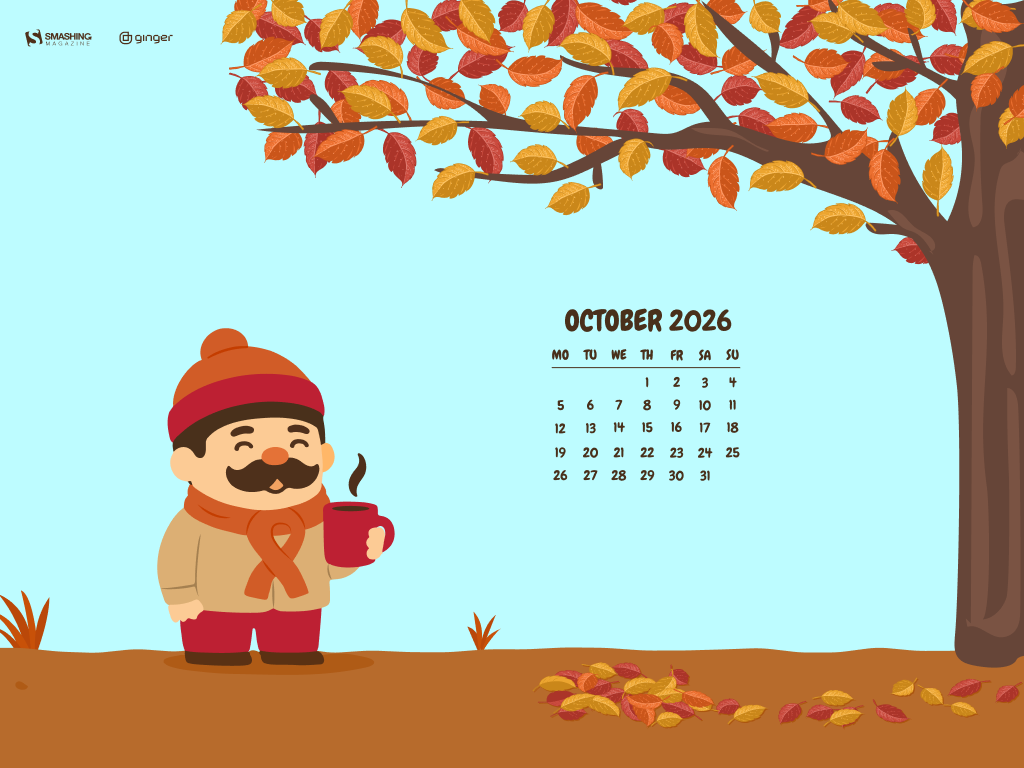
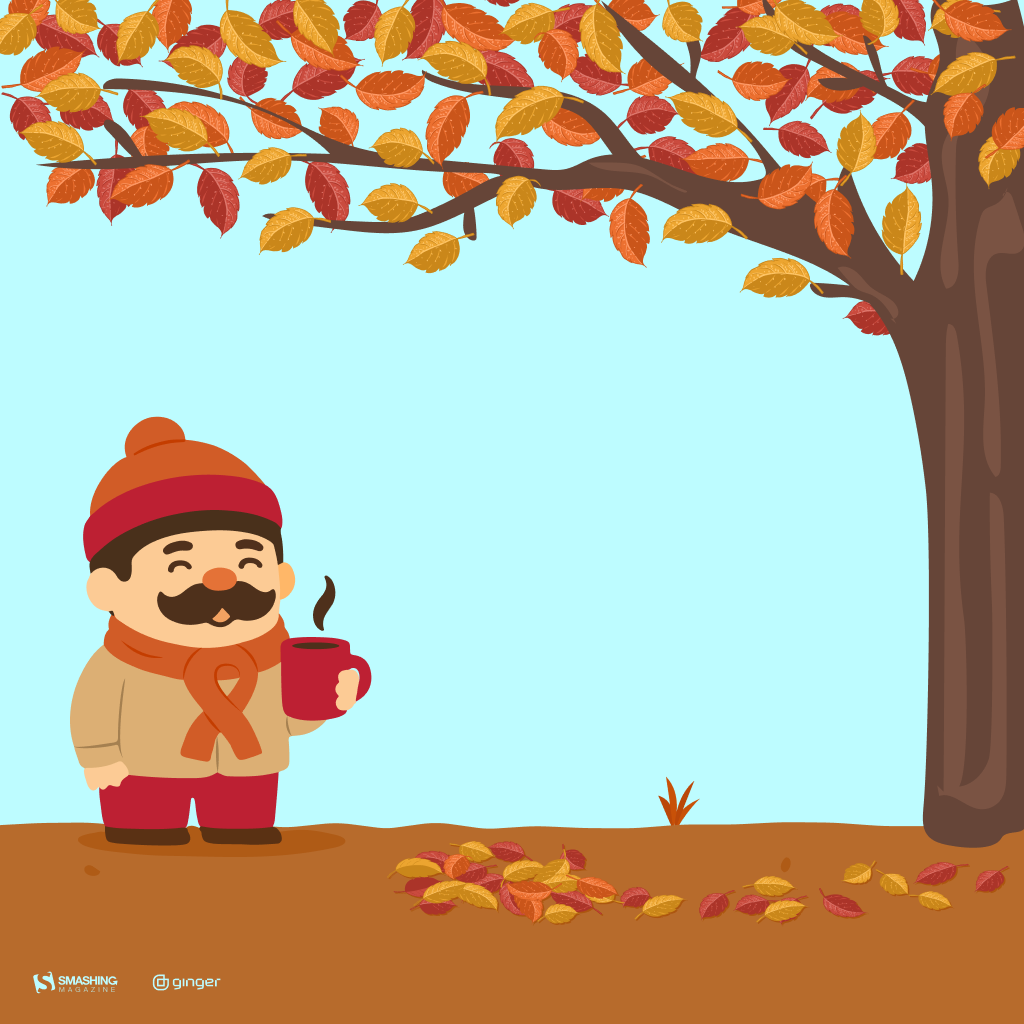
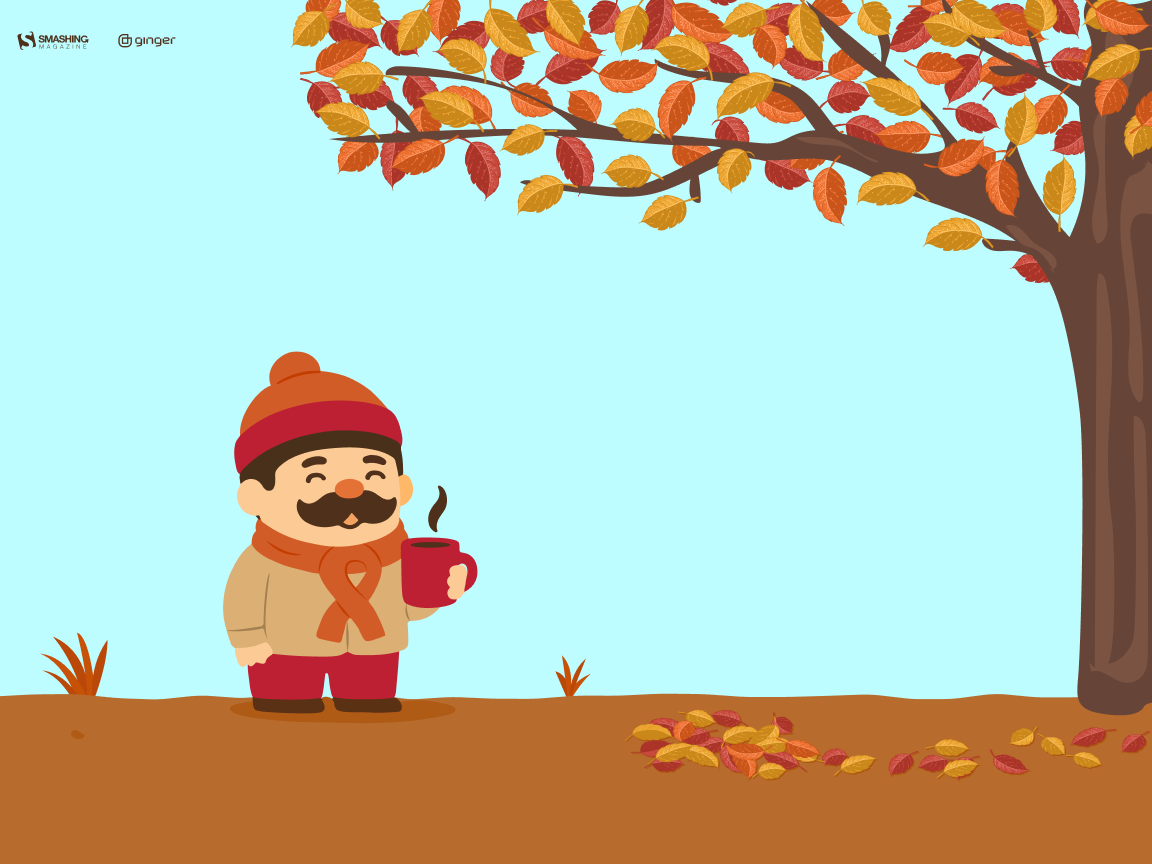
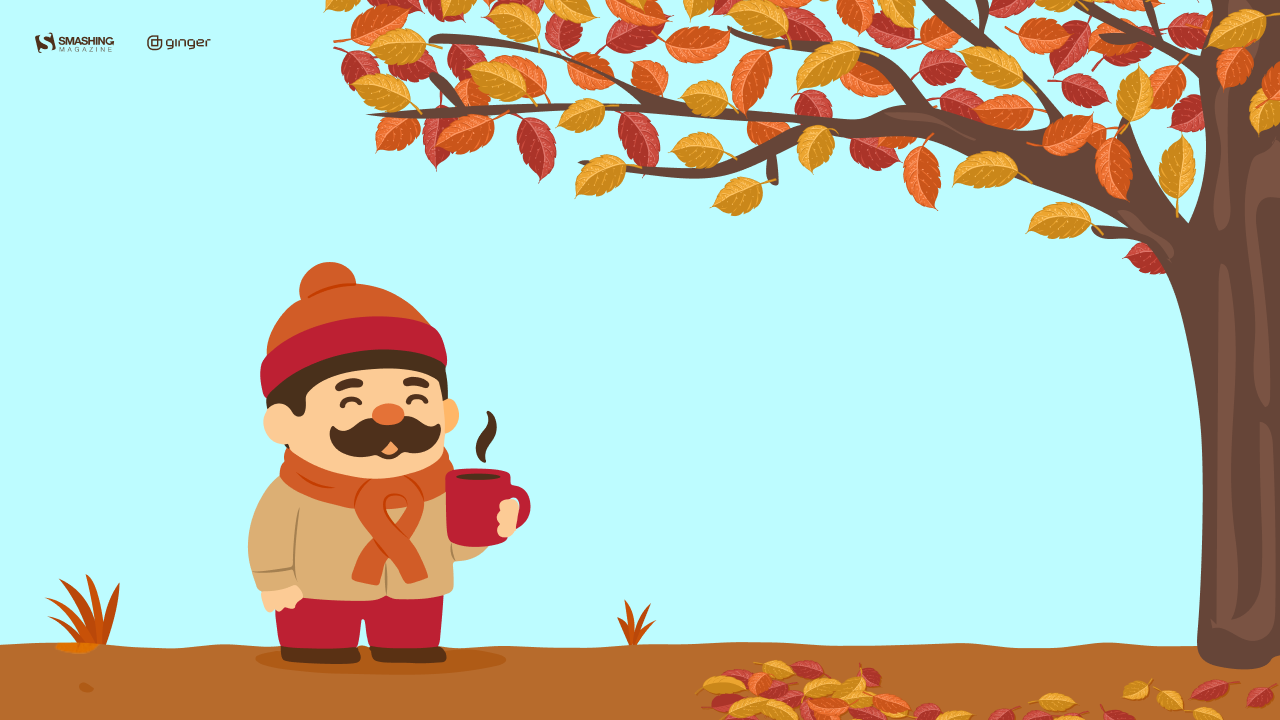
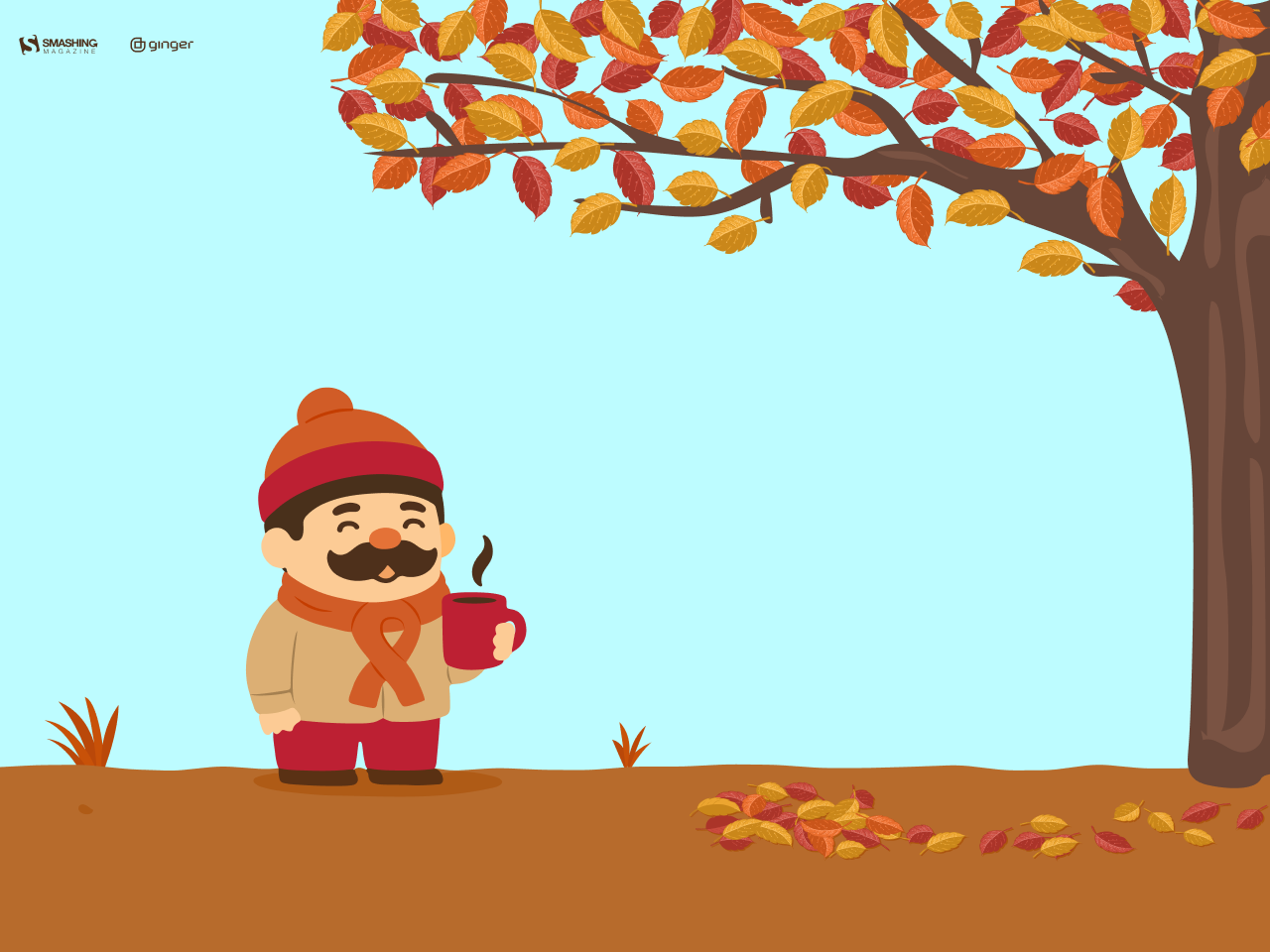
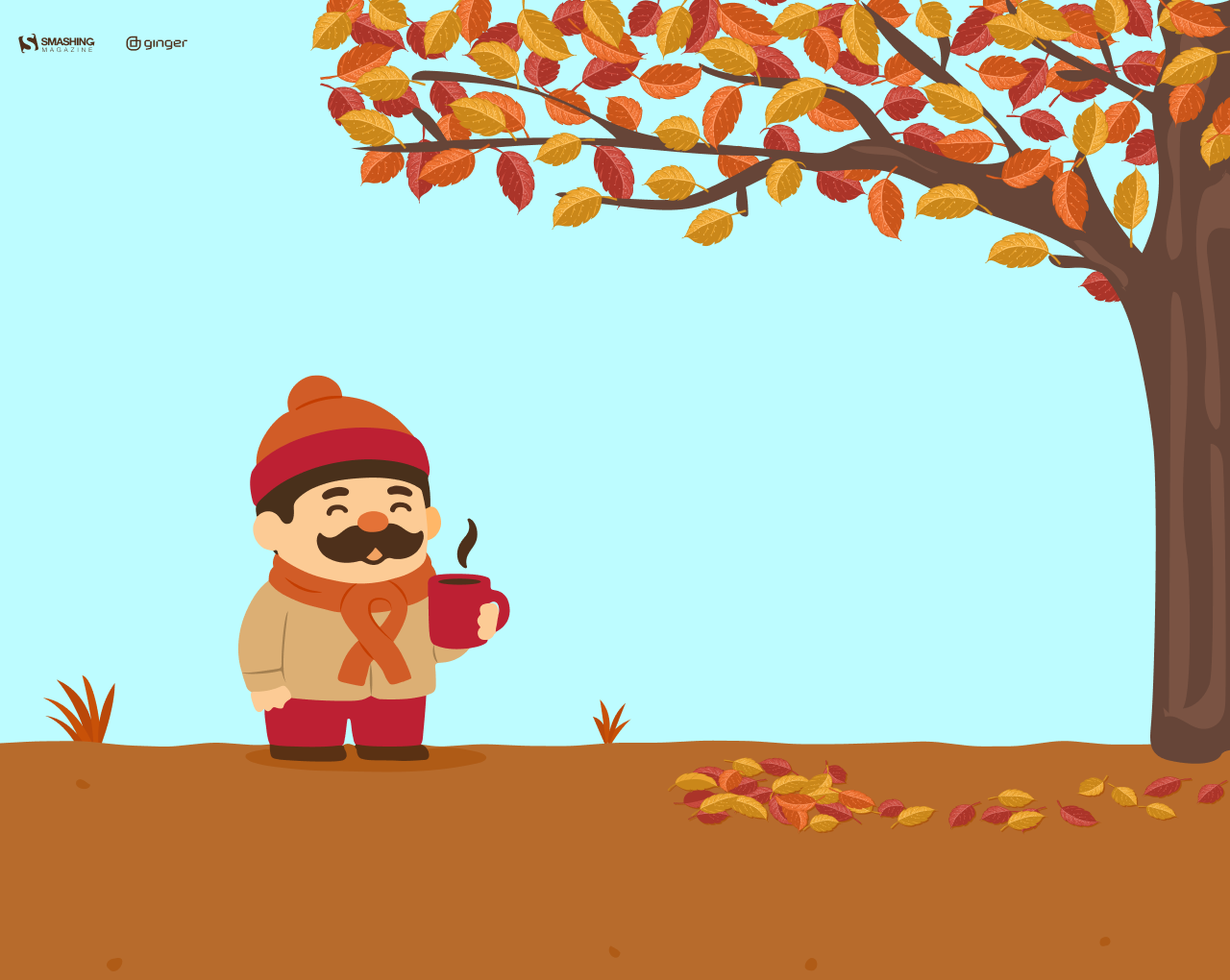
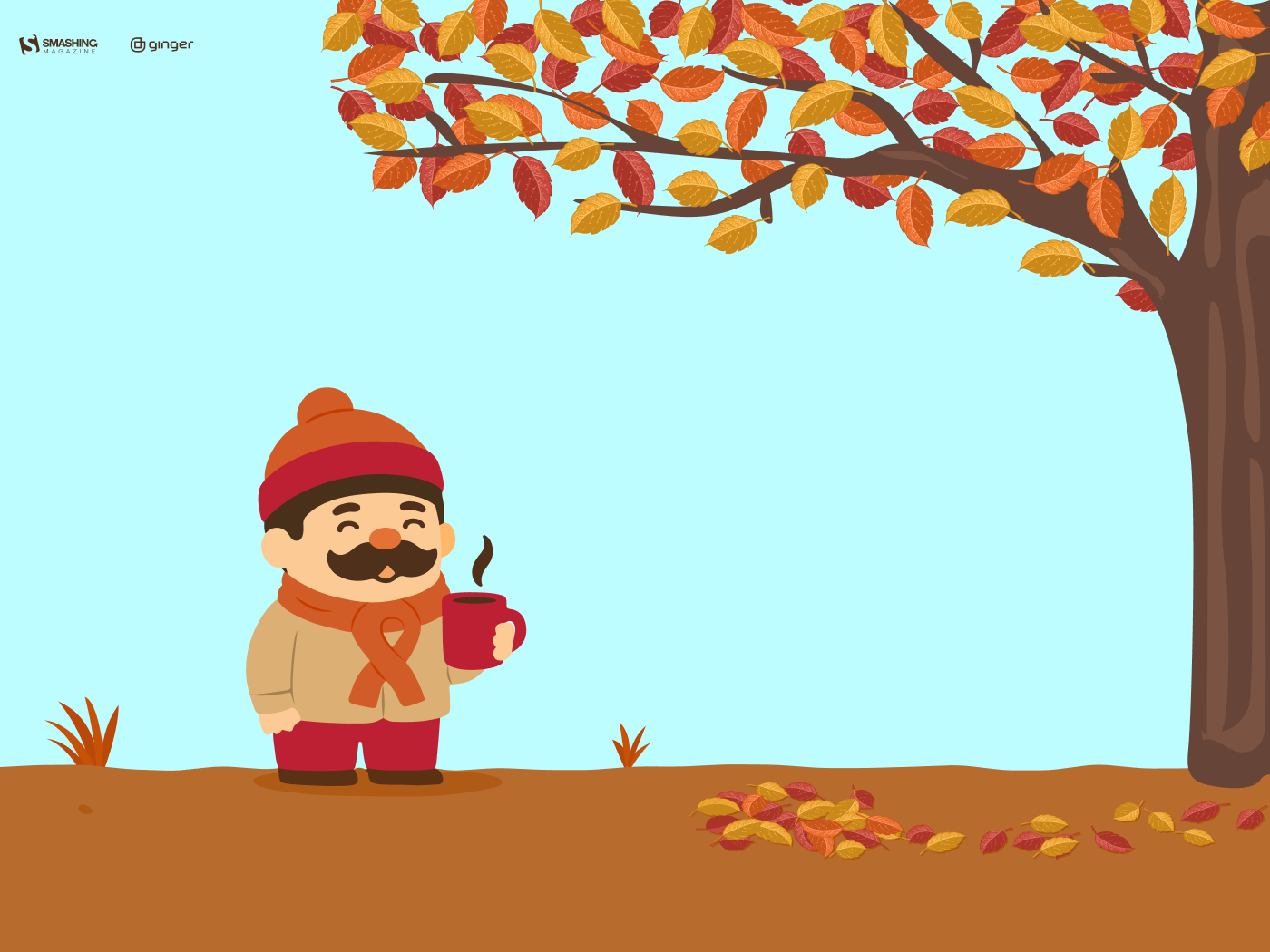
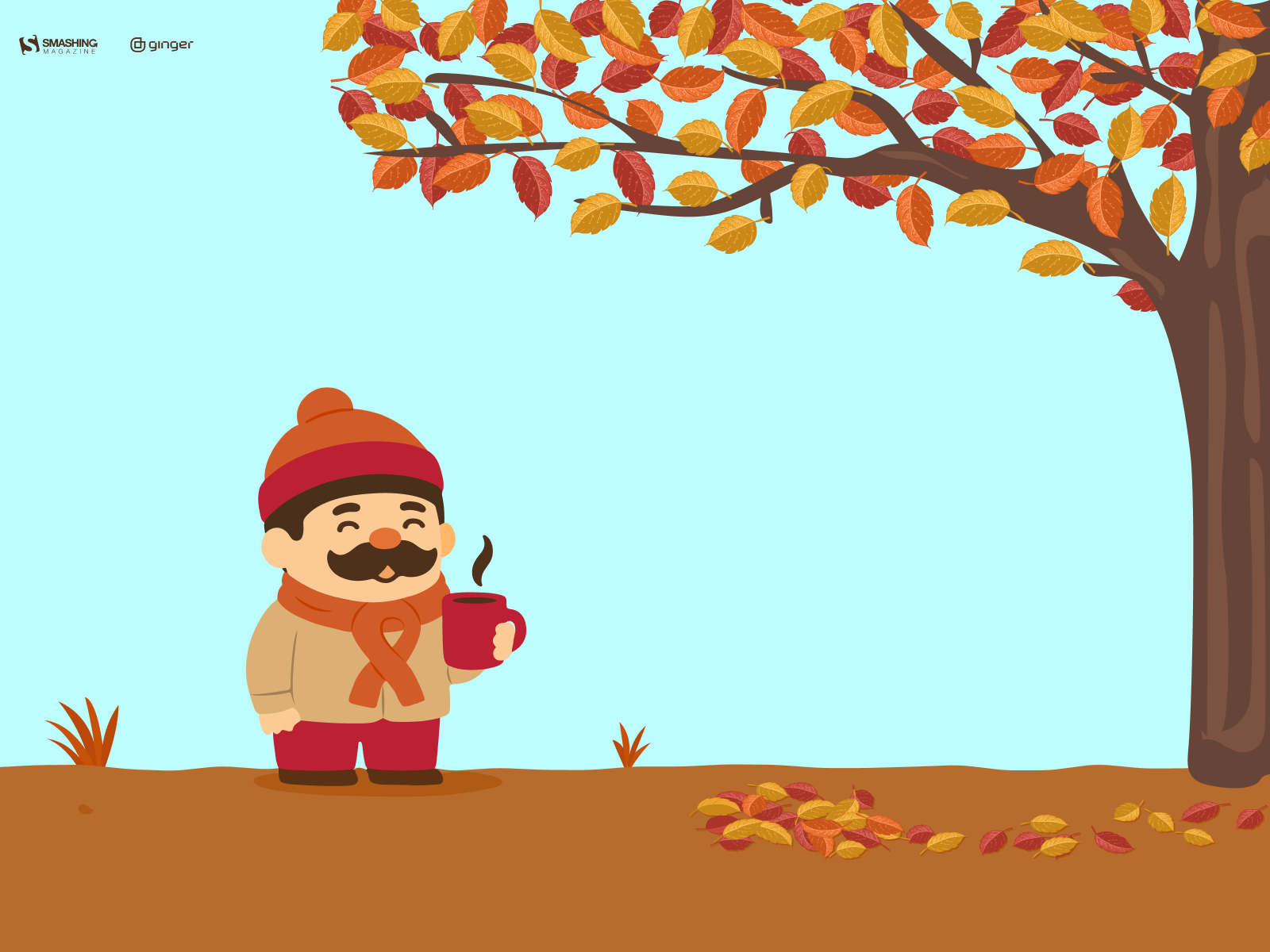
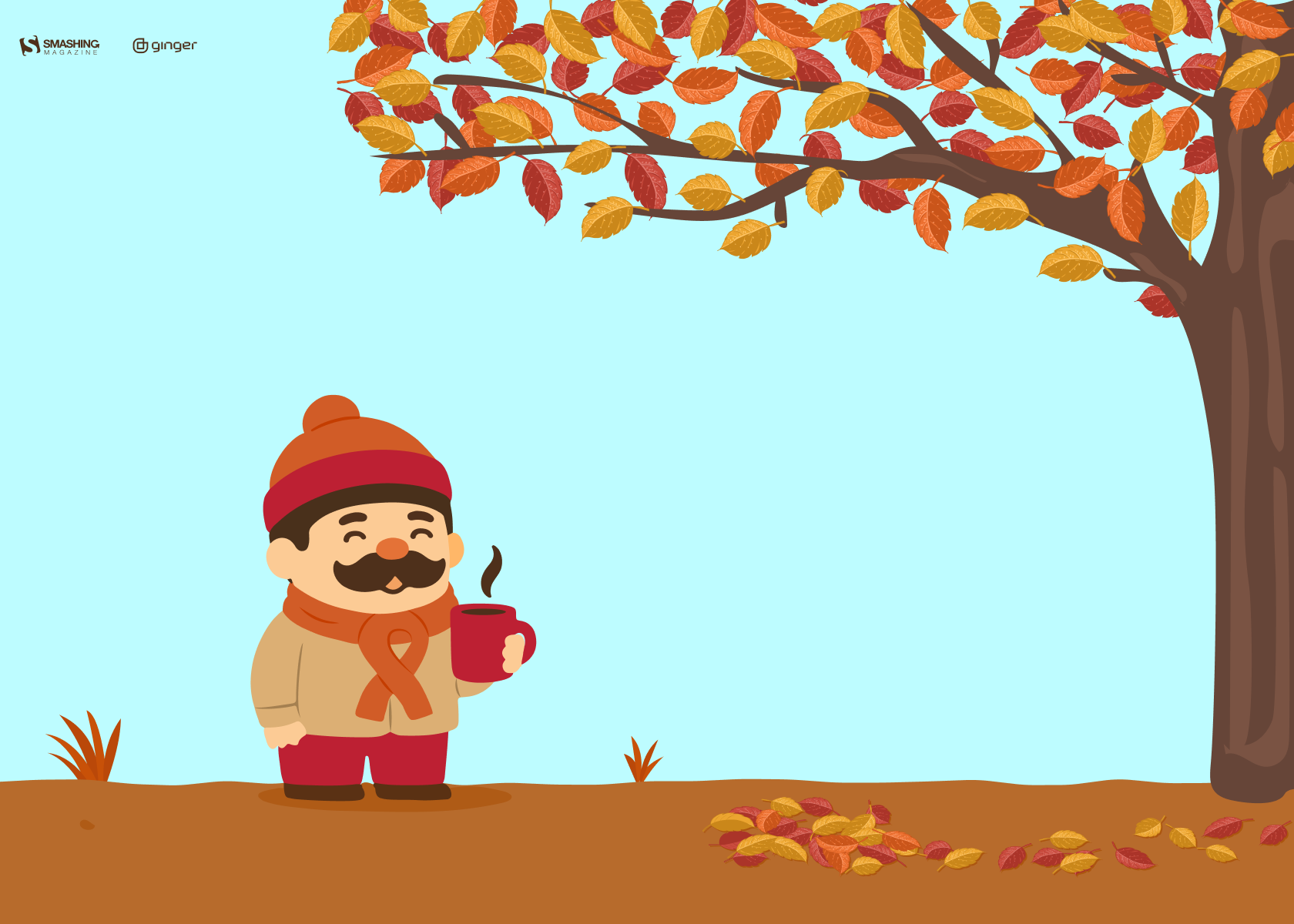
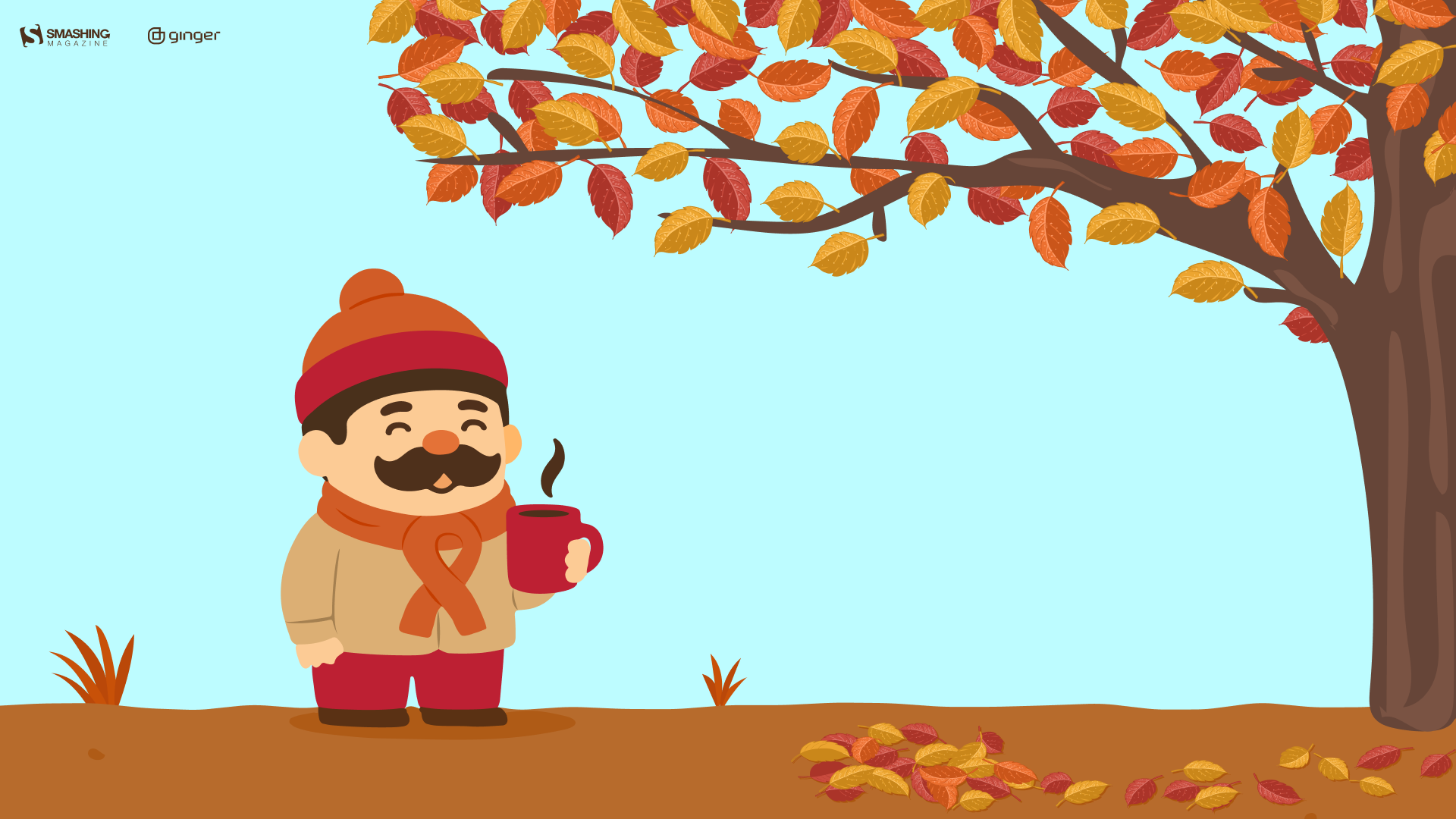
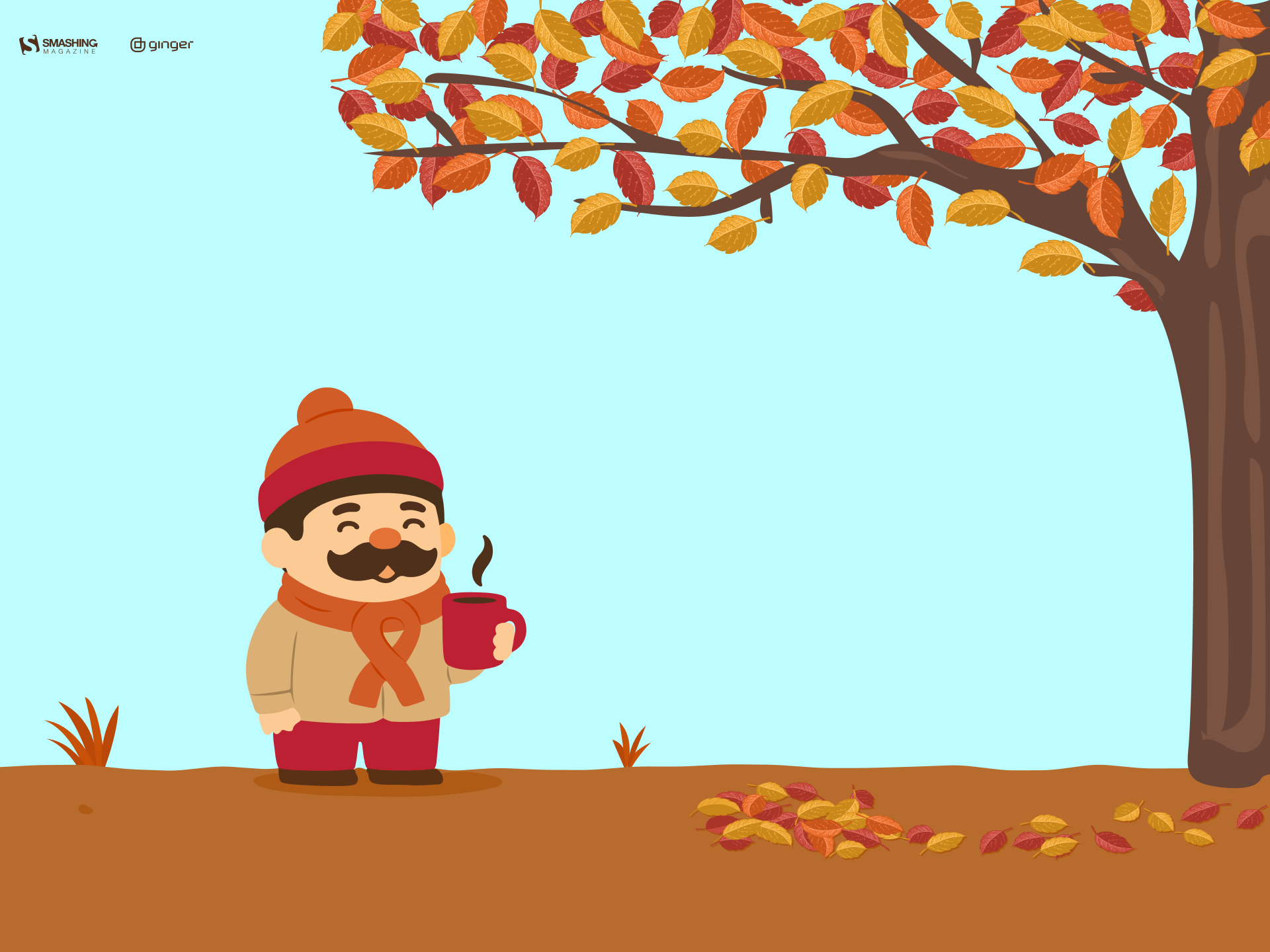
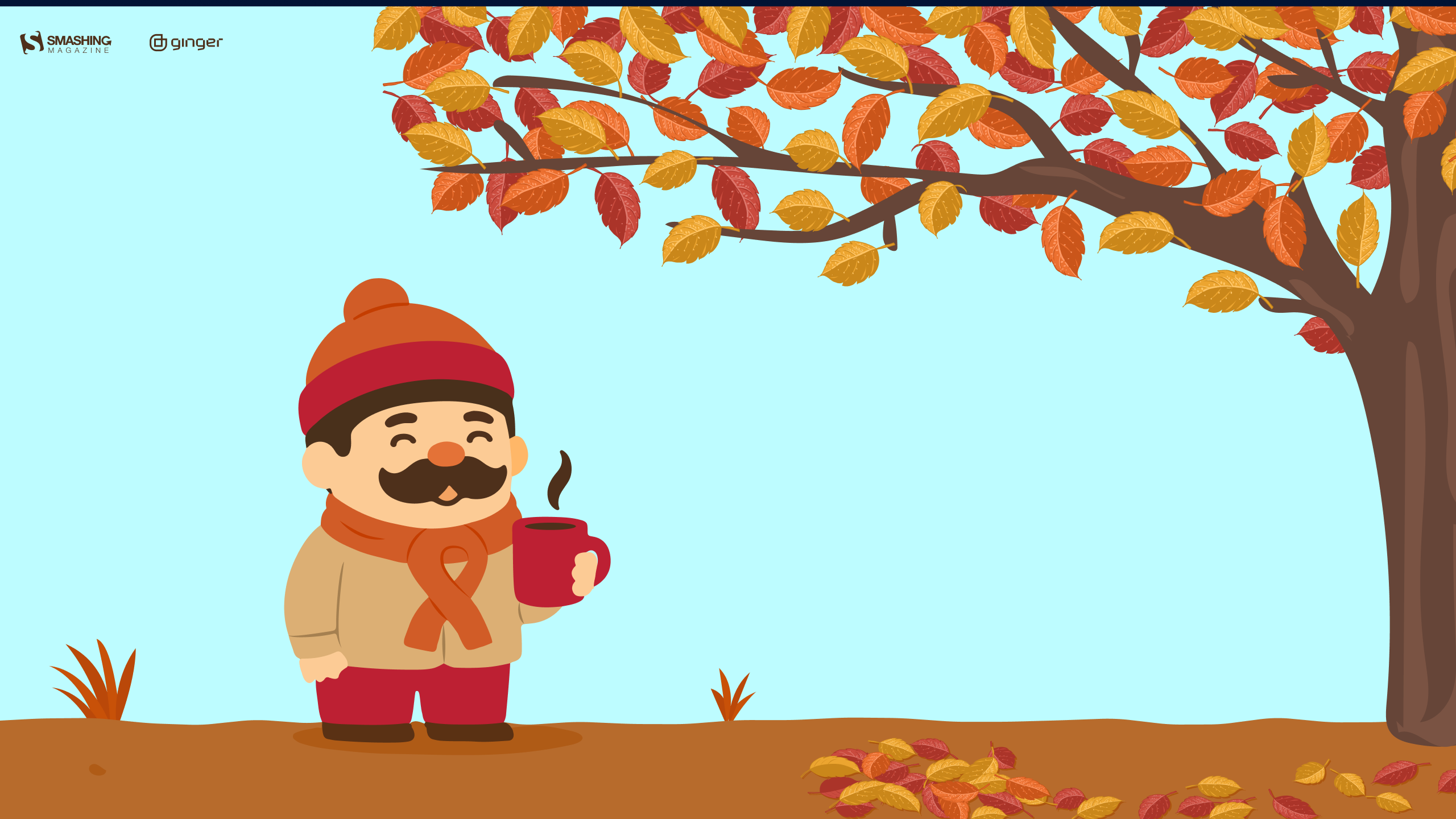
“October is here, which means colder mornings, warmer clothes, and coffee that somehow tastes better outside. A small autumn scene for one of the coziest months of the year.” — Designed by Ginger IT Solutions from Serbia.
- preview
- with calendar: 320x480, 640x480, 800x480, 800x600, 1024x768, 1024x1024, 1152x864, 1280x720, 1280x800, 1280x960, 1280x1024, 1400x1050, 1440x900, 1600x1200, 1680x1050, 1680x1200, 1920x1080, 1920x1200, 1920x1440, 2560x1440
- without calendar: 320x480, 640x480, 800x480, 800x600, 1024x768, 1024x1024, 1152x864, 1280x720, 1280x800, 1280x960, 1280x1024, 1400x1050, 1440x900, 1600x1200, 1680x1050, 1680x1200, 1920x1080, 1920x1200, 1920x1440, 2560x1440
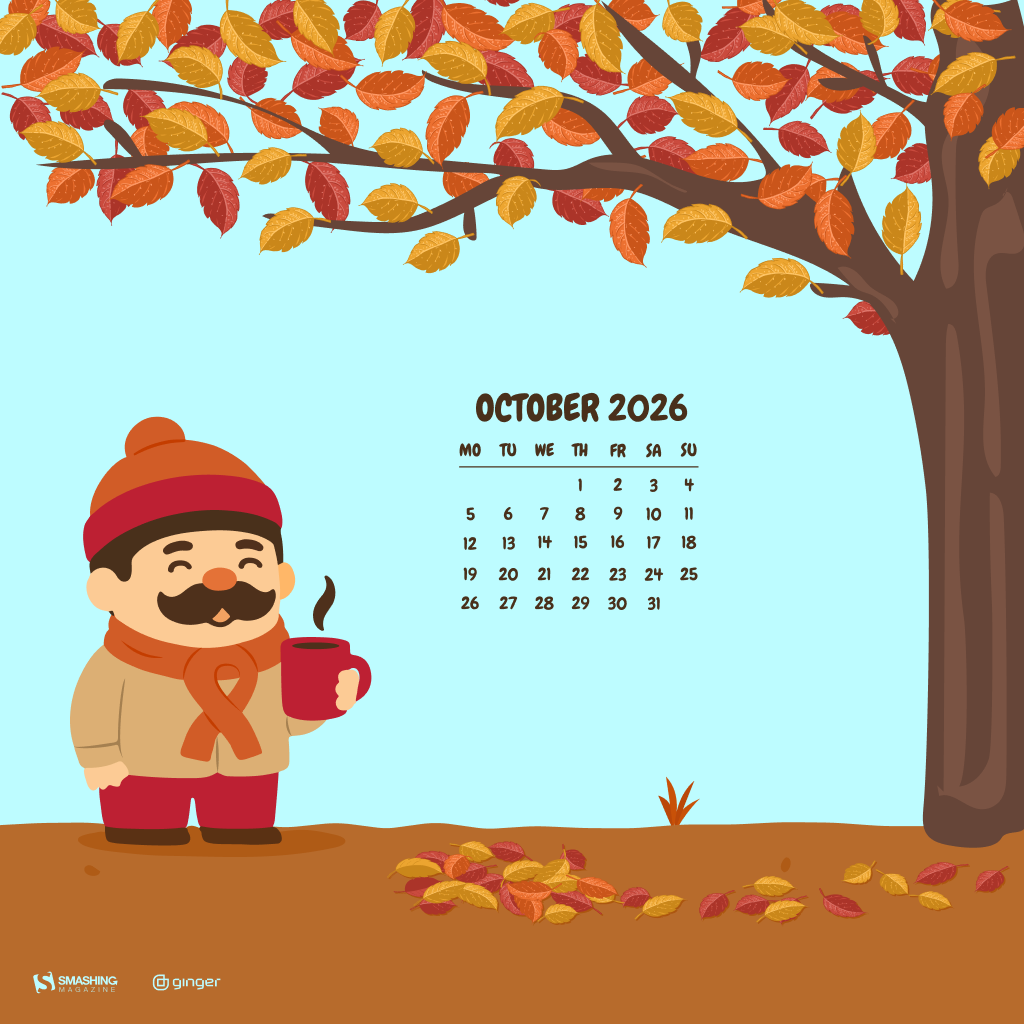
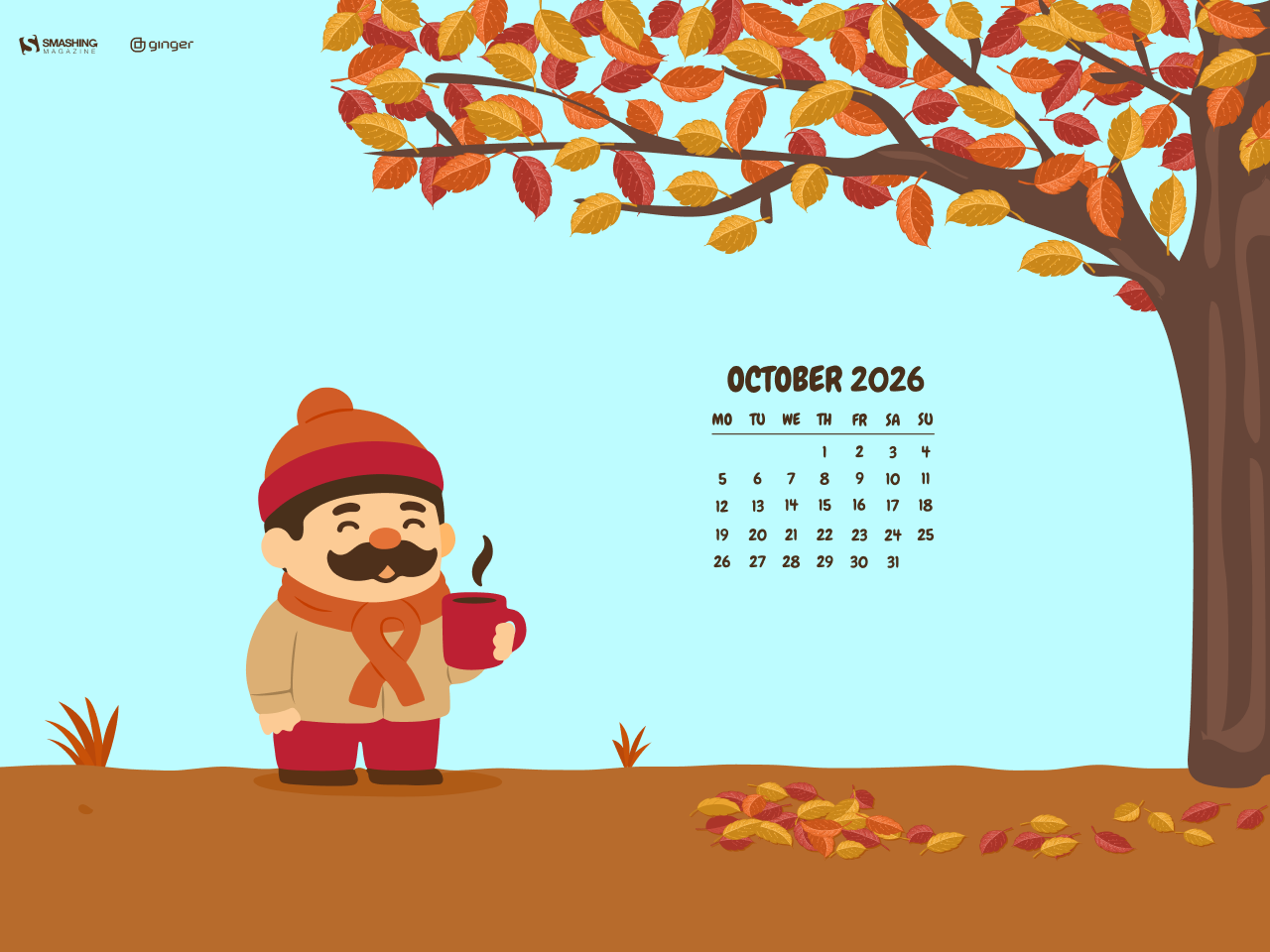
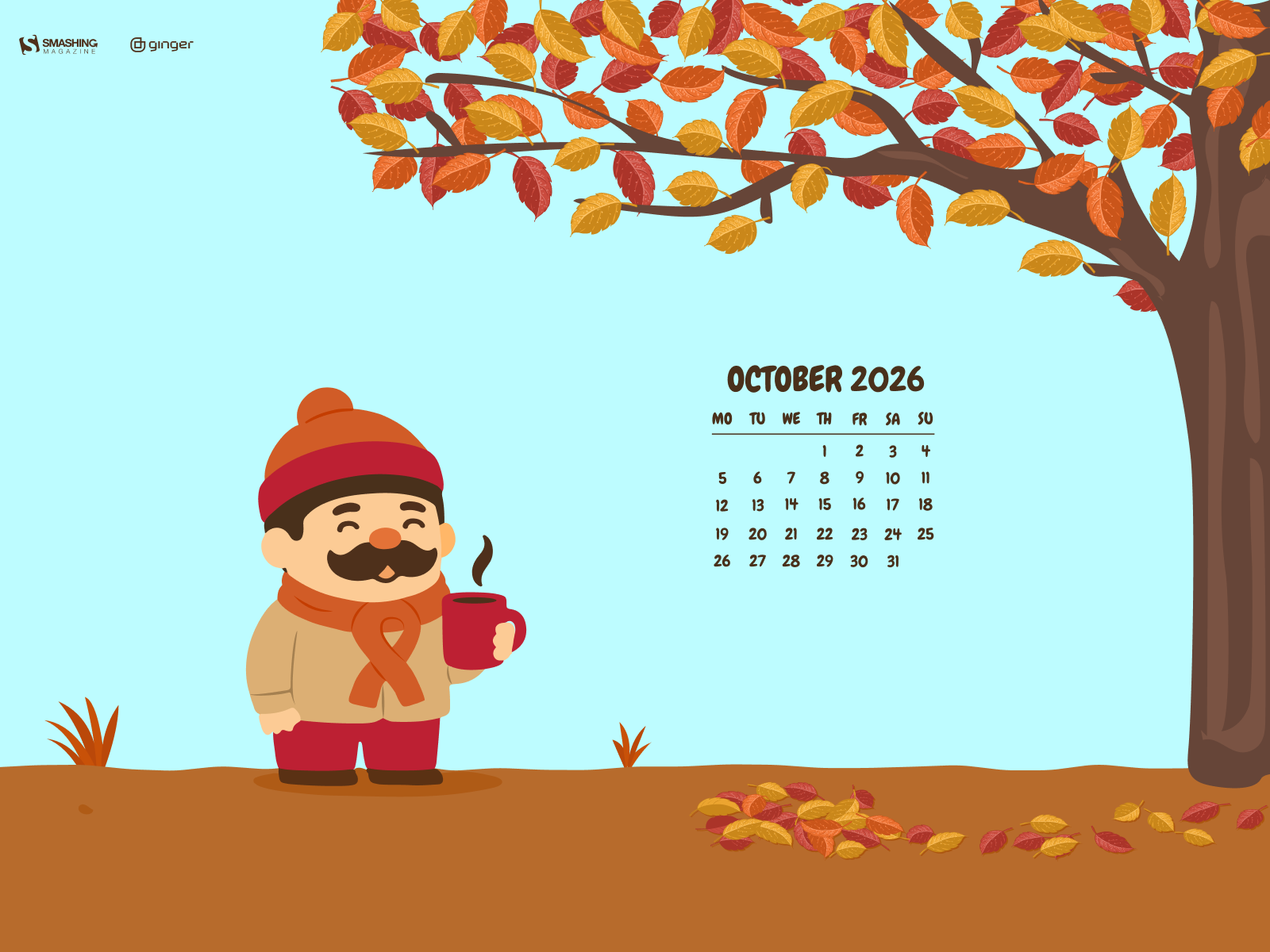
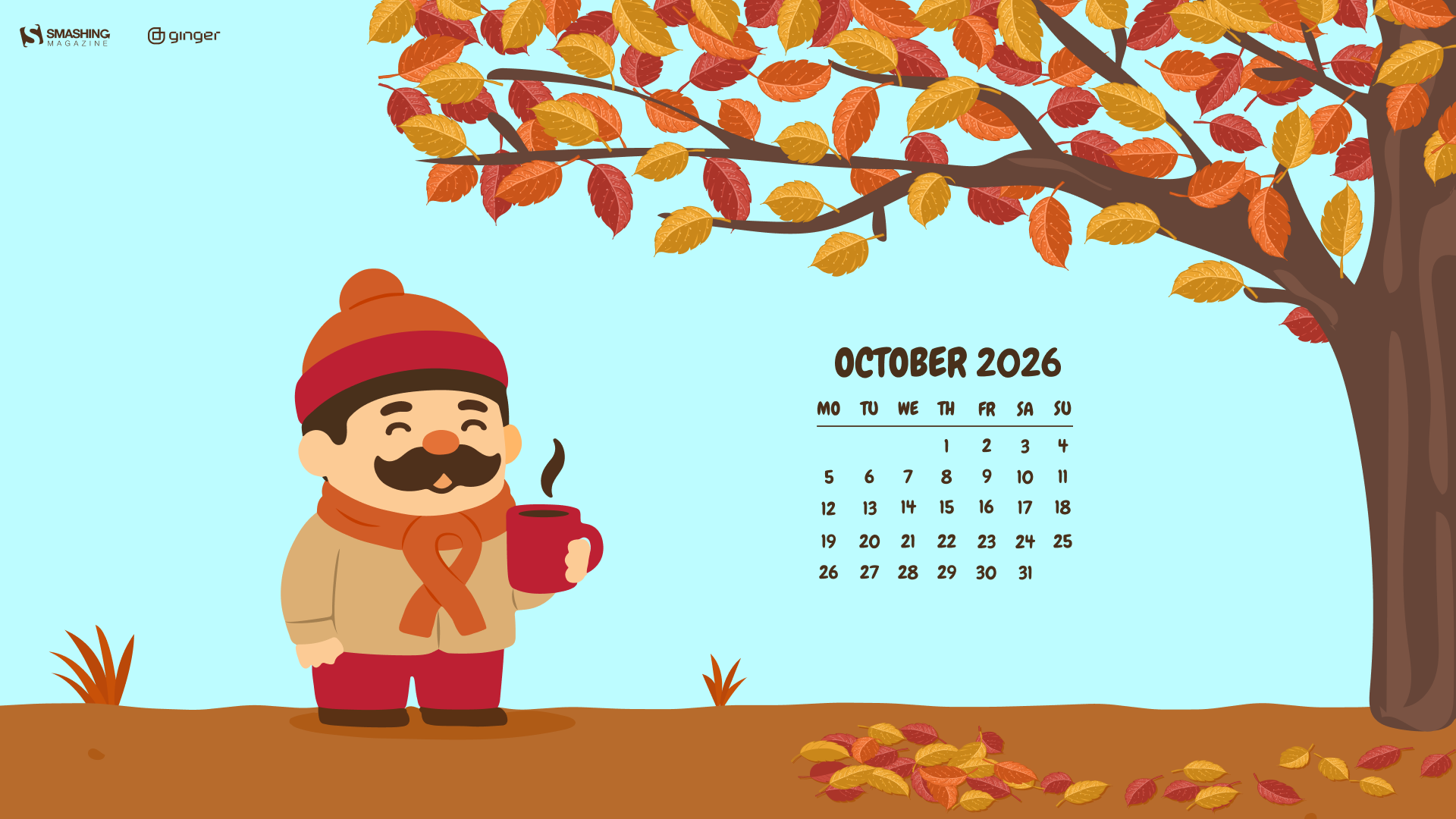
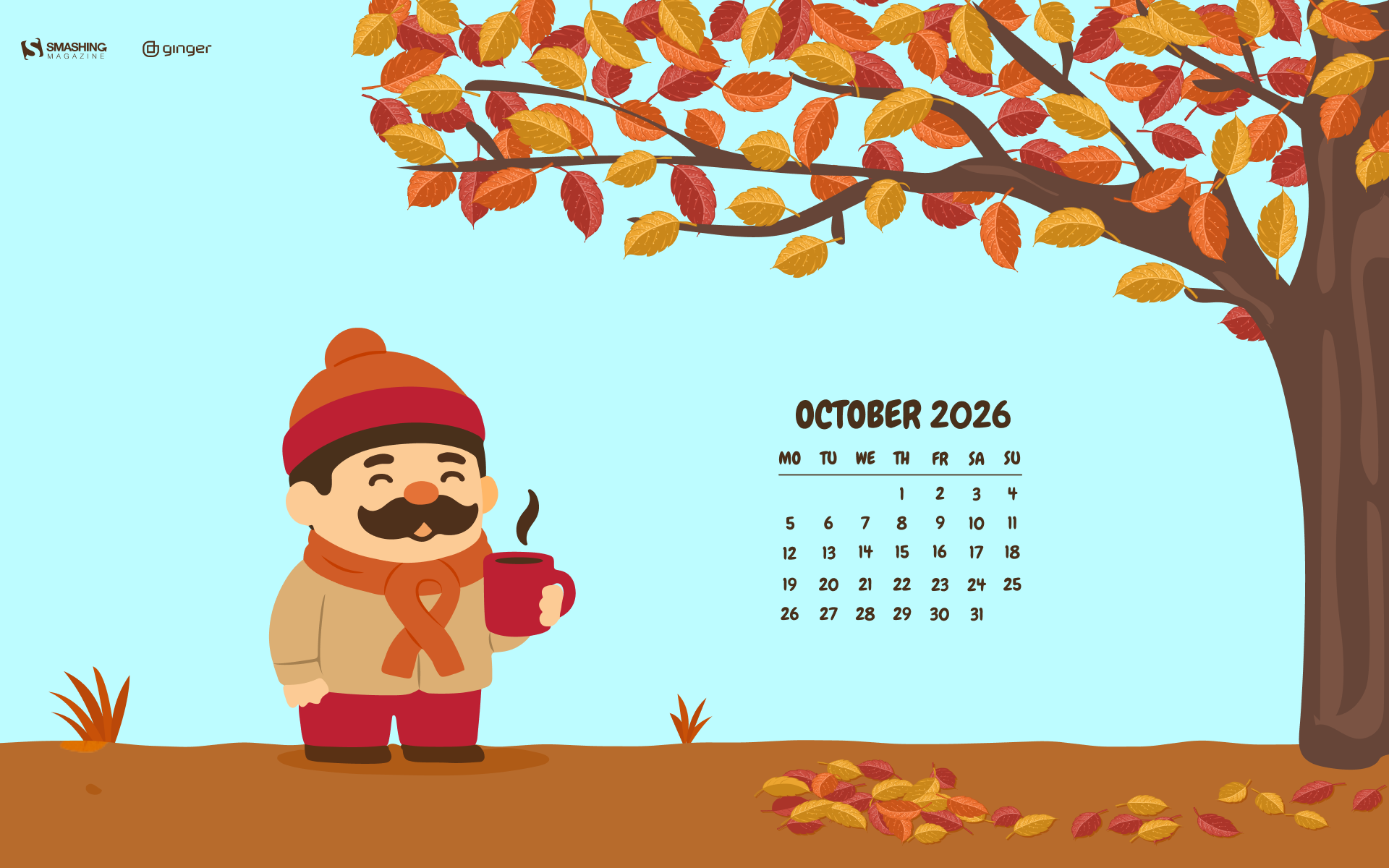
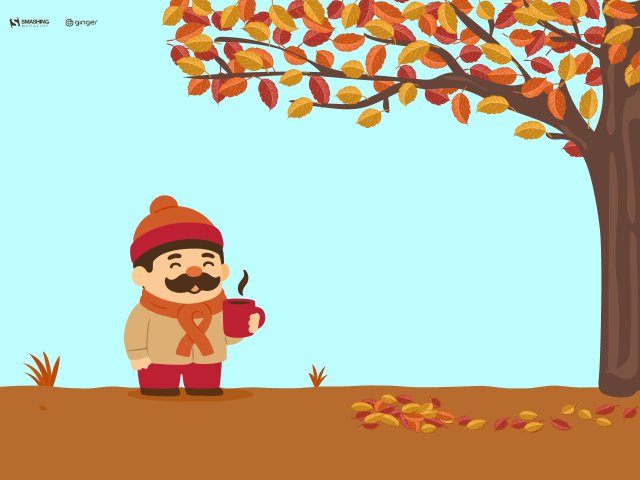
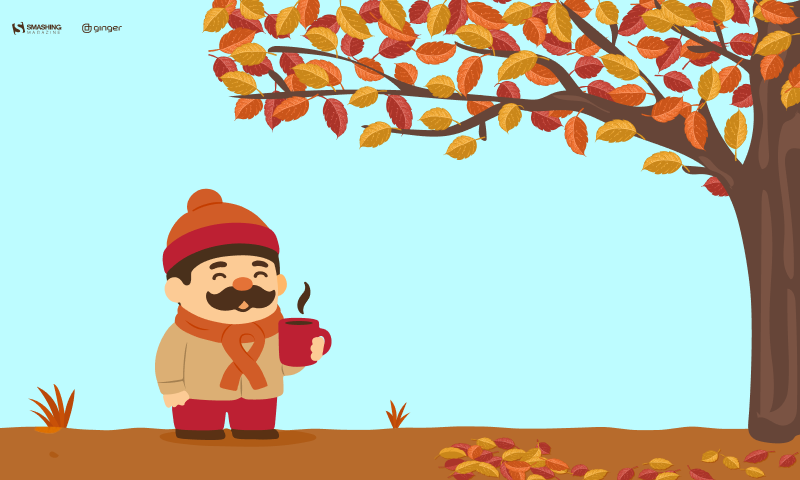
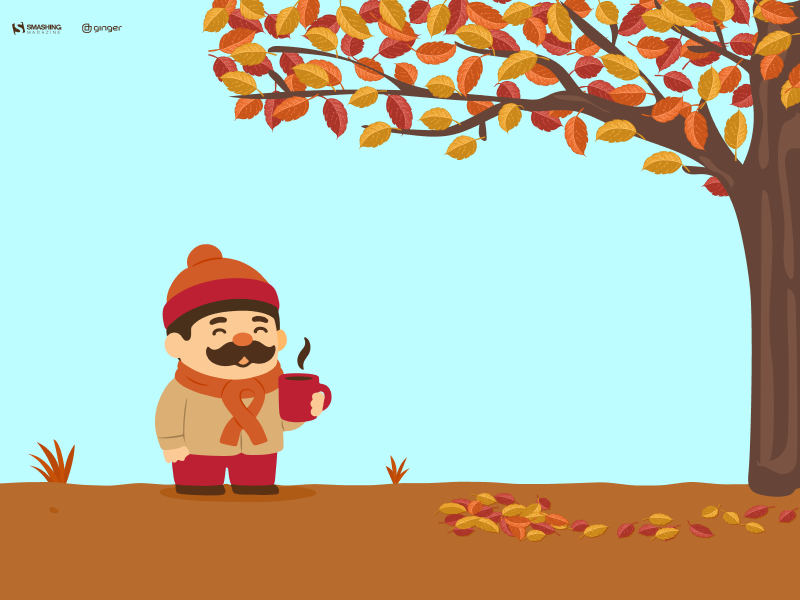
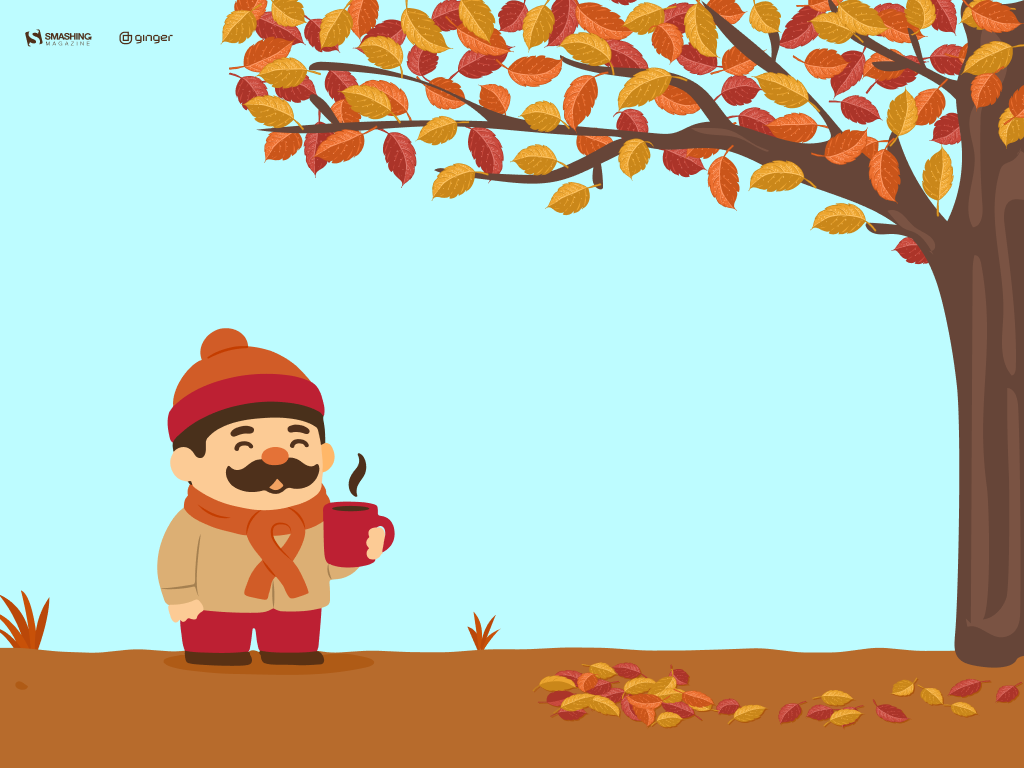




Designed by Libra Fire from Serbia.

- preview
- without calendar: 320x480, 640x480, 800x480, 800x600, 1024x768, 1024x1024, 1152x864, 1280x720, 1280x800, 1280x960, 1280x1024, 1400x1050, 1440x900, 1600x1200, 1680x1050, 1680x1200, 1920x1080, 1920x1200, 1920x1440, 2560x1440





















“‘I’m so glad I live in a world where there are Octobers.’ (L.M. Montgomery, Anne of Green Gables)” — Designed by Lívi Lénárt from Hungary.

- preview
- without calendar: 320x480, 640x480, 1024x768, 1024x1024, 1280x1024, 1400x1050, 1680x1200, 1920x1080, 1920x1200, 2560x1440



Designed by Vlad Gerasimov from Georgia.

- preview
- without calendar: 800x480, 800x600, 1024x600, 1024x768, 1152x864, 1280x720, 1280x800, 1280x960, 1280x1024, 1366x768, 1440x900, 1440x960, 1400x1050, 1600x900, 1600x1200, 1680x1050, 1680x1200, 1920x1080, 1920x1200, 1920x1440, 2560x1440, 2560x1600, 2880x1800, 3072x1920, 3840x2160, 5120x2880



“When I was young, I had a bird’s nest not so far from my room window. I watched the birds almost every day, because those swallows always left their nests in October. As a child, I dreamt that they all flew together to a nicer place, where they were not so cold.” — Designed by Eline Claeys from Belgium.

- preview
- without calendar: 1280x1024, 1440x900, 1600x1200, 1680x1050, 1680x1200, 1920x1080, 1920x1200, 1920x1440, 2560x1440



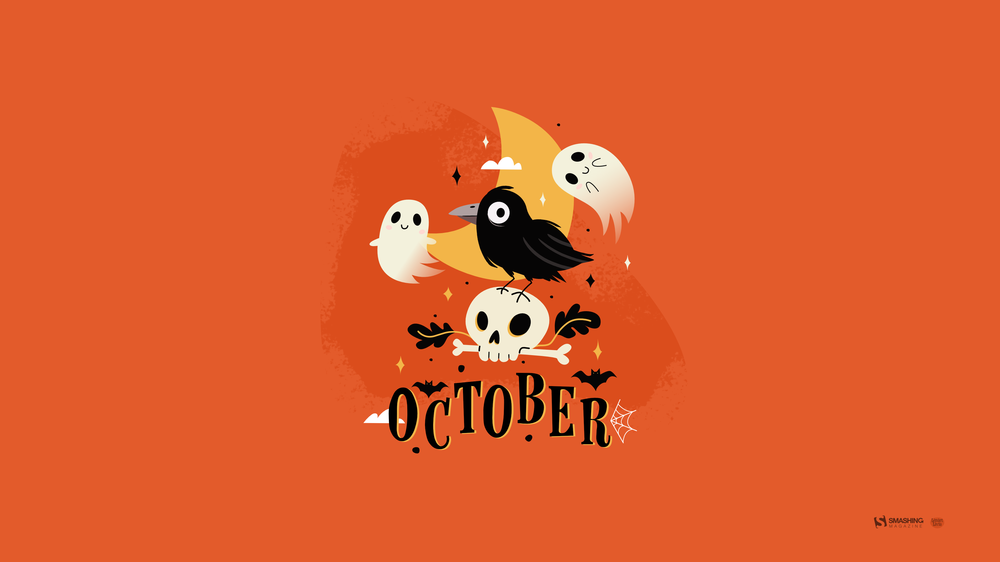
“If my heart were a season, it would be autumn.” — Designed by Lívia Lénárt from Hungary.
- preview
- without calendar: 320x480, 1024x1024, 1280x1024, 1600x1200, 1680x1200, 1920x1080, 1920x1200, 1920x1440, 2560x1440, 3840x2160





Designed by Xenia Latii from Germany.
- preview
- without calendar: 320x480, 640x480, 800x480, 800x600, 1024x768, 1152x864, 1280x720, 1280x800, 1280x960, 1280x1024, 1366x768, 1400x1050, 1440x900, 1600x1200, 1680x1050, 1680x1200, 1920x1080, 1920x1200, 1920x1440, 2560x1440


“The term ‘Hanlu’ literally translates as ‘Cold Dew.’ The cold dew brings brisk mornings and evenings. Eventually the briskness will turn cold, as winter is coming soon. And chrysanthemum is the iconic flower of Cold Dew.” — Designed by Hong, ZI-Qing from Taiwan.

- preview
- without calendar: 640x480, 800x600, 1024x768, 1080x1920, 1152x864, 1280x720, 1280x960, 1366x768, 1400x1050, 1600x1200, 1920x1080, 1920x1440, 2560x1440



Designed by Ricardo Gimenes from Spain.
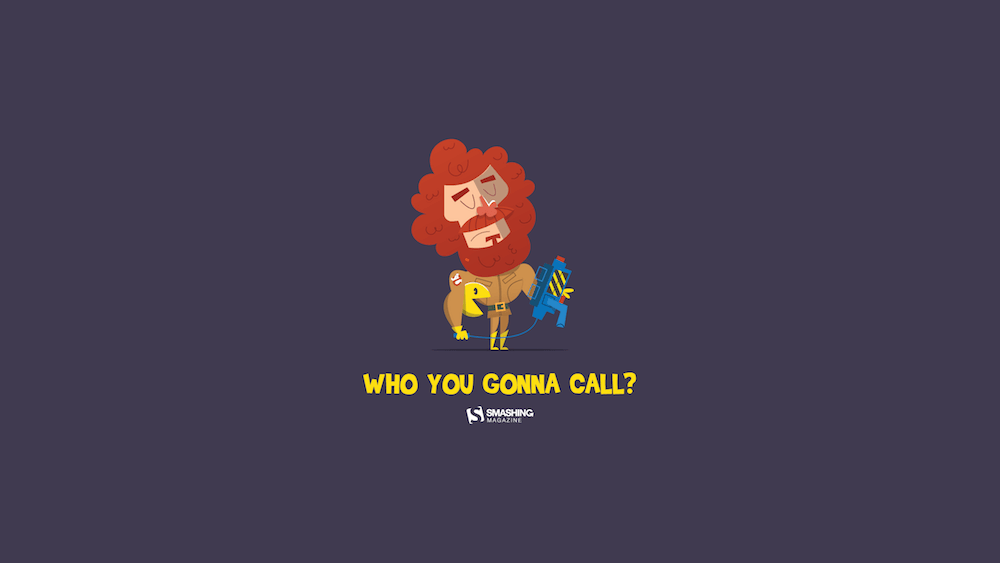
- preview
- without calendar: 320x480, 640x480, 800x480, 800x600, 1024x768, 1024x1024, 1152x864, 1280x720, 1280x800, 1280x960, 1280x1024, 1366x768, 1400x1050, 1440x900, 1600x1200, 1680x1050, 1680x1200, 1920x1080, 1920x1200, 1920x1440, 2560x1440


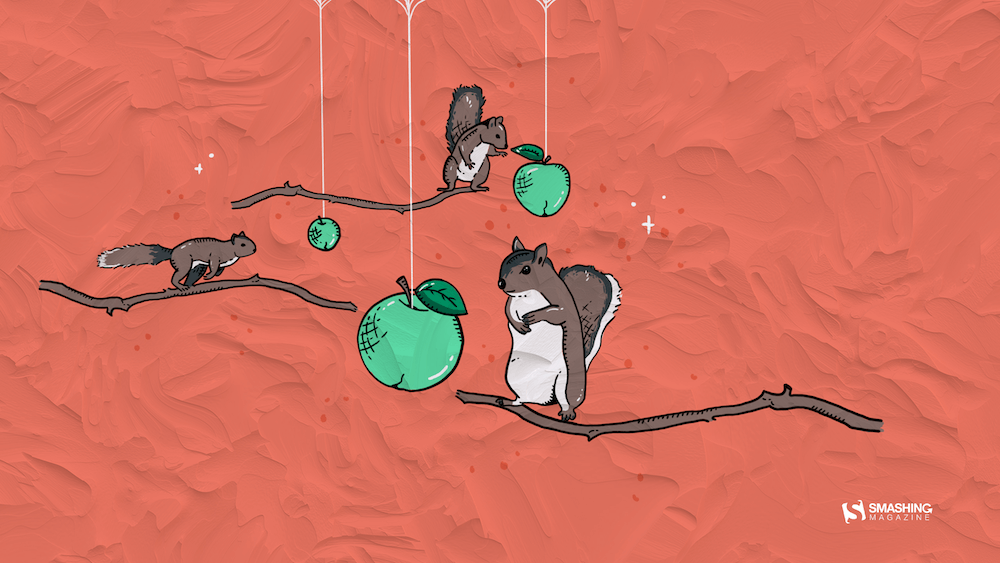
“Did you know that squirrels don’t just eat nuts? They really like to eat fruit, too. Since apples are the seasonal fruit of October, I decided to combine both things into a beautiful image.” — Designed by Erin Troch from Belgium.
- preview
- without calendar: 320x480, 800x480, 1024x1024, 1280x800, 1366x768, 1600x1200, 1680x1050, 1680x1200, 1920x1440, 2560x1440


“To me, October is a transitional month. We gradually slide from summer to autumn. That’s why I chose to use a lot of gradients. I also wanted to work with simple shapes, because I think of October as the ‘back to nature/back to basics month’.” — Designed by Jelle Denturck from Belgium.

- preview
- without calendar: 1600x1200, 1680x1050, 1680x1200, 1920x1080, 1920x1200, 1920x1440, 2560x1440, 2880x1800



Designed by Ricardo Gimenes from Spain.

- preview
- without calendar: 640x480, 800x480, 800x600, 1024x768, 1024x1024, 1152x864, 1280x720, 1280x800, 1280x960, 1280x1024, 1366x768, 1400x1050, 1440x900, 1600x1200, 1680x1050, 1680x1200, 1920x1080, 1920x1200, 1920x1440, 2560x1440, 3840x2160





















“When I was little, my parents always took me and my sister for a walk at the beach in Nieuwpoort. We didn't really do those beach walks in the summer but always when the sky started to turn gray and the days became colder. My sister and I always took out our warmest scarfs and played in the sand while my parents walked behind us. I really loved those Saturday or Sunday mornings where we were all together. I think October (when it’s not raining) is the perfect month to go to the beach for ‘uitwaaien’ (to blow out), to walk in the wind and take a break and clear your head, relieve the stress or forget one’s problems.” — Designed by Gwen Bogaert from Belgium.
Shades Of Gold



“We are about to experience the magical imagery of nature, with all the yellows, ochers, oranges, and reds coming our way this fall. With all the subtle sunrises and the burning sunsets before us, we feel so joyful that we are going to shout it out to the world from the top of the mountains.” — Designed by PopArt Studio from Serbia.

- preview
- without calendar: 320x480, 640x480, 800x480, 800x600, 1024x768, 1024x1024, 1152x864, 1280x720, 1280x800, 1280x960, 1280x1024, 1366x768, 1400x1050, 1440x900, 1600x1200, 1680x1050, 1680x1200, 1920x1080, 1920x1200, 1920x1440, 2560x1440



“As it gets colder outside, all I want to do is stay inside with a big pot of tea, eat cookies, and read or watch a movie, wrapped in a blanket. Is it just me?” — Designed by Miruna Sfia from Romania.
- preview
- without calendar: 320x480, 640x480, 800x480, 800x600, 1024x768, 1024x1024, 1152x864, 1280x720, 1280x800, 1280x960, 1280x1024, 1440x900, 1440x1050, 1600x1200, 1680x1050, 1680x1200, 1920x1080, 1920x1200, 1920x1440, 2560x1440


Designed by Amy Hamilton from Canada.

- preview
- without calendar: 1024x768, 1280x720, 1280x800, 1280x960, 1280x1024, 1400x1050, 1440x900, 1600x1200, 1680x1050, 1920x1080, 1920x1200, 2048x1536, 2560x1440, 2880x1800



“Autumn is the best moment for discovering the universe. I am looking for a new galaxy or maybe… a UFO!” — Designed by Verónica Valenzuela from Spain.
- preview
- without calendar: 800x480, 1024x768, 1152x864, 1280x800, 1280x960, 1440x900, 1680x1200, 1920x1080, 2560x1440


Designed by Ricardo Gimenes from Spain.

- preview
- without calendar: 640x480, 800x480, 800x600, 1024x768, 1024x1024, 1152x864, 1280x720, 1280x960, 1280x1024, 1366x768, 1400x1050, 1440x900, 1600x1200, 1680x1050, 1920x1080, 1920x1200, 1920x1440, 2560x1440, 3840x2160
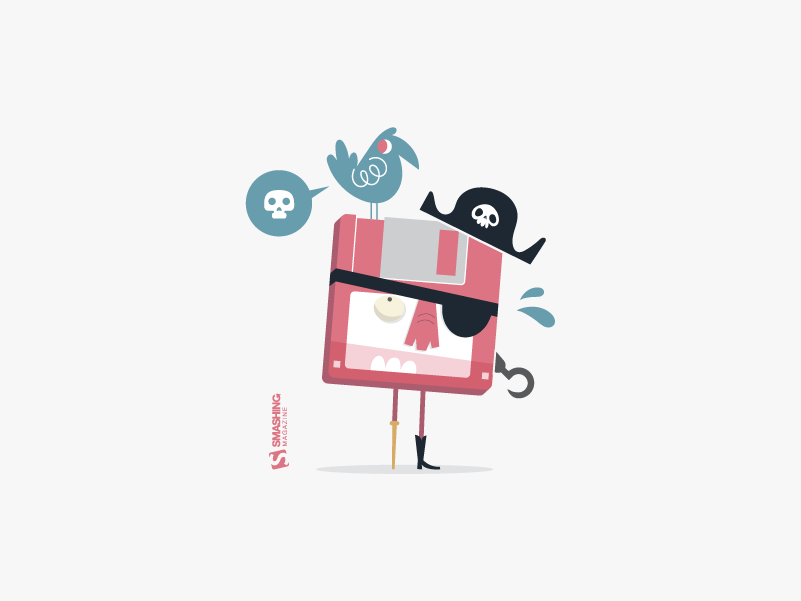
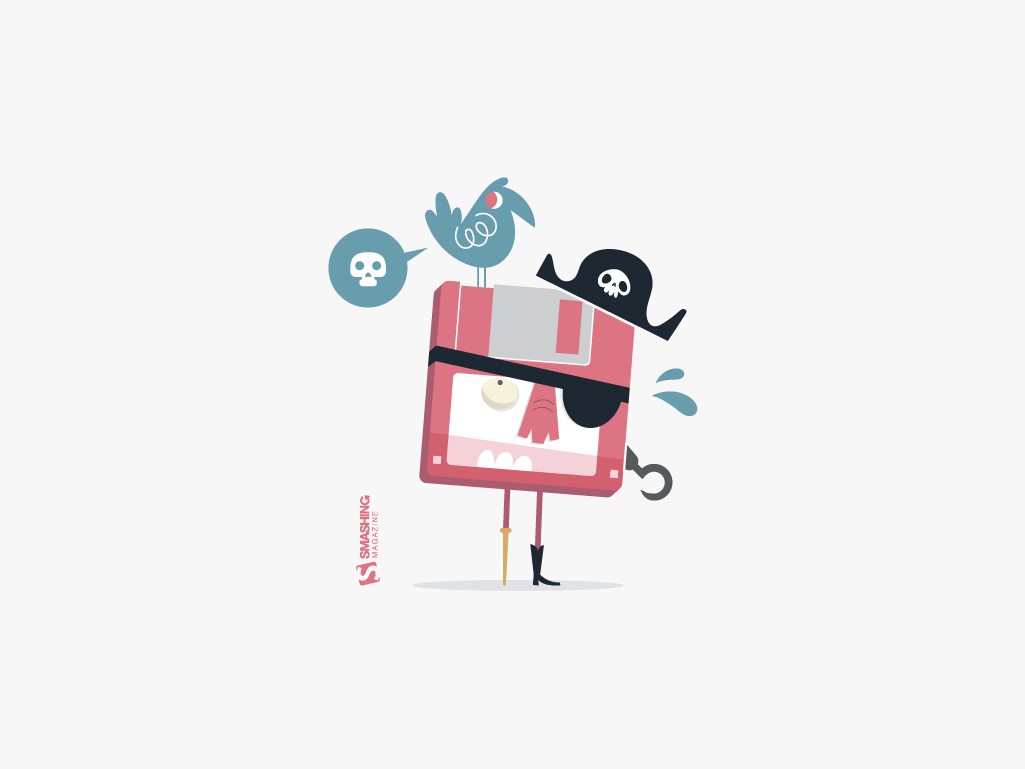

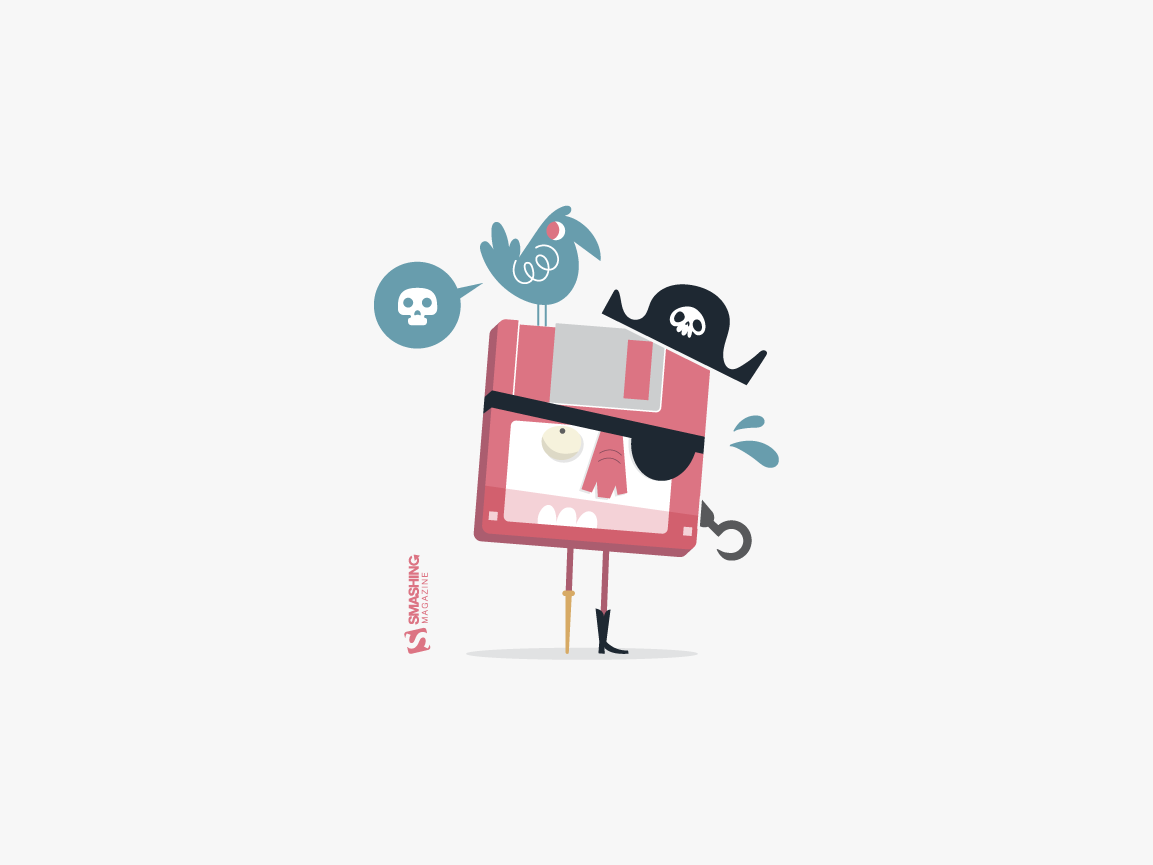
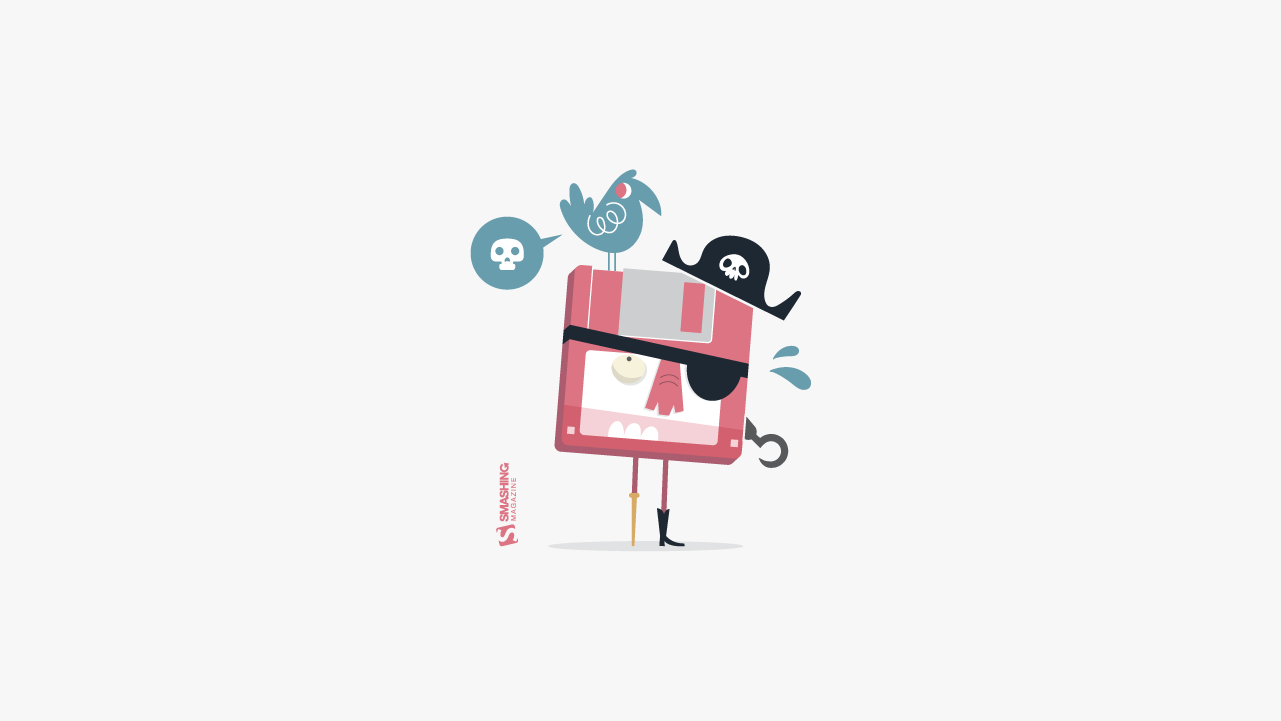
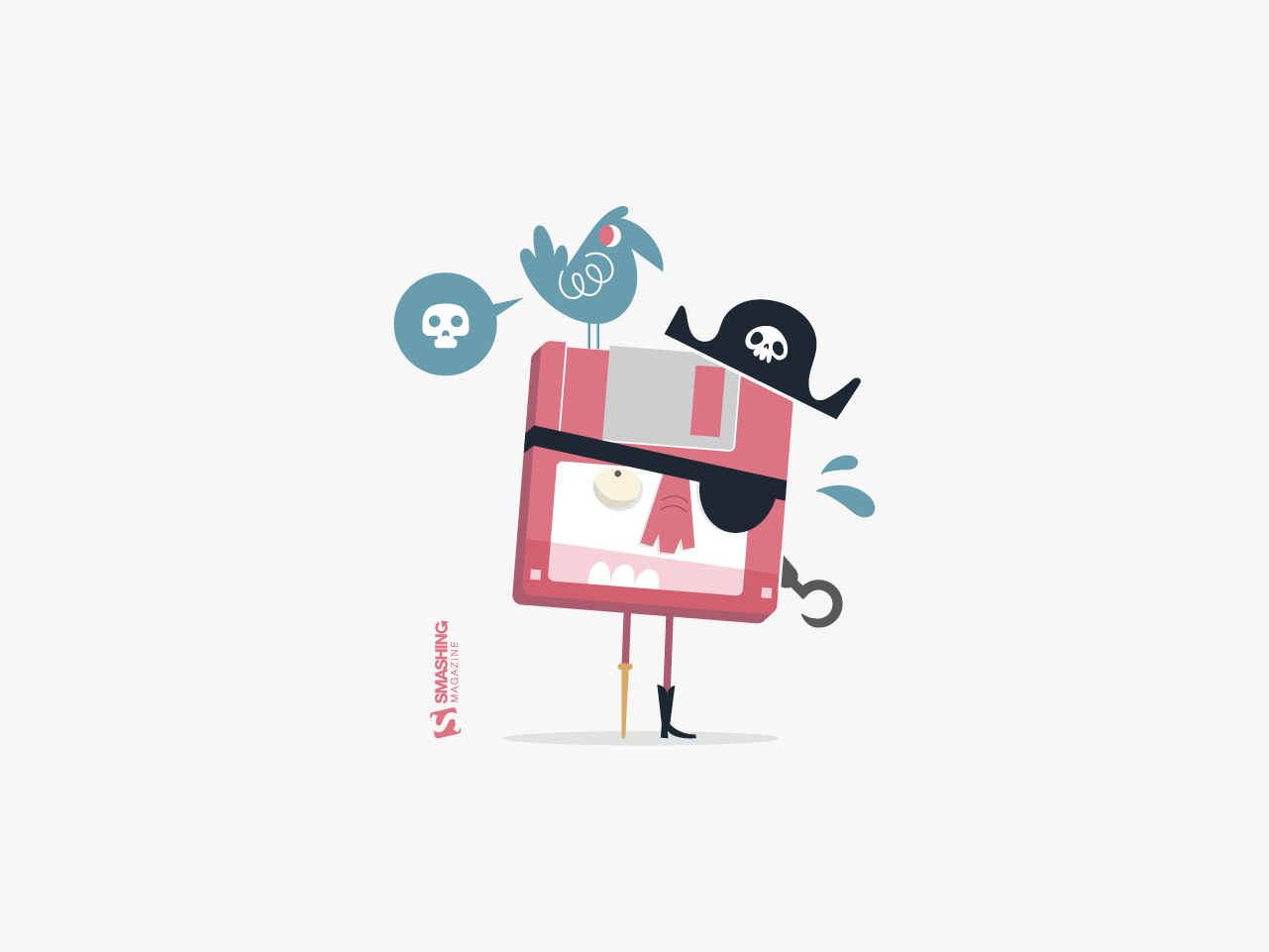
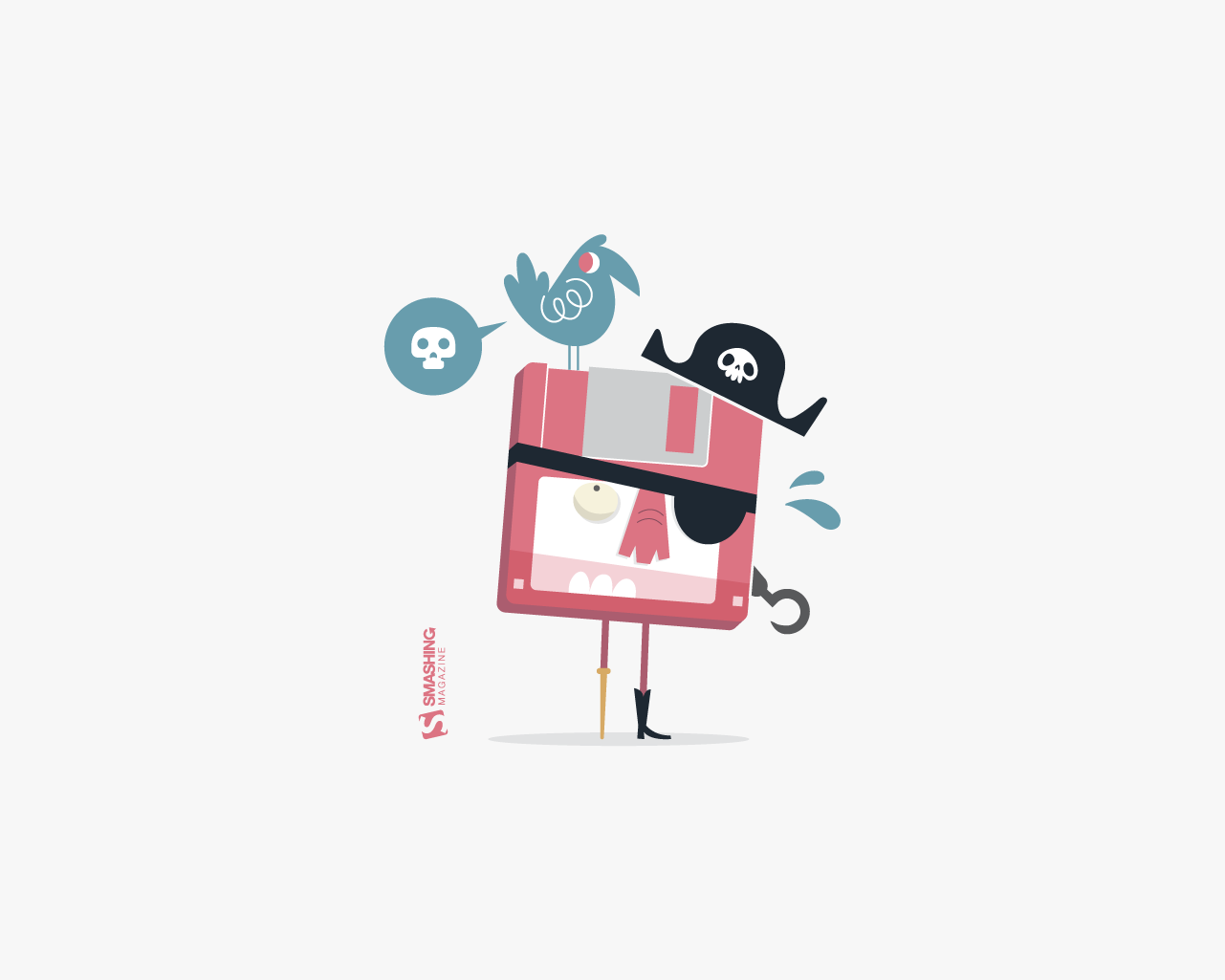
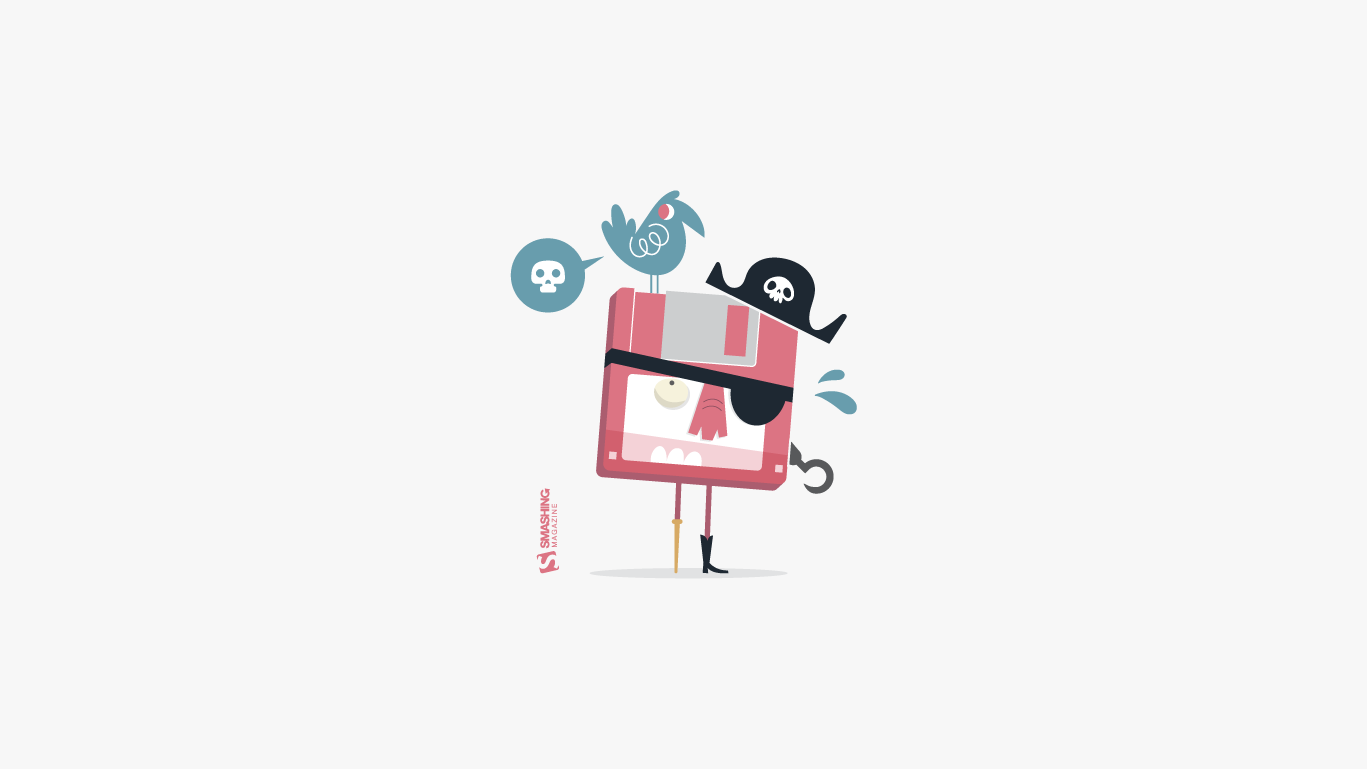
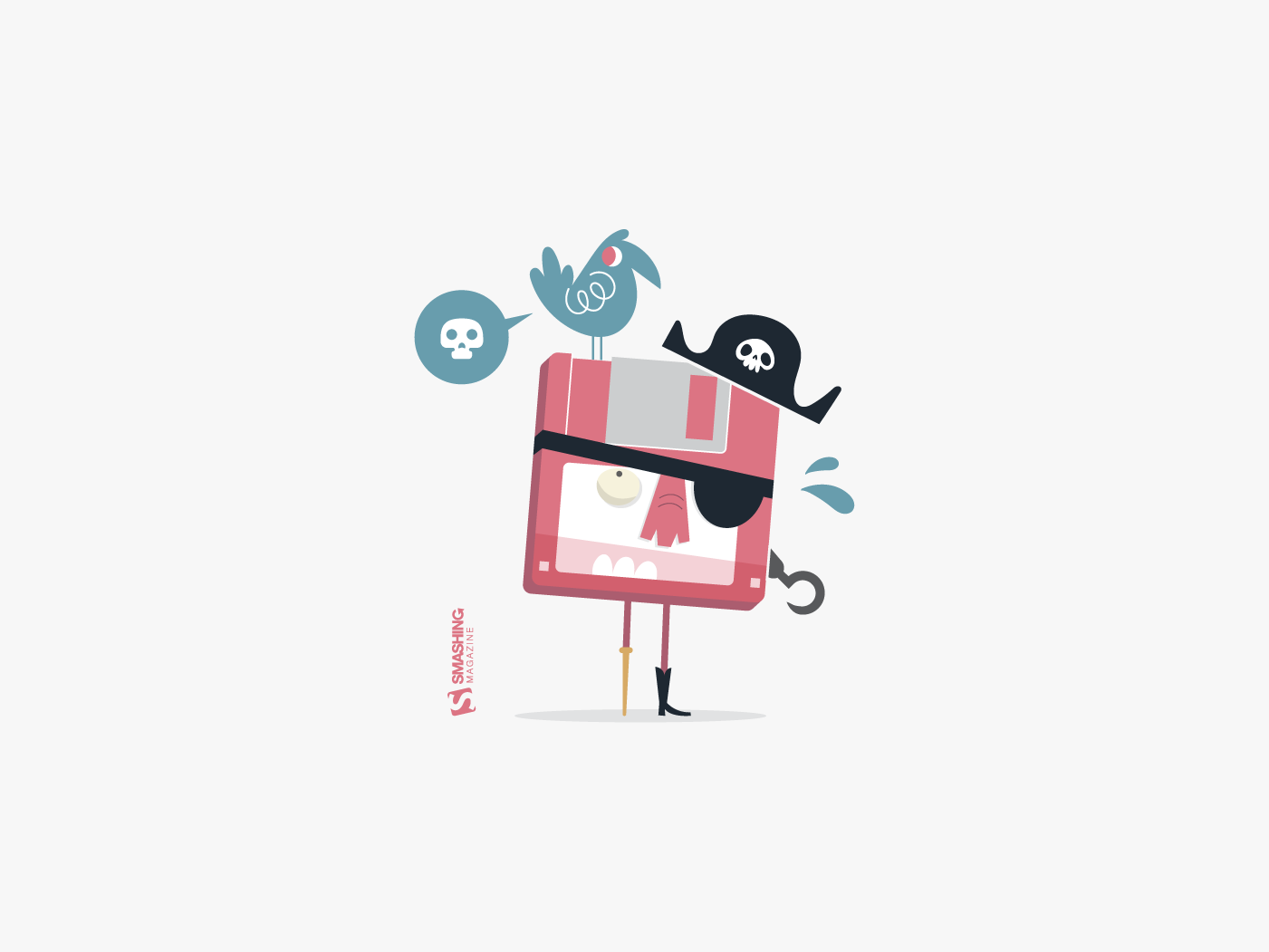
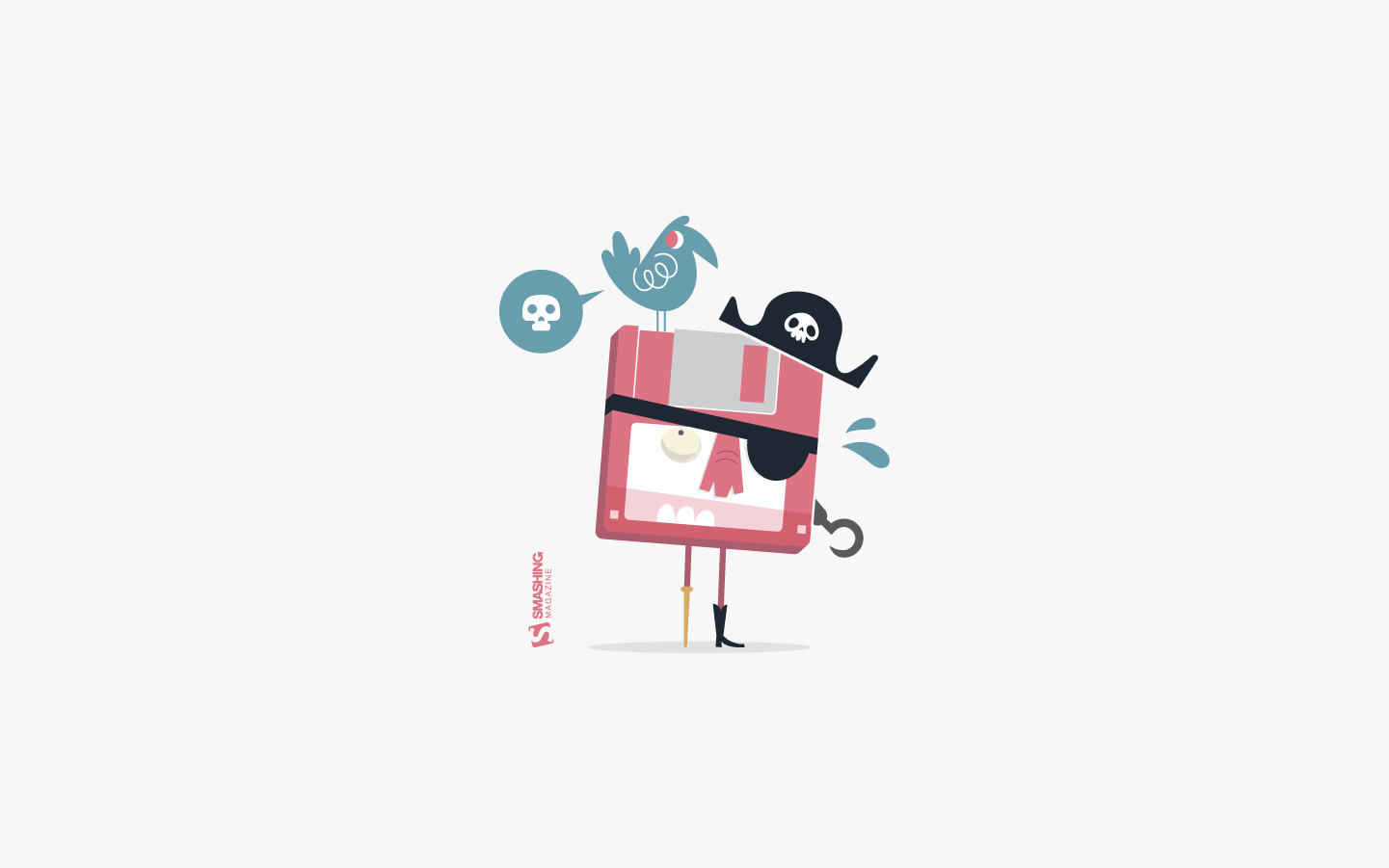
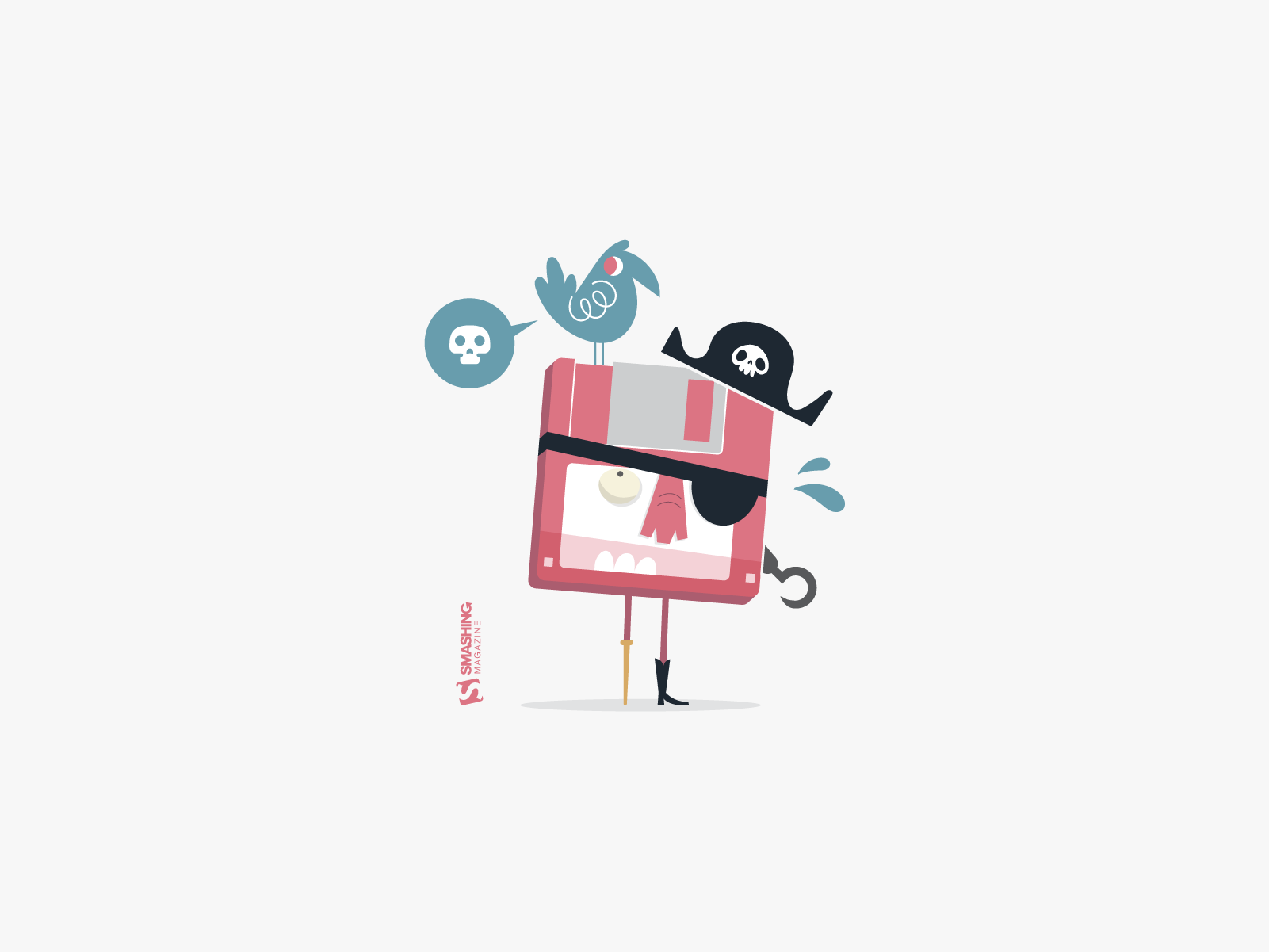
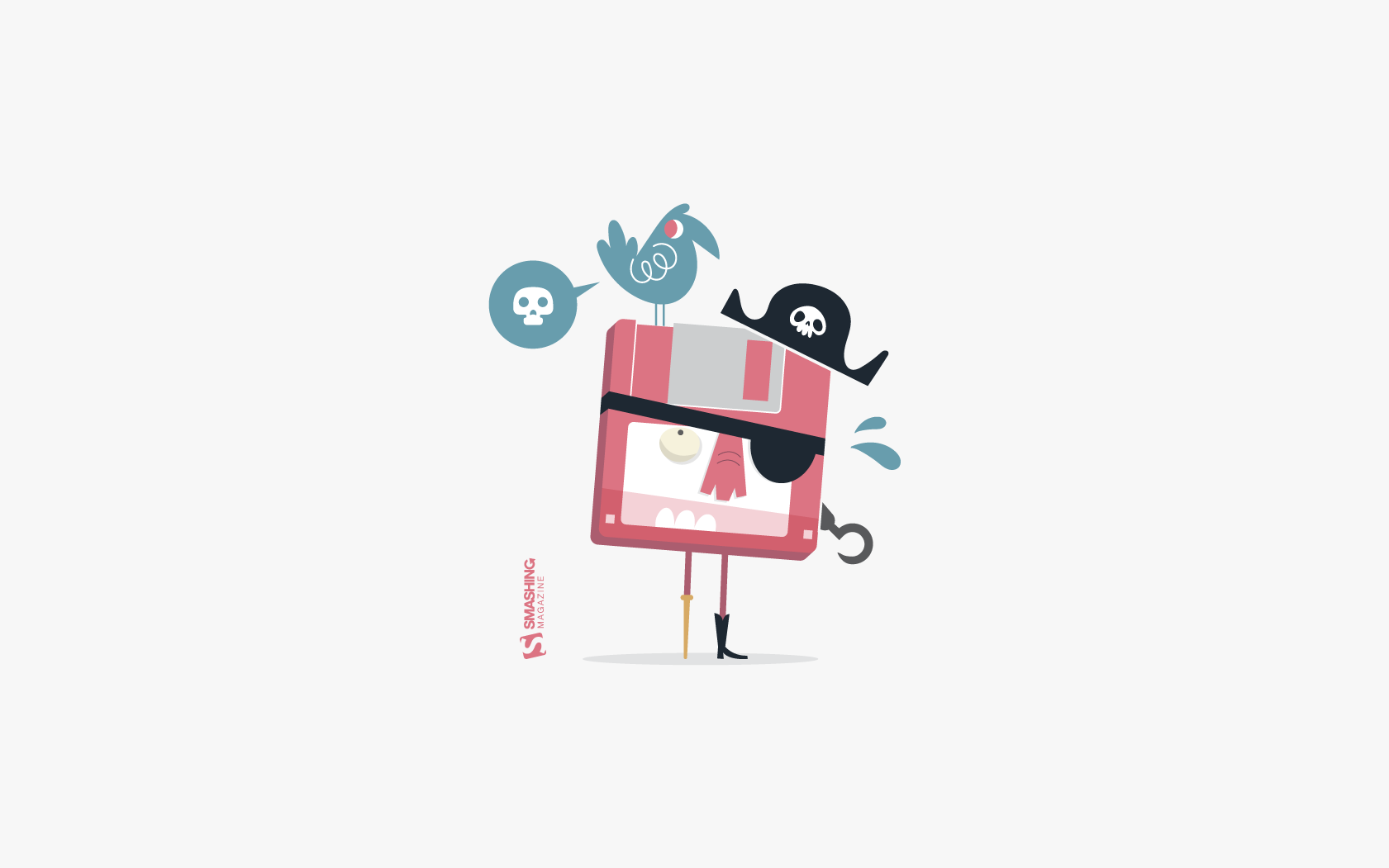
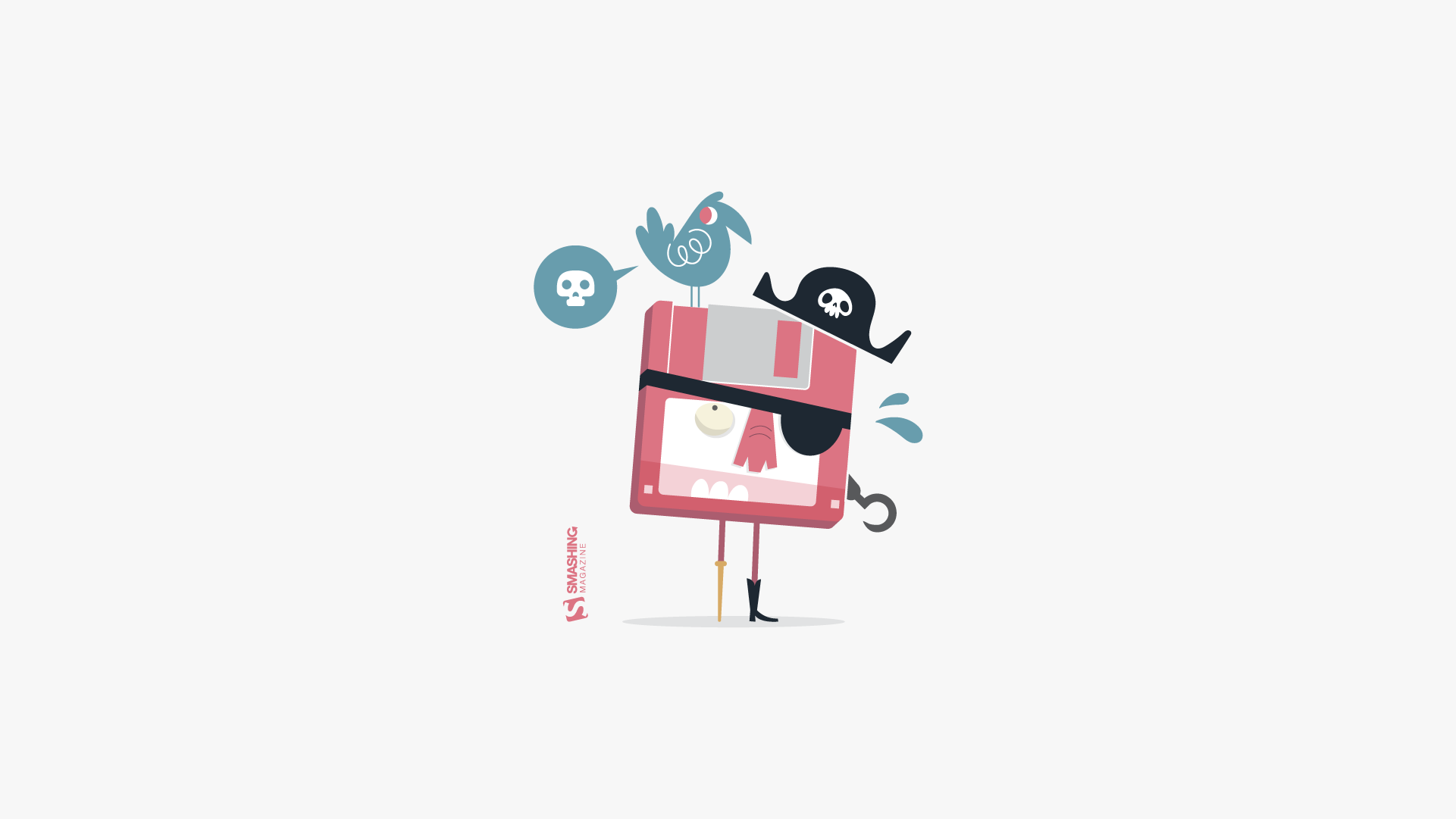
“Autumn is a wonderful time to go for walks in the forest!” — Designed by Hilda Rytteke from Sweden.
Autumn Gate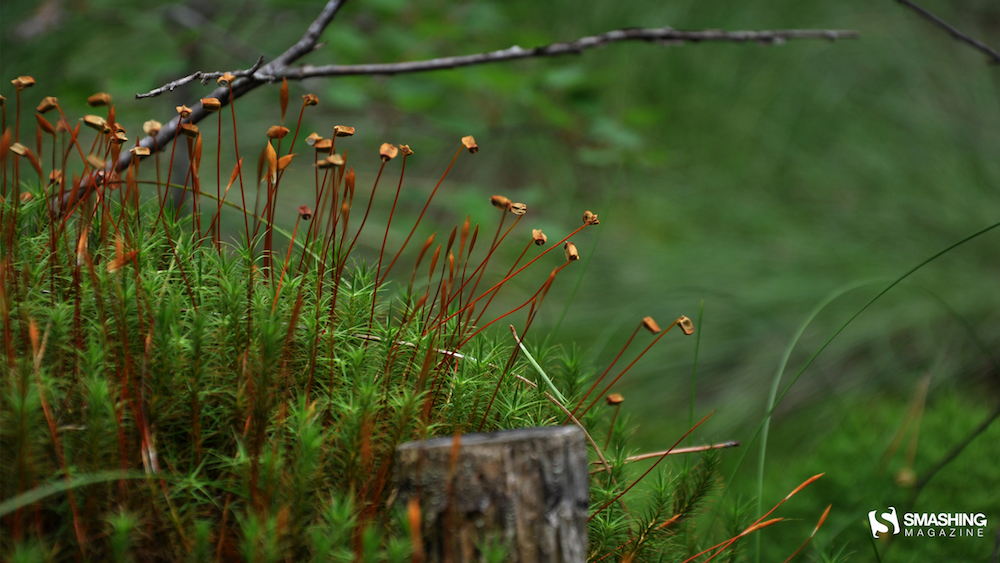


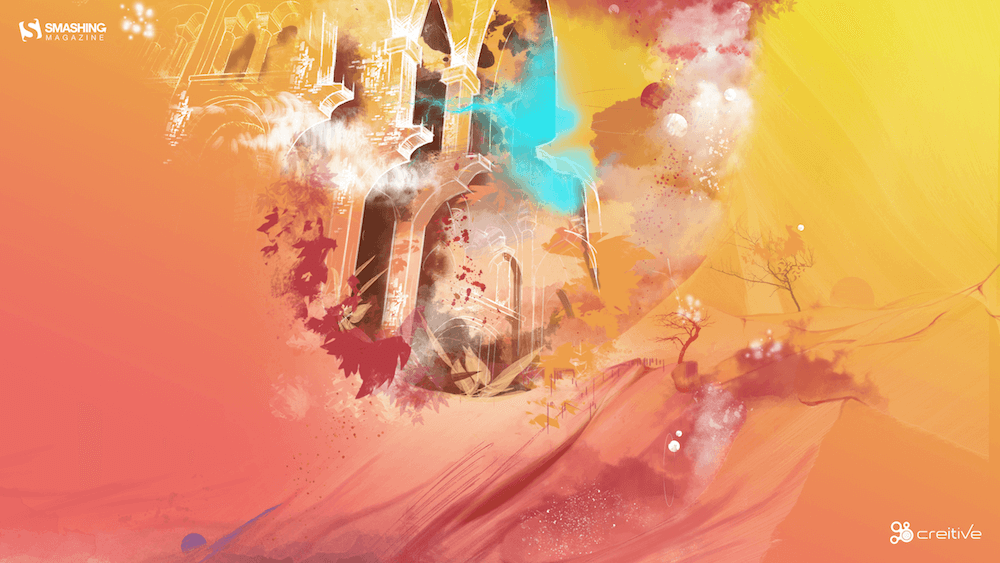
“The days are colder, but the colors are warmer, and with every step we go further, new earthly architecture reveals itself, making the best of winters’ dawn.” — Designed by Ana Masnikosa from Belgrade, Serbia.
- preview
- without calendar: 320x480, 640x480, 800x480, 800x600, 1024x768, 1024x1024, 1152x864, 1280x720, 1280x800, 1280x960, 1280x1024, 1400x1050, 1440x900, 1600x1200, 1680x1050, 1680x1200, 1920x1080, 1920x1200, 1920x1440, 2560x1440


“To me, October is all about cozy evenings with hot chocolate, freshly baked cookies, and a game night with friends or family.” — Designed by Lieselot Geirnaert from Belgium.
A Very Pug-o-ween



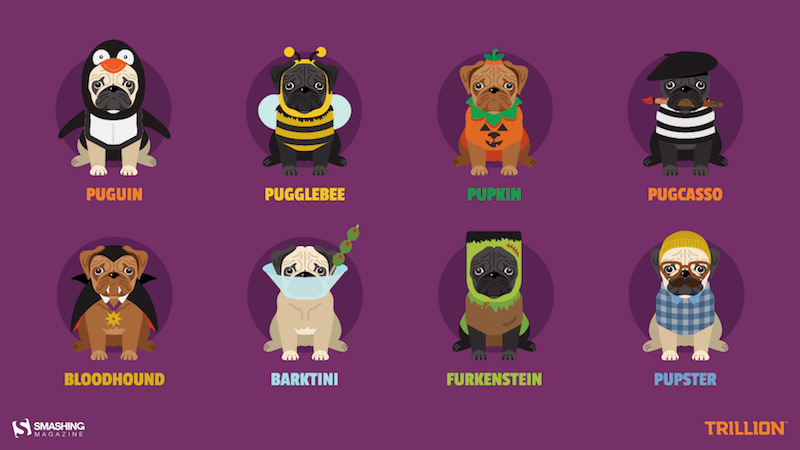
“The best part of October is undoubtedly Halloween. And the best part of Halloween is dog owners who never pass up an o-paw-tunity to dress up their pups as something a-dog-able. Why design pugs specifically in costumes? Because no matter how you look at it, pugs are cute in whatever costume you put them in for trick or treating. There’s something about their wrinkly snorting snoots that makes us giggle, and we hope our backgrounds make you smile all month.” — Designed by Trillion from Summit, NJ.
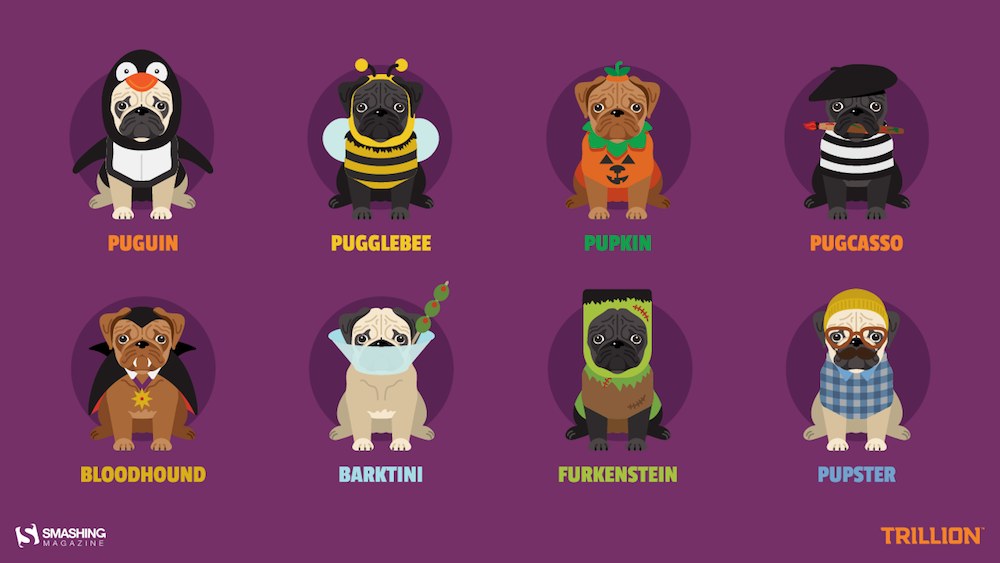
- preview
- without calendar: 1024x768, 1280x720, 1280x800, 1280x1024, 1366x768, 1440x900, 1680x1050, 1920x1080, 1920x1200, 2560x1440


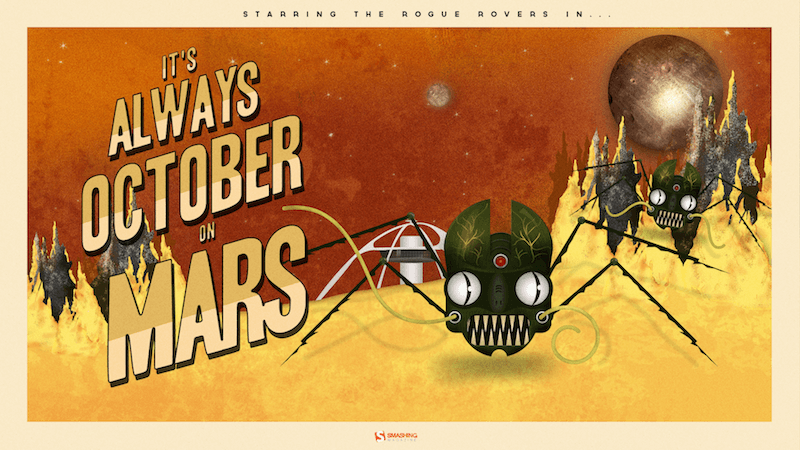
“The story is a mash-up of retro science fiction and zombie infection. What would happen if a Mars rover came into contact with an unknown Martian material and got infected with a virus? What if it reversed its intended purpose of research and exploration? Instead choosing a life of chaos and evil. What if they all ran rogue on Mars? Would humans ever dare to voyage to the red planet?” Designed by Frank Candamil from the United States.
Halloween 2040


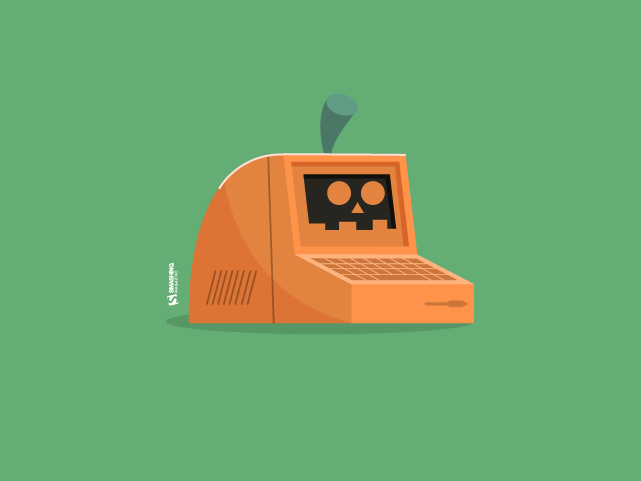
Designed by Ricardo Gimenes from Spain.

- preview
- without calendar: 640x480, 800x600, 1024x768, 1024x1024, 1152x864, 1280x720, 1280x800, 1280x960, 1280x1024, 1366x768, 1400x1050, 1440x900, 1600x1200, 1680x1050, 1680x1200, 1920x1080, 1920x1200, 1920x1440, 2560x1440, 3840x2160






“October is the month when the weather in Poland starts to get colder, and it gets very rainy, too. You can’t always spend your free time outside, so it’s the perfect opportunity to get some hot coffee and work on your next cool web project!” — Designed by Robert Brodziak from Poland.
- preview
- without calendar: 1024x768, 1024x1024, 1152x864, 1280x720, 1280x800, 1280x960, 1280x1024, 1400x1050, 1440x900, 1600x1200, 1680x1050, 1680x1200, 1920x1080, 1920x1200, 1920x1440, 2560x1440


“Fall is my favorite season!” — Designed by Thuy Truong from the United States.

- preview
- without calendar: 320x480, 640x480, 800x600, 1024x768, 1152x864, 1280x720, 1280x800, 1366x768, 1440x900, 1680x1050, 1680x1200, 1920x1080, 1920x1200, 1920x1440, 2560x1440



Feeling inspired? We’ll publish the November wallpapers on October 31, so if you’d like to be part of the collection, please don’t hesitate to submit your design. We are already looking forward to it!
Stop Treating CSS Container Queries Like Traditional Media Queries
To be completely honest with you, I missed the news when CSS Container Queries first shipped. And when I finally heard about it, my very first thought was, “Why exactly do I need this when media queries already exist?”
I’m not proud of that reaction, knowing what I know now, but it was comforting to know that I wasn’t alone. In fact, there are legions of us out there.
What baffles me is that container queries aren’t a new feature, as it currently sits at around 94% browser support. And yet, very few people are actually using it. According to the State of CSS survey, 86% of developers are aware of container queries, but only 41.4% actually use them. Surveys can be biased and not completely representative of our entire field, but this one is certainly the best indicator we’ve got.
Kevin Powell also talked about this at SmashingConf Amsterdam 2026: Container Queries adoption has been terrible. And that is so strange to me, knowing that the ability for components to adapt to the size of their outer container has been at the top of so many CSS wishlists over the years.
I’m not particularly interested in how many people are using container queries as much as in how they are using them. I can’t account for everyone, but from what I’ve seen — including in my own early attempts — many of us are using them wrong.
The bottom line is that incorrect use comes down to the same impression I had when learning about them: they absolutely look just like media queries at first glance. And since they look similar, it’s easy to assume they serve similar purposes and work the same way.
They don’t.
Note: I should state up front that what I’m focusing on in this article is using container size queries, i.e., a responsive design technique for responding to the size of a particular container. There are also container style queries that respond to a container’s computed styles (and are experimental at the time of this writing). You can catch up on those in Juan Diego’s piece here on Smashing Magazine where he examines their possible use cases.
Media Queries Look OutwardThe viewport is a proxy. It always has been. Media queries are what gave us the illusion that screen width alone is responsible for how responsive apps adapt to their environment.
Ask yourself this: When you write @media, what are you asking the browser?
@media (min-width: 1024px) { .card { display: flex; }I, like most developers, am asking the browser: How wide is the screen right now? That’s it.
Media queries answer that beautifully, but what happens when this .card component is placed in a grid cell that’s 300px wide on a 1920px desktop screen?
The media query doesn’t care; it does its job. The viewport is still 1920px, so min-width: 1024px fires and the matched query styles are applied, even though the card only has 300px of space to work with. Eventually, everything in the card deforms, overflows, or cramps up.
“Media queries are dumb. Not dumb in terms of the concept, but dumb in that they don’t know very much. In fact, most people assume that they know more than they do.”— Kevin Powell
It’s common to think of responsive design purely as a system for updating complete page layouts, like going from two columns on a large screen to a single column on a small screen.
Container Queries Look InwardContainer queries are smarter than that. They make responsive layouts more reliant on what’s happening inside a component rather than on the outer context that has no insight into a component’s contents. It is more like: “How much space is available for me in this specific spot, right now?”
Here is the same card code example we looked at in the last section, but with a container query:
.card-wrapper { container-name: card; container-type: inline-size; } @container card (min-width: 450px) { .card { display: flex; flex-direction: row; } }This changes everything. The card isn’t influenced by the viewport; its only concern is whether the .card component’s parent wrapper has at least 450px of inline (i.e., horizontal in a left-to-right writing mode) space. If that condition is true, the component goes horizontal; if not, it goes to its default block display.
The logic works like this:
- When there’s enough room, both items (.flex-item) sit side-by-side, each exactly half the parent container’s width.
- When there is limited space, the second item wraps to the next line.
- Because flex-grow is active on each item, the wrapped items stretch to fill most of the parent’s width.
- If the item is a container itself, it detects the sudden width expansion and fires.
This works. As the parent size shrinks and the cards wrap to two lines, the card item expands, the container query fires, and applies the necessary styles.
ConclusionAt the end of the day, the core reason why container queries look incredibly similar to media queries is simply familiarity. They’re not exactly “new”, but they are way less understood and adopted than media queries. But media queries have plenty of their own limitations; otherwise, we wouldn’t need container queries to fill those gaps.
What we have is a more effective feature for detecting when a specific component’s context changes and a means for adjusting styles based on its content, as it should be when that component can exist in multiple contexts.
Sidor
